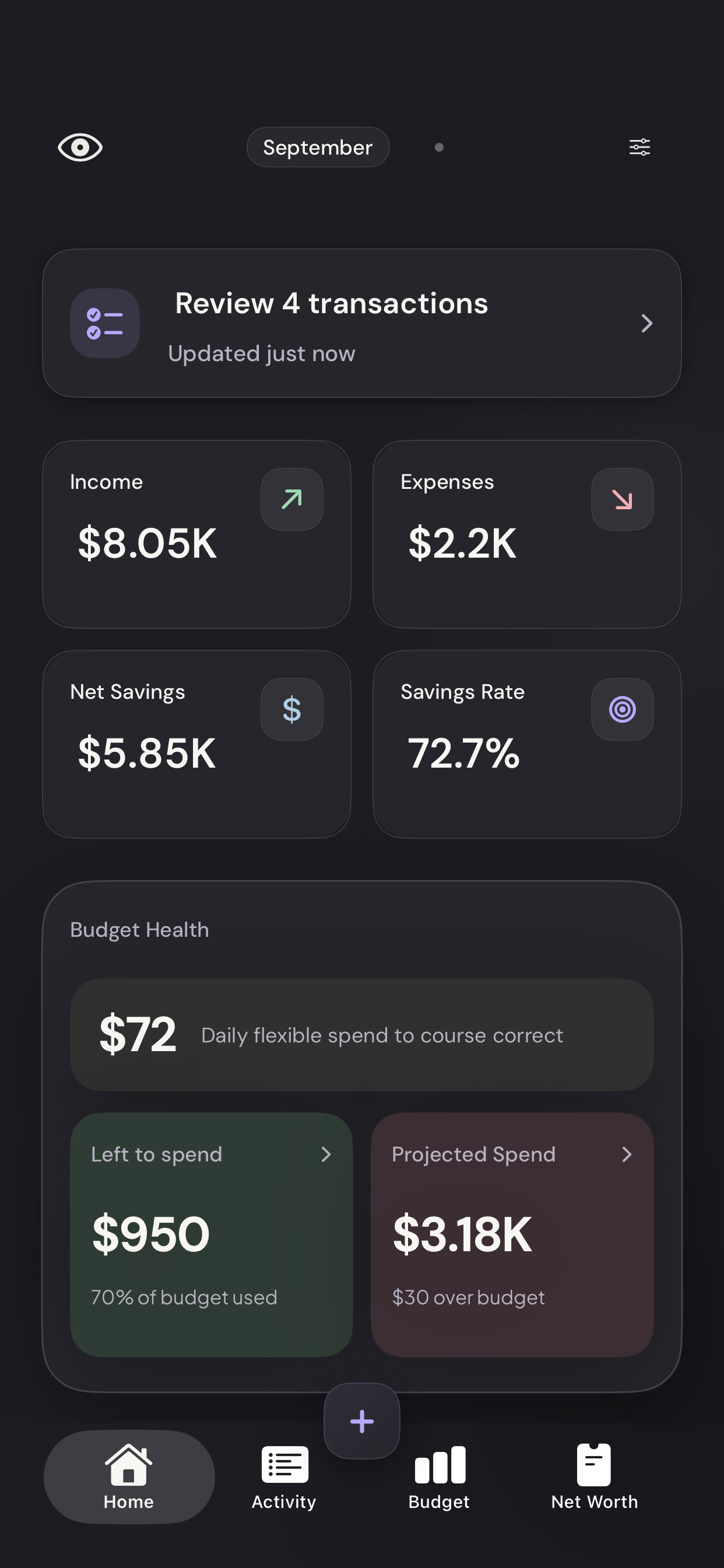
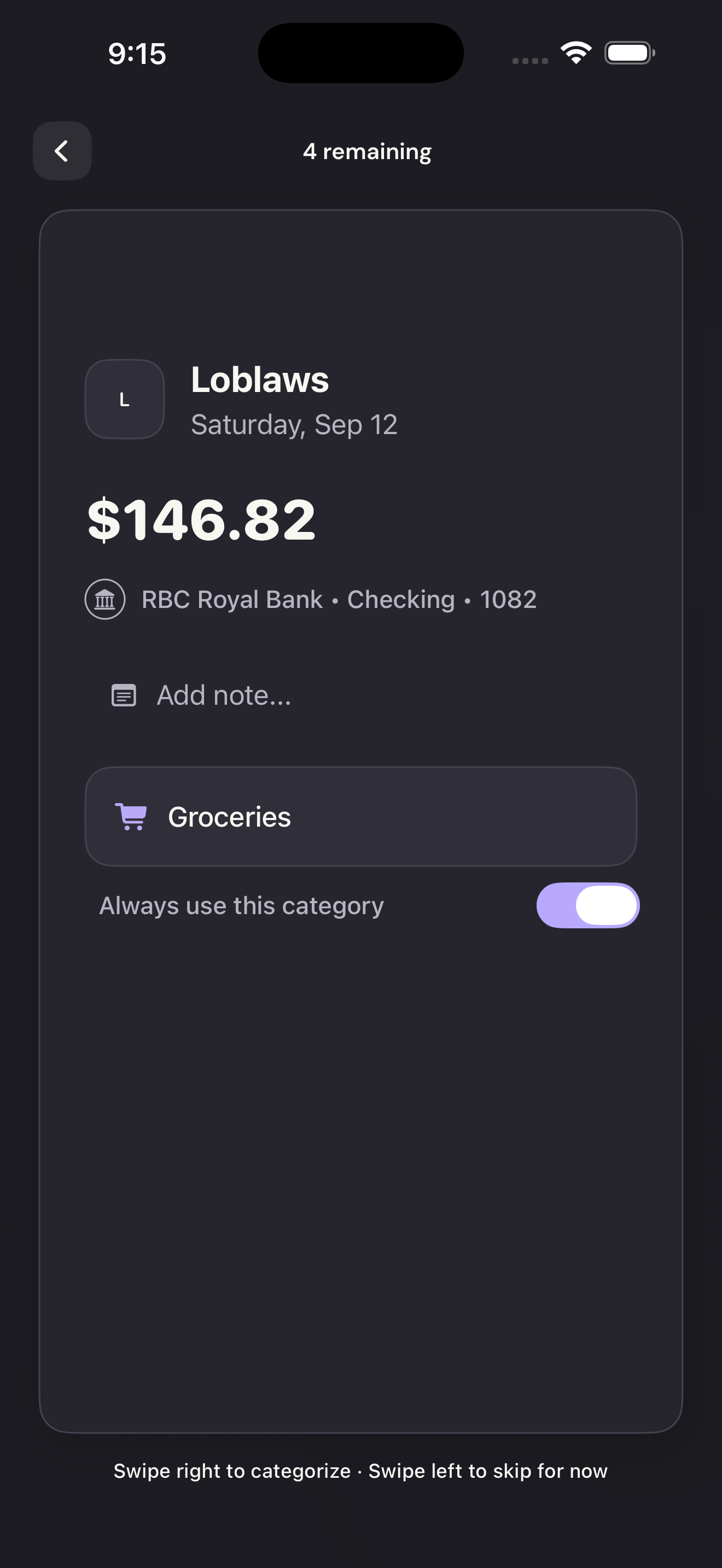
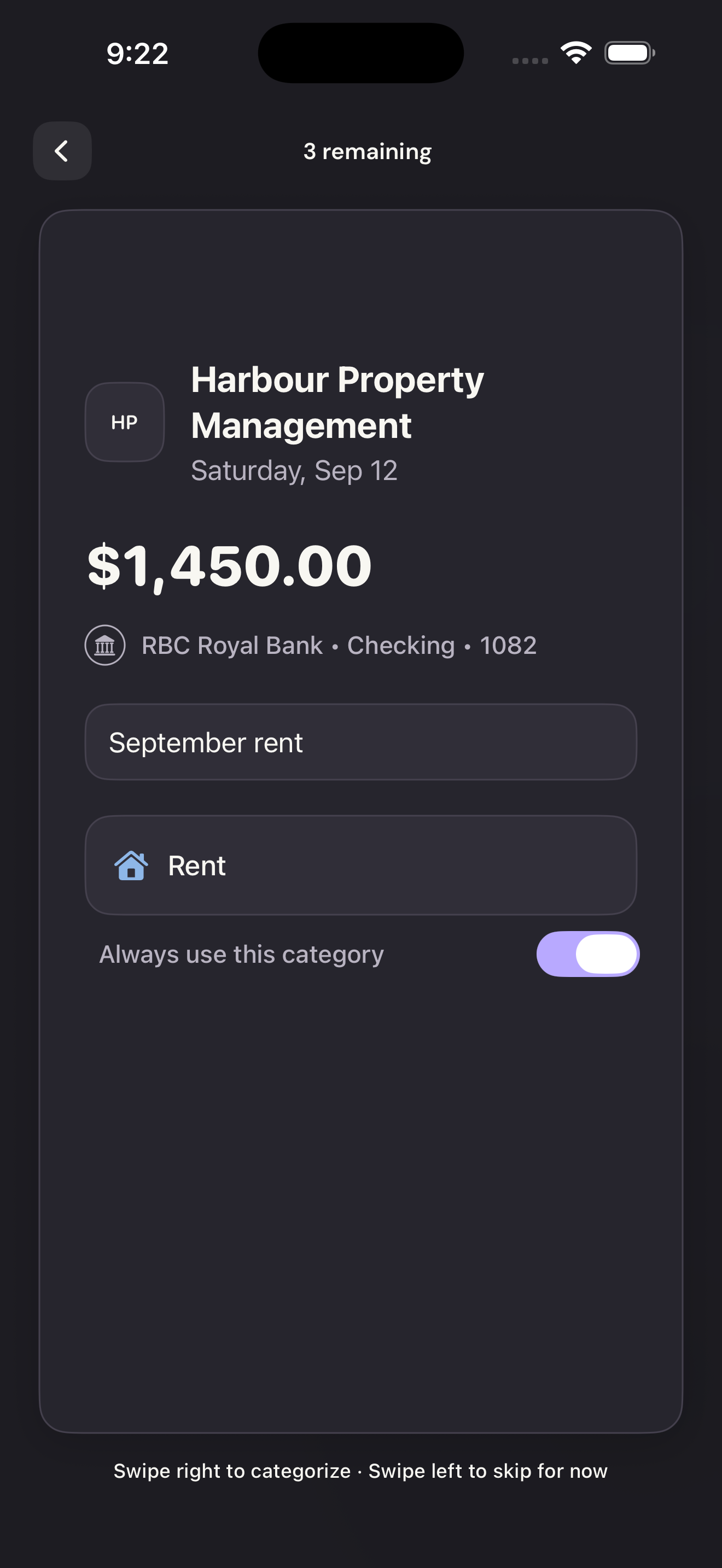
A note can explain what the bank description doesn’t: “School trip,” “Birthday gift,” or “Work will reimburse this.” It doesn’t change the category, amount, or bank description.
Notes are part of the household’s shared transaction information. Don’t include anything you wouldn’t want the other members to see.
On the web
Open Transactions
Choose Transactions in the left navigation.
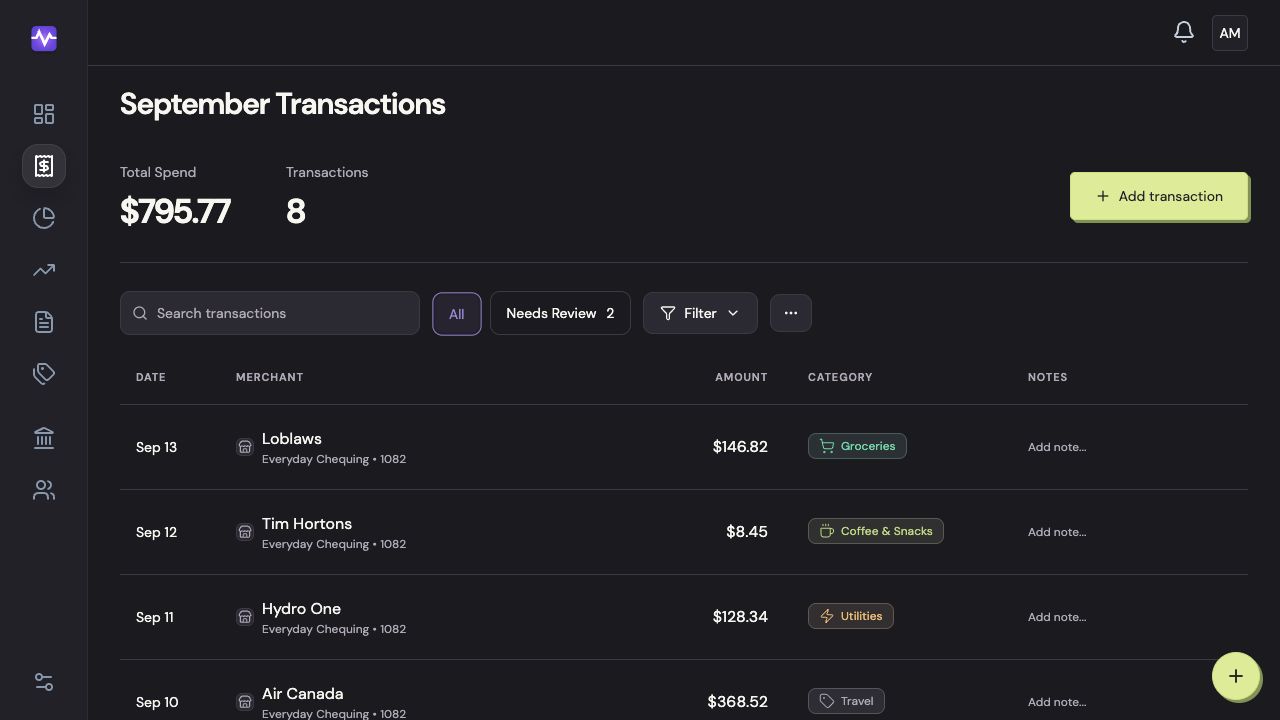
Open TransactionsTap to enlarge Open the note field
Click Add note on the transaction’s row. Click an existing note to edit it.
Open the note fieldTap to enlarge Write and save the note
Type the detail you want to remember, then press Enter or click outside the field.
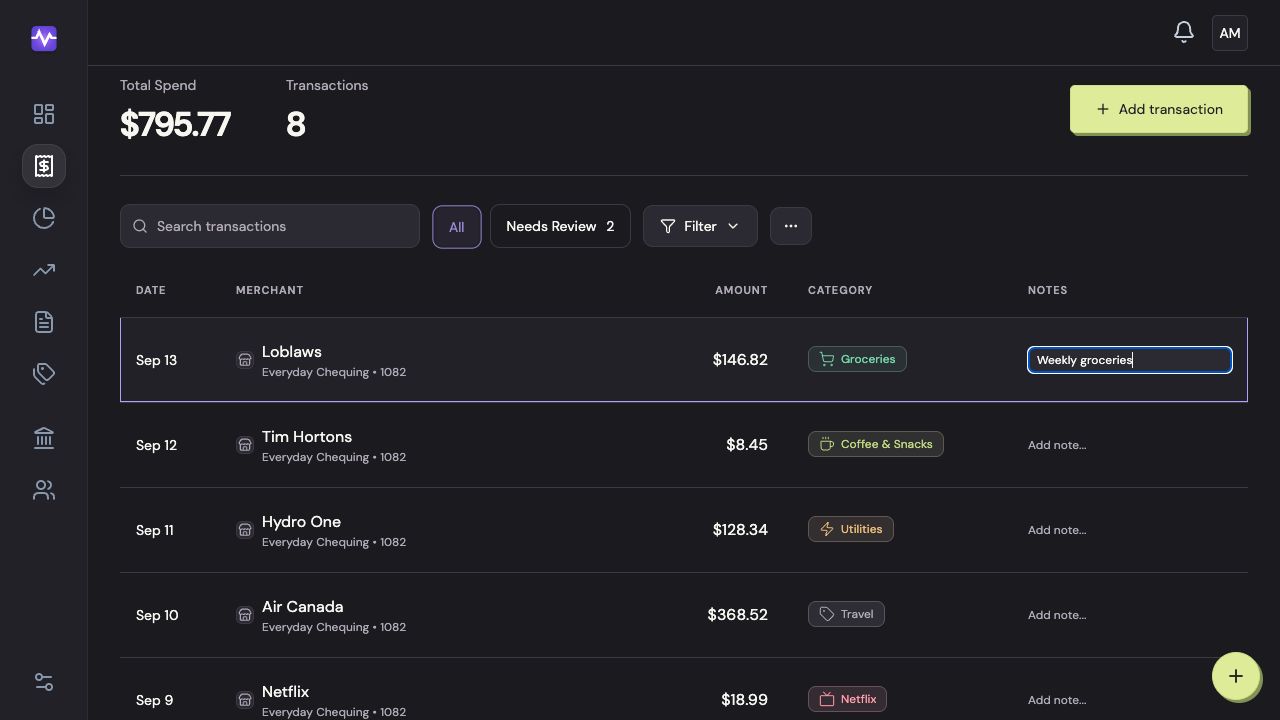
Write and save the noteTap to enlarge
On iPhone
You can add a note while reviewing a transaction or entering a new one. For an older transaction, you can also edit its Notes column on the web.