Where did all
your money go?
Does it seem like no matter how much you earn, you reach the end of the month wondering where it all went?
You know the big expenses. It’s everything in between that’s harder to pin down. And when your household’s money is spread across different accounts, getting a clear picture can take a surprising amount of work.
Another money app? Really?
Fair question. Some apps are complicated. Others are expensive or packed with features you don’t need. You want to understand your money, but first you have to learn a whole system for managing it.
So maybe you end up back in Excel.
Spreadsheets get something right.
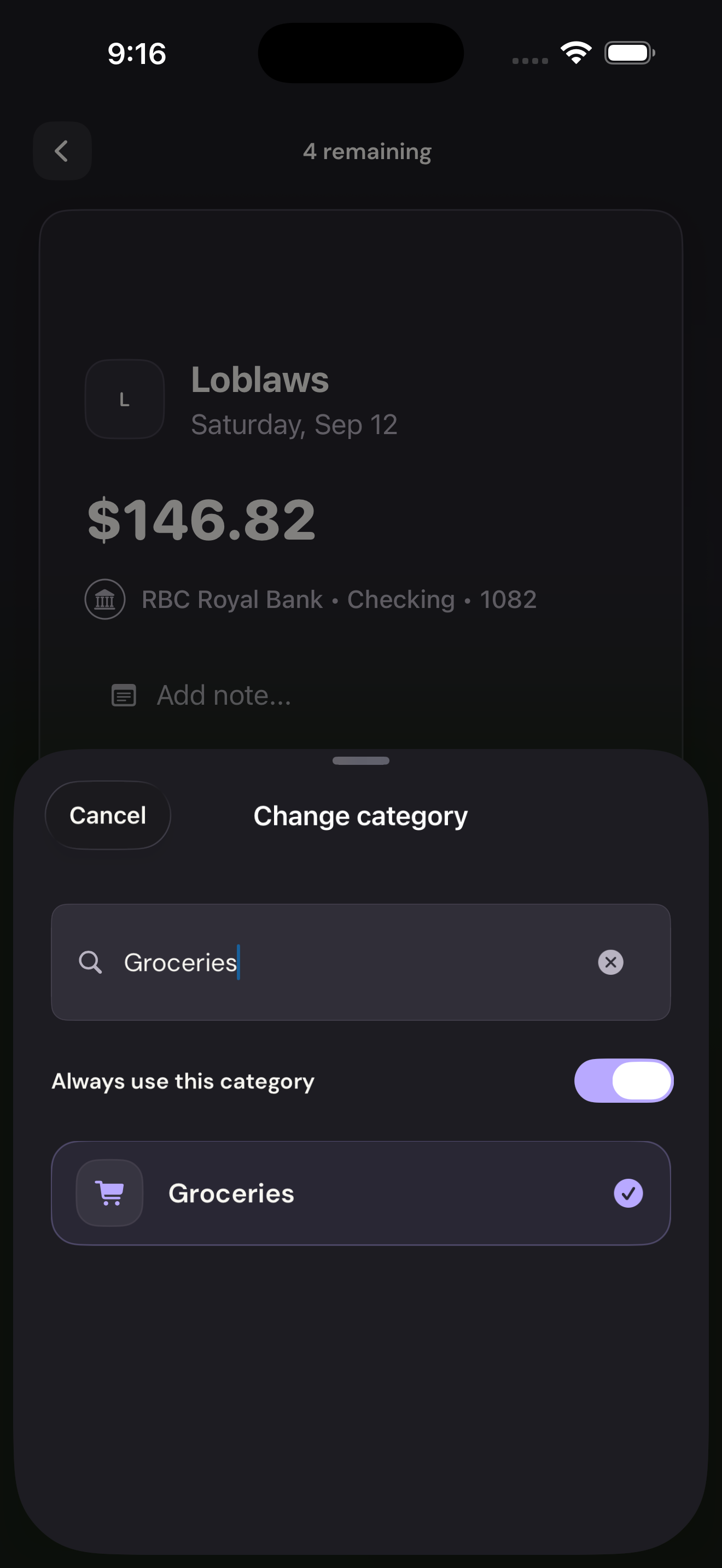
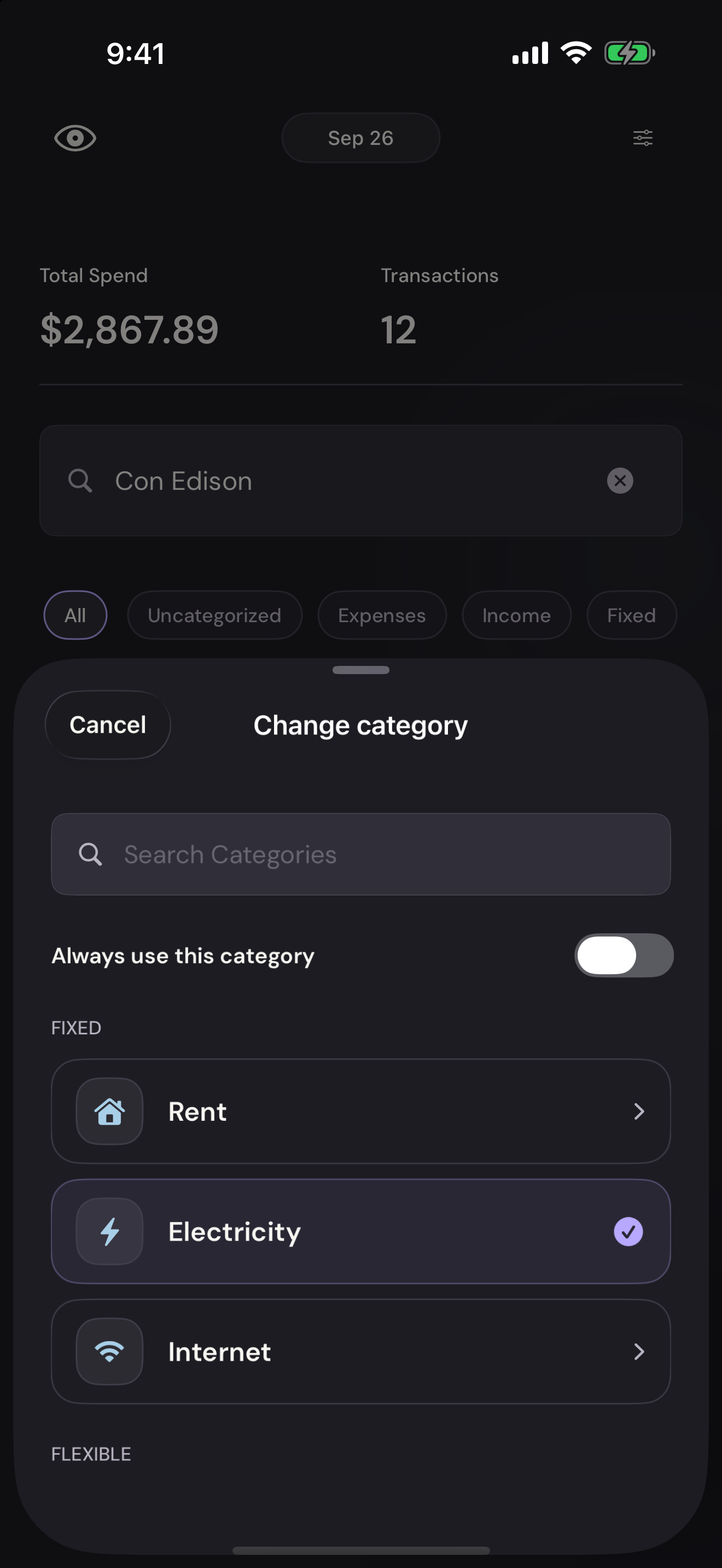
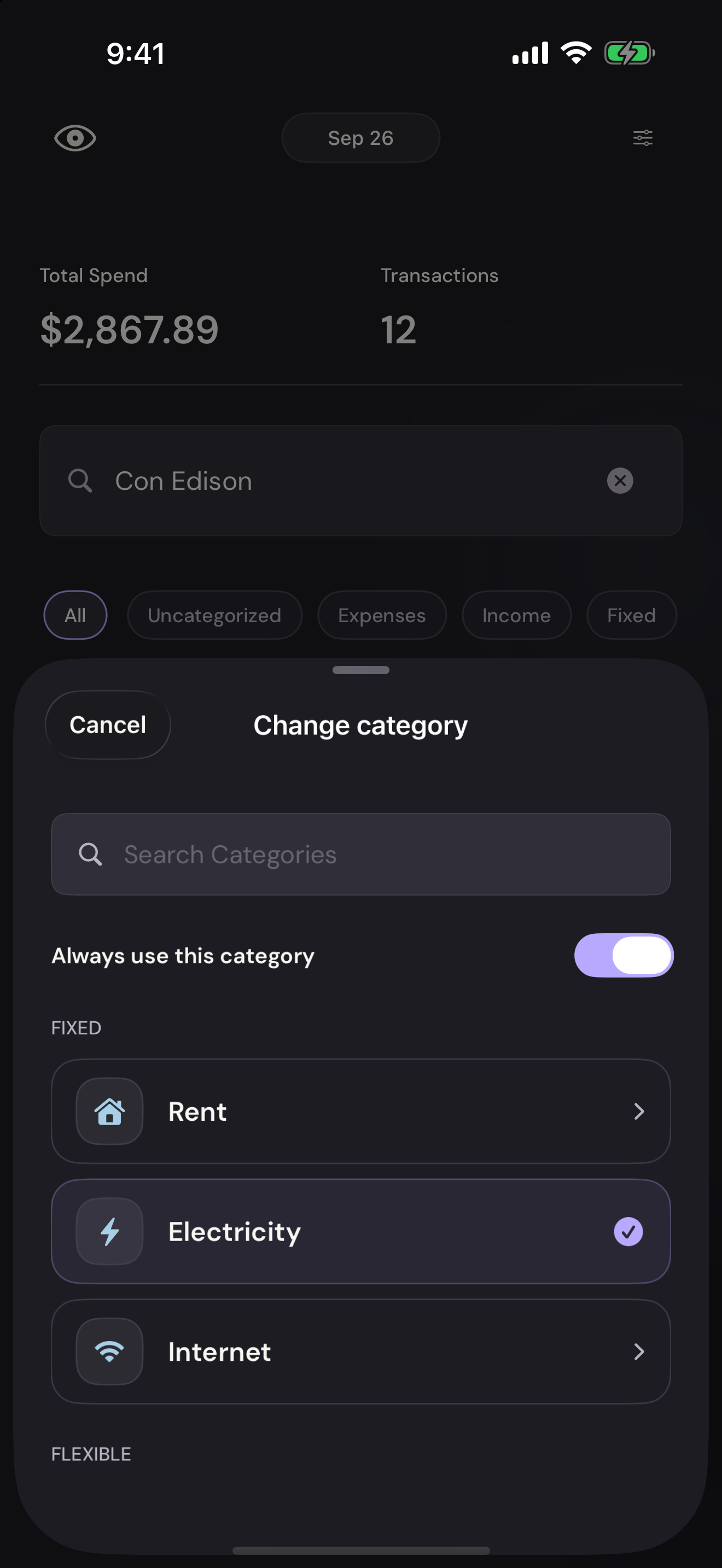
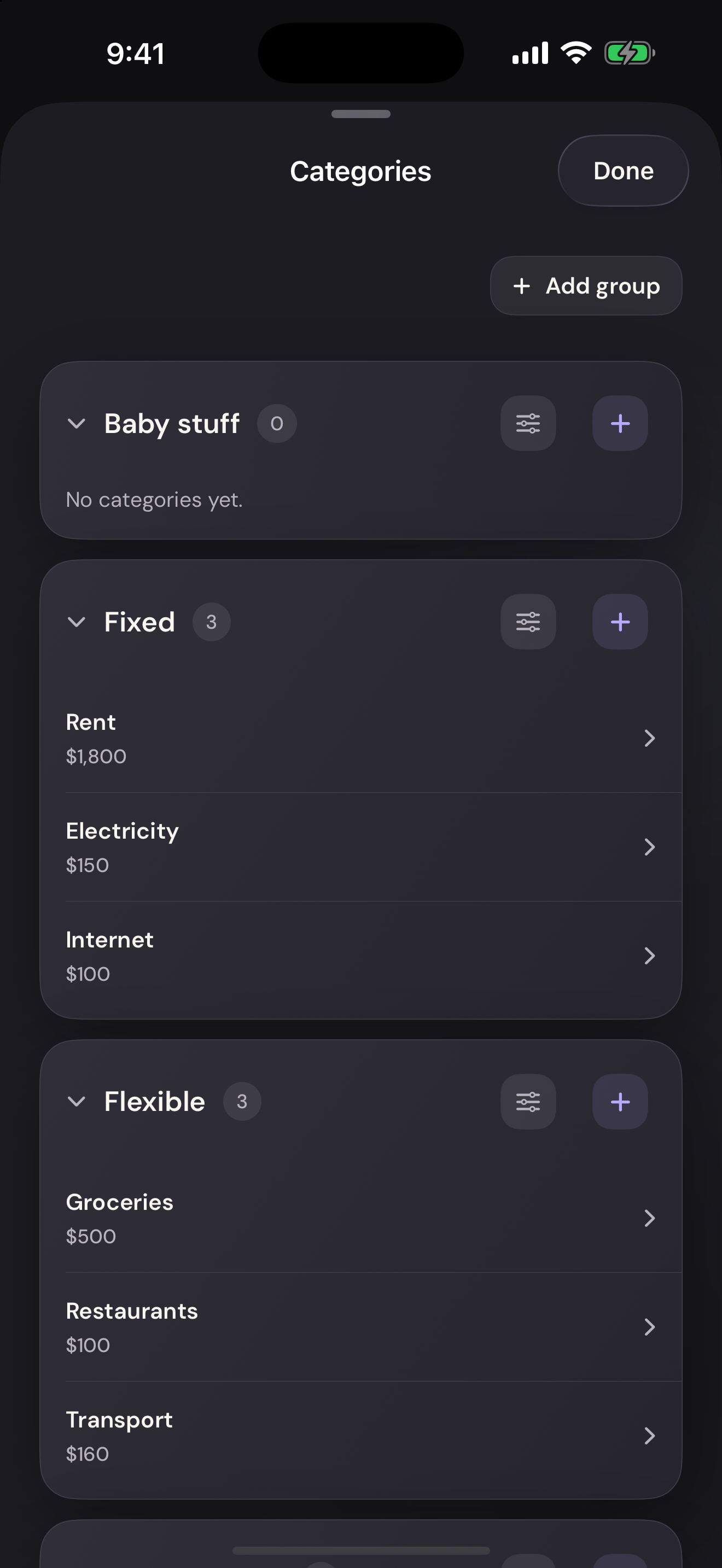
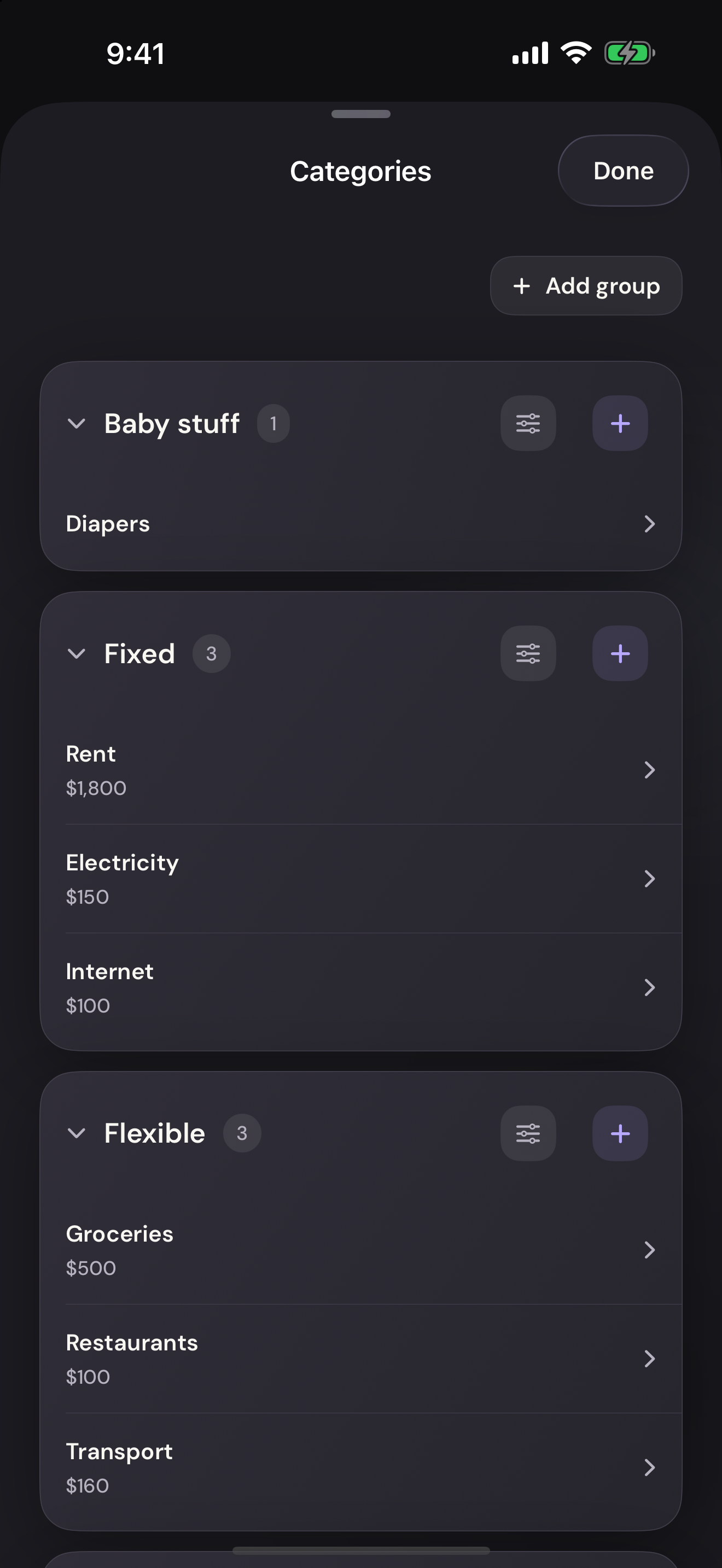
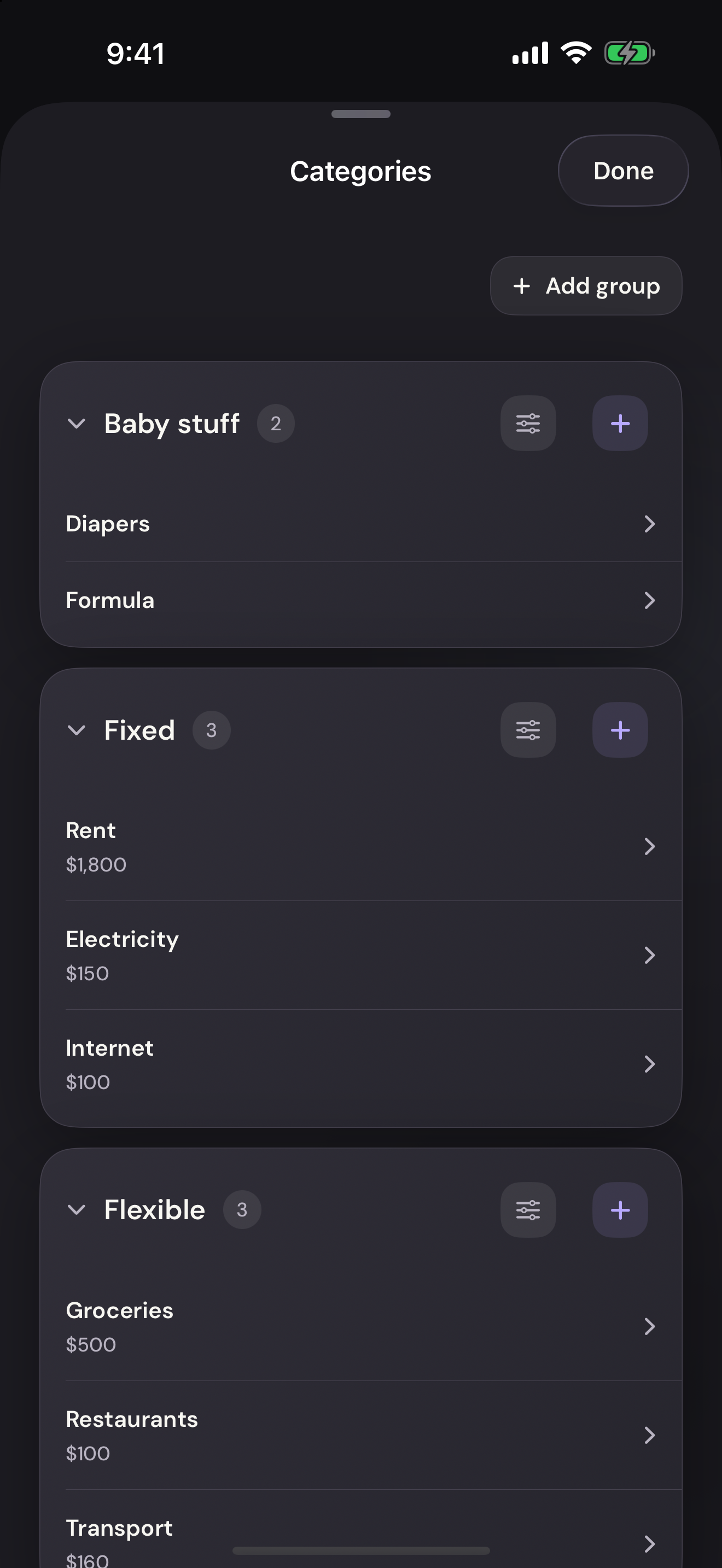
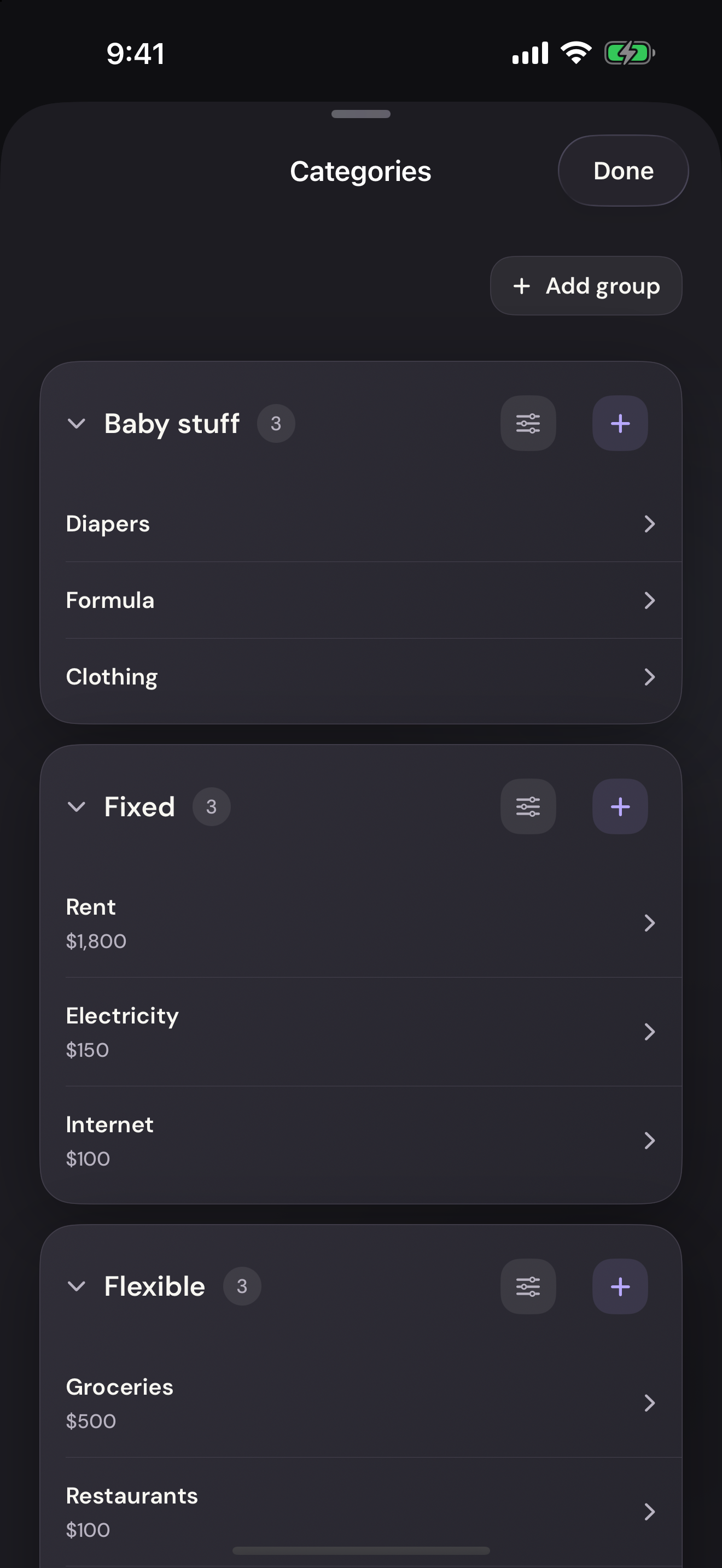
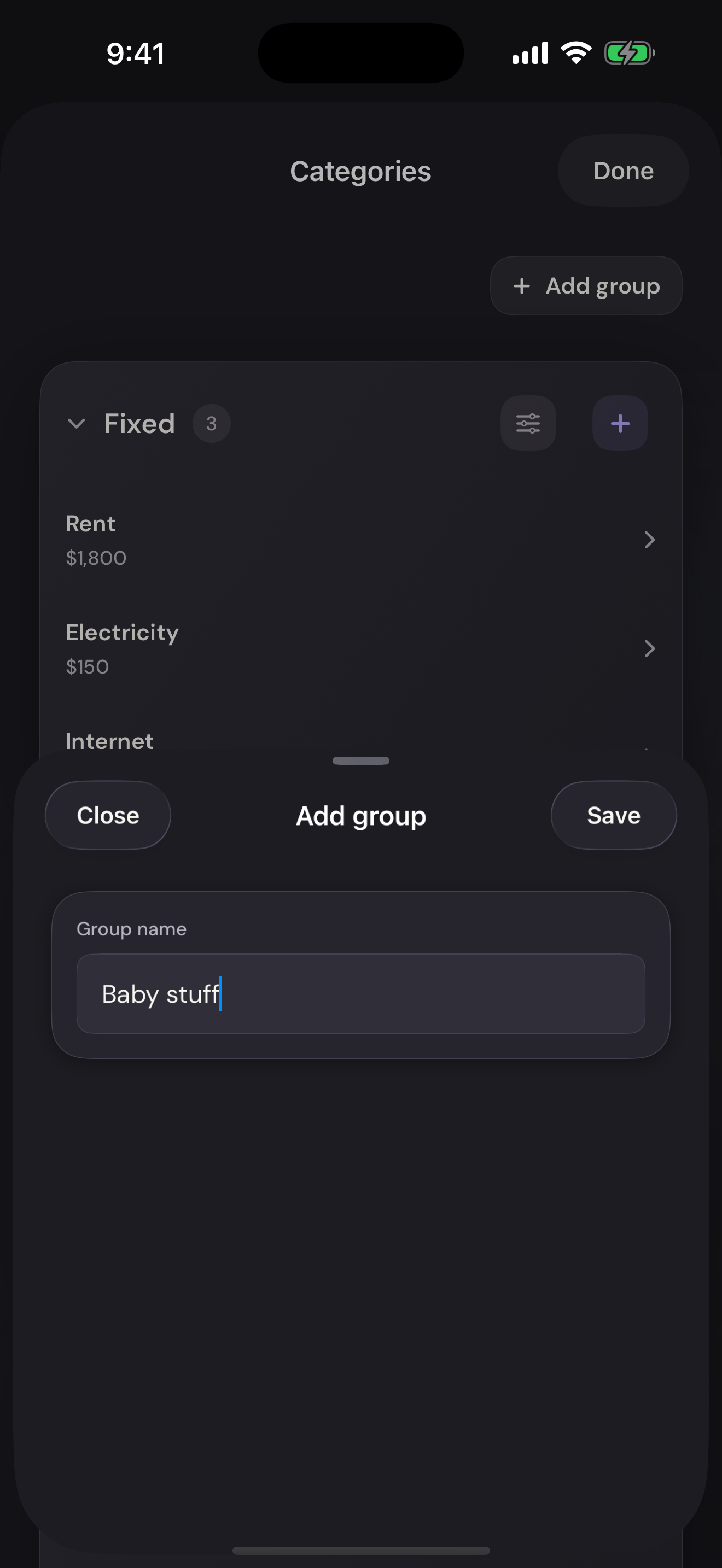
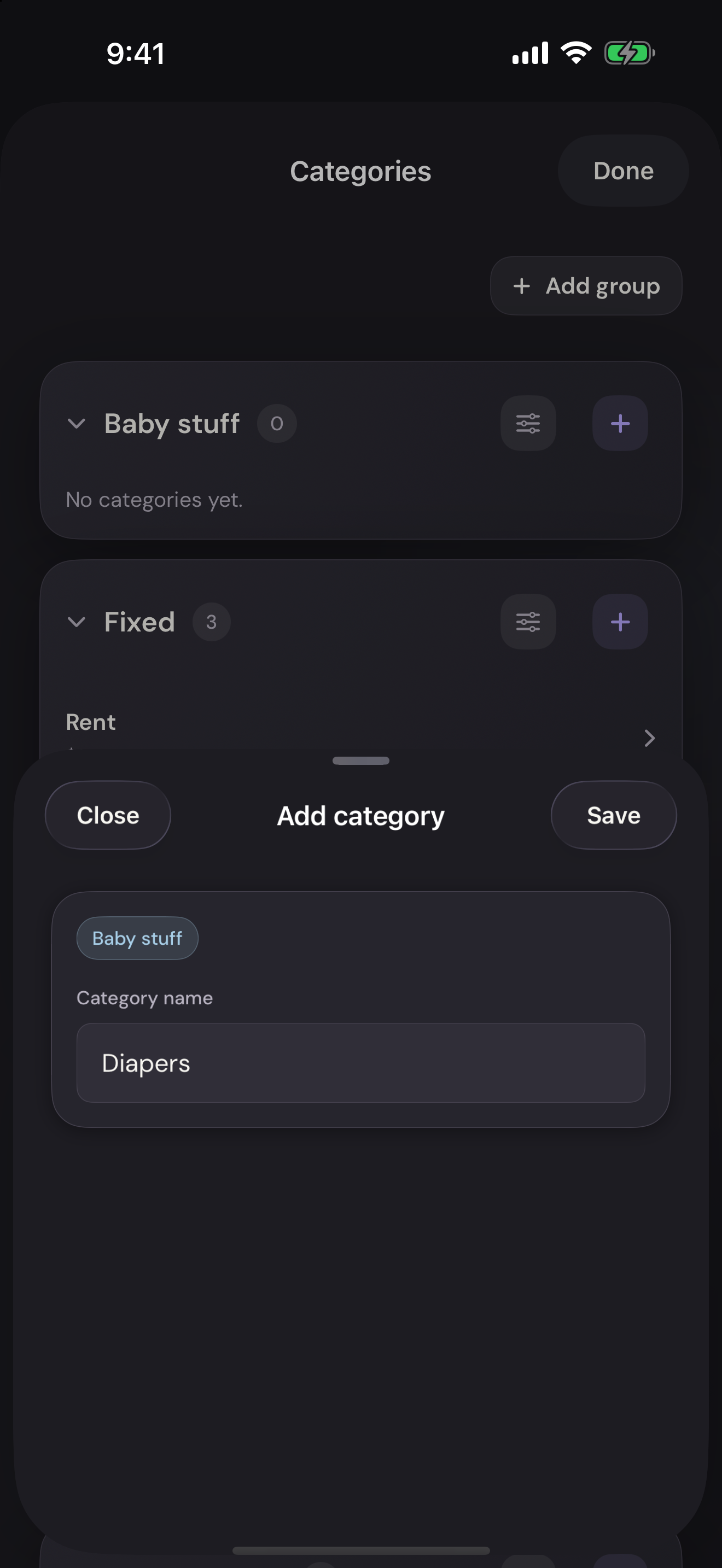
You can organize things however you want. Give categories names that make sense to you. Keep side-gig income separate from salary. Build a budget around the way your household actually lives.
But the control comes with sorting, formulas, and upkeep. Keeping track of your money becomes an unpaid Sunday job.
That’s why we built Vylo.
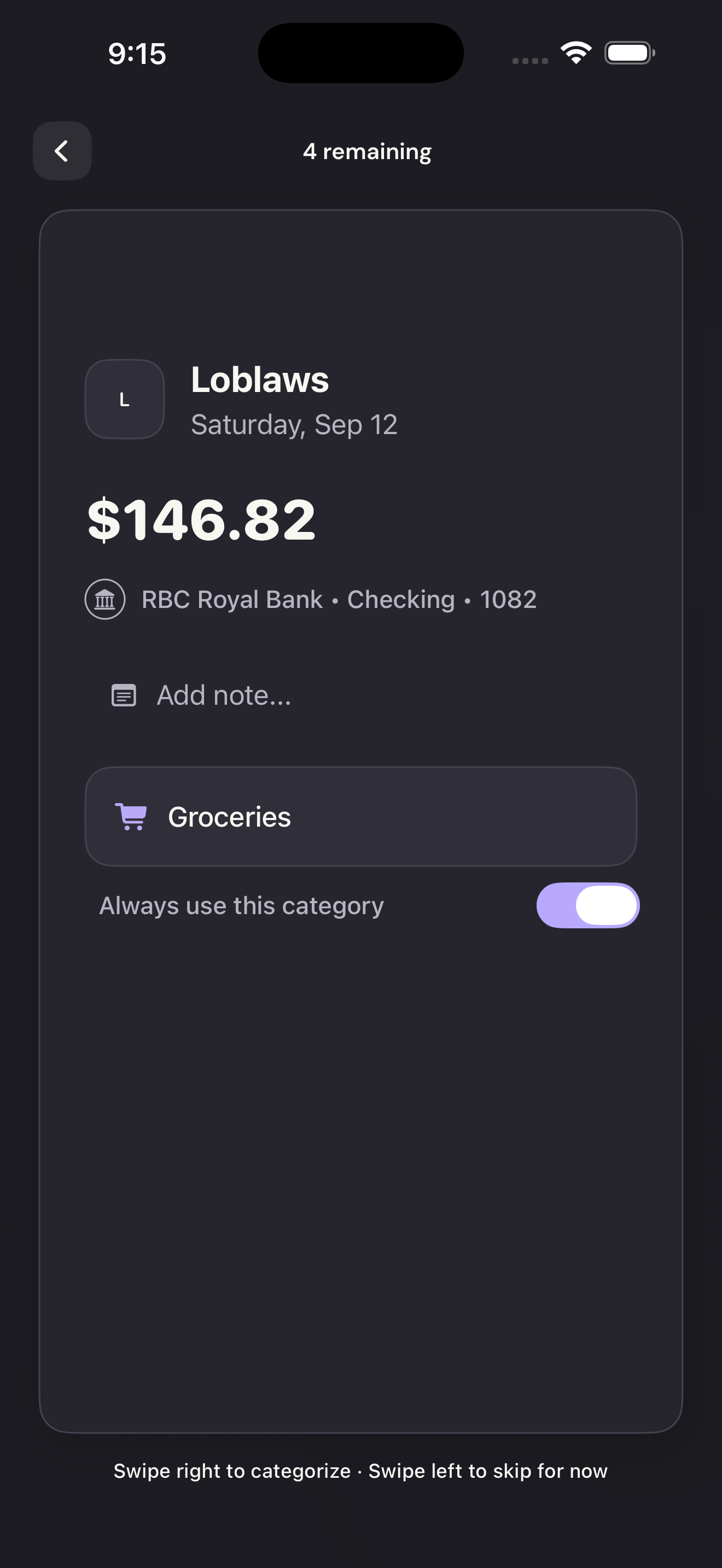
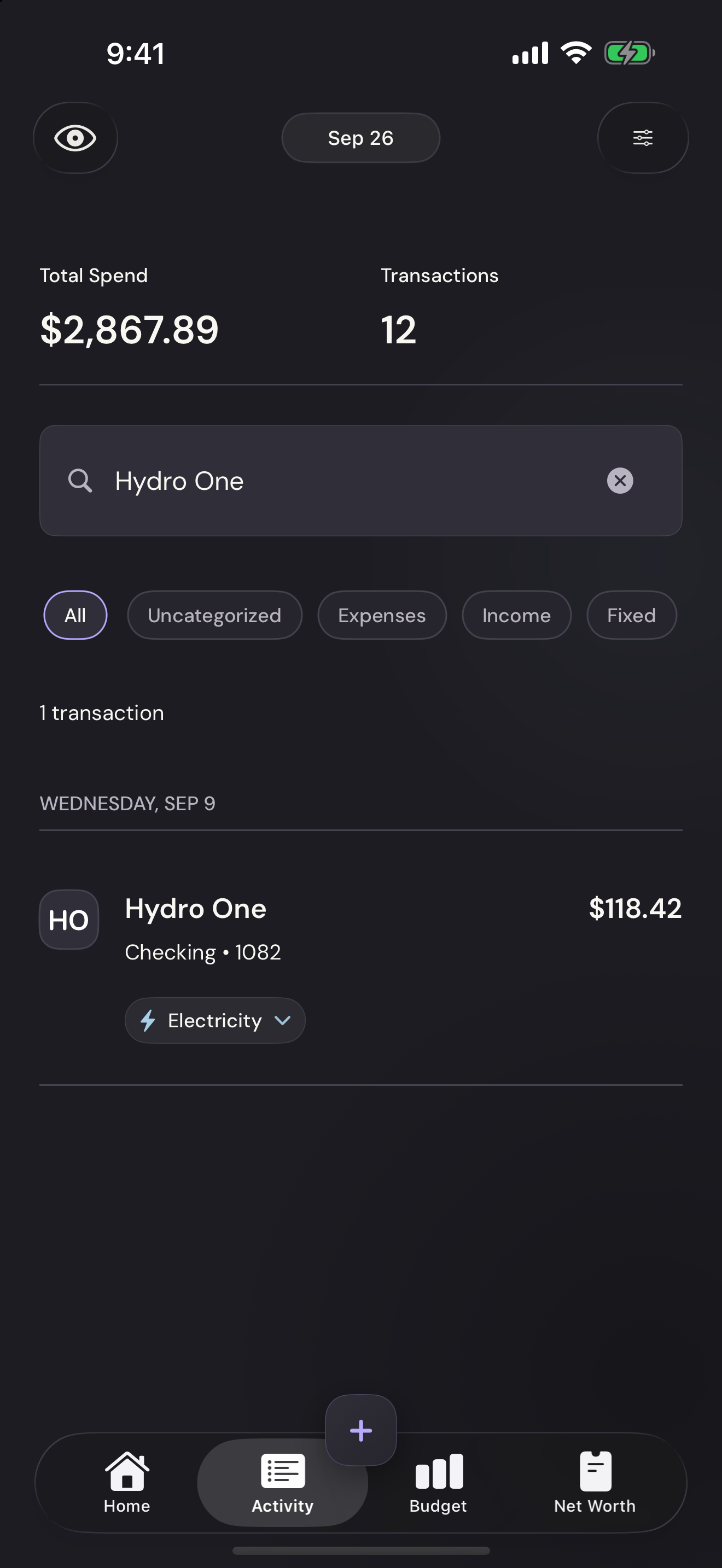
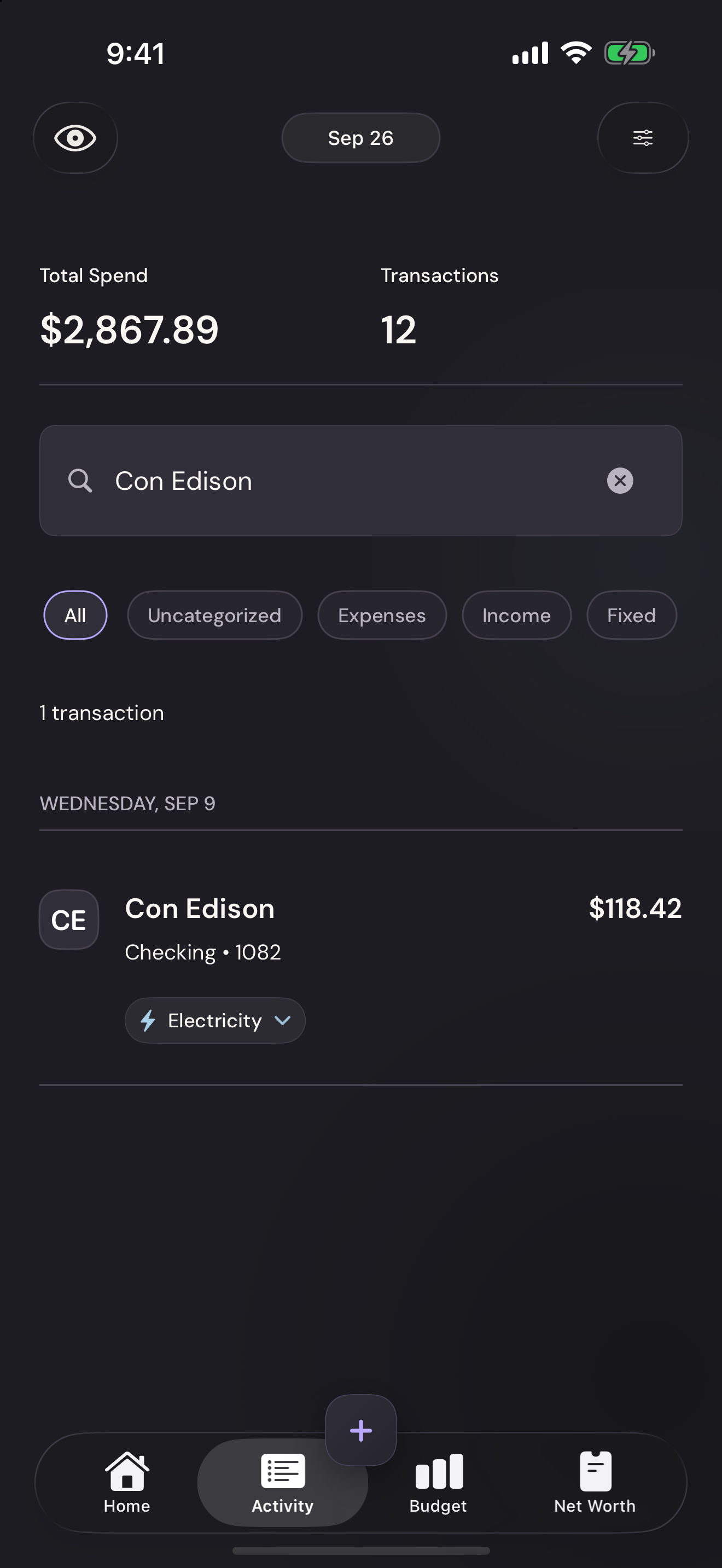
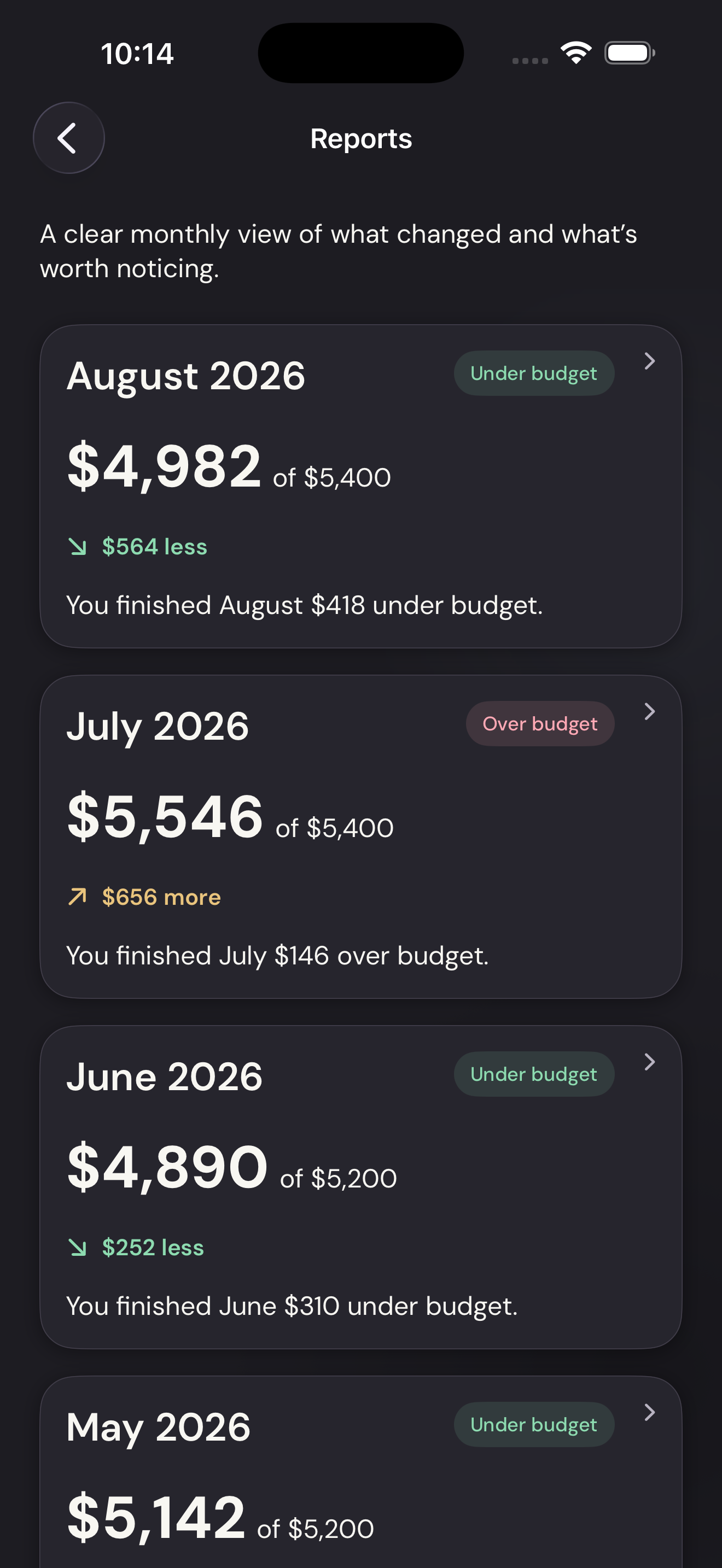
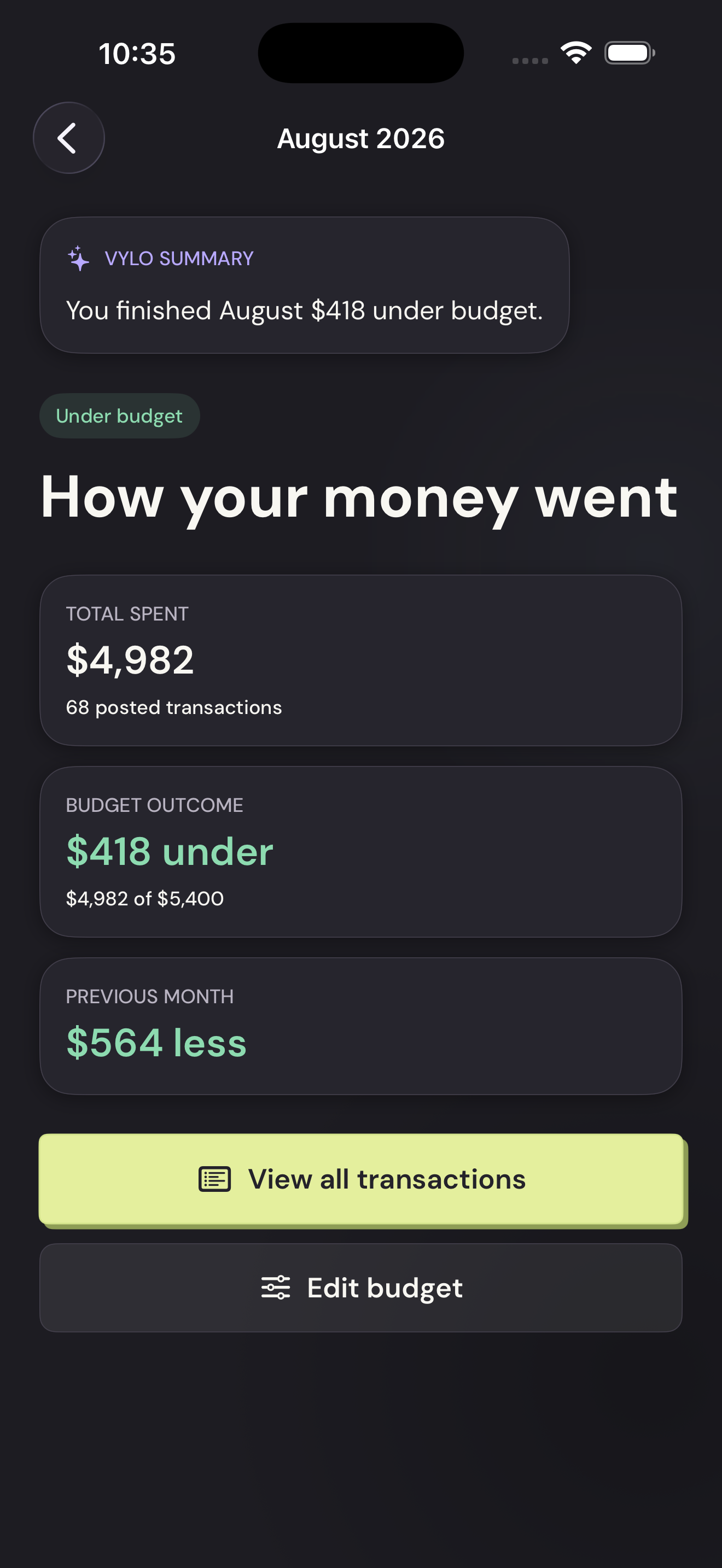
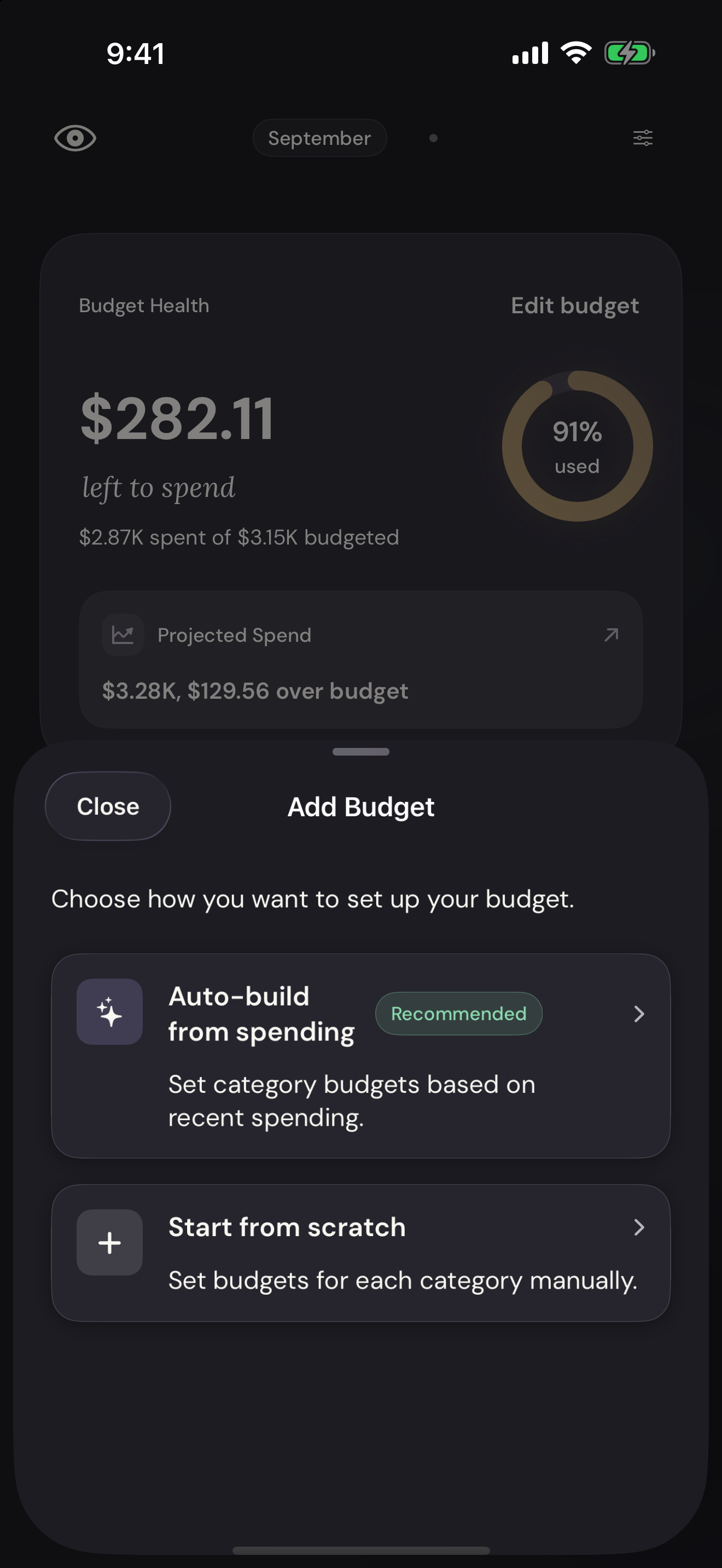
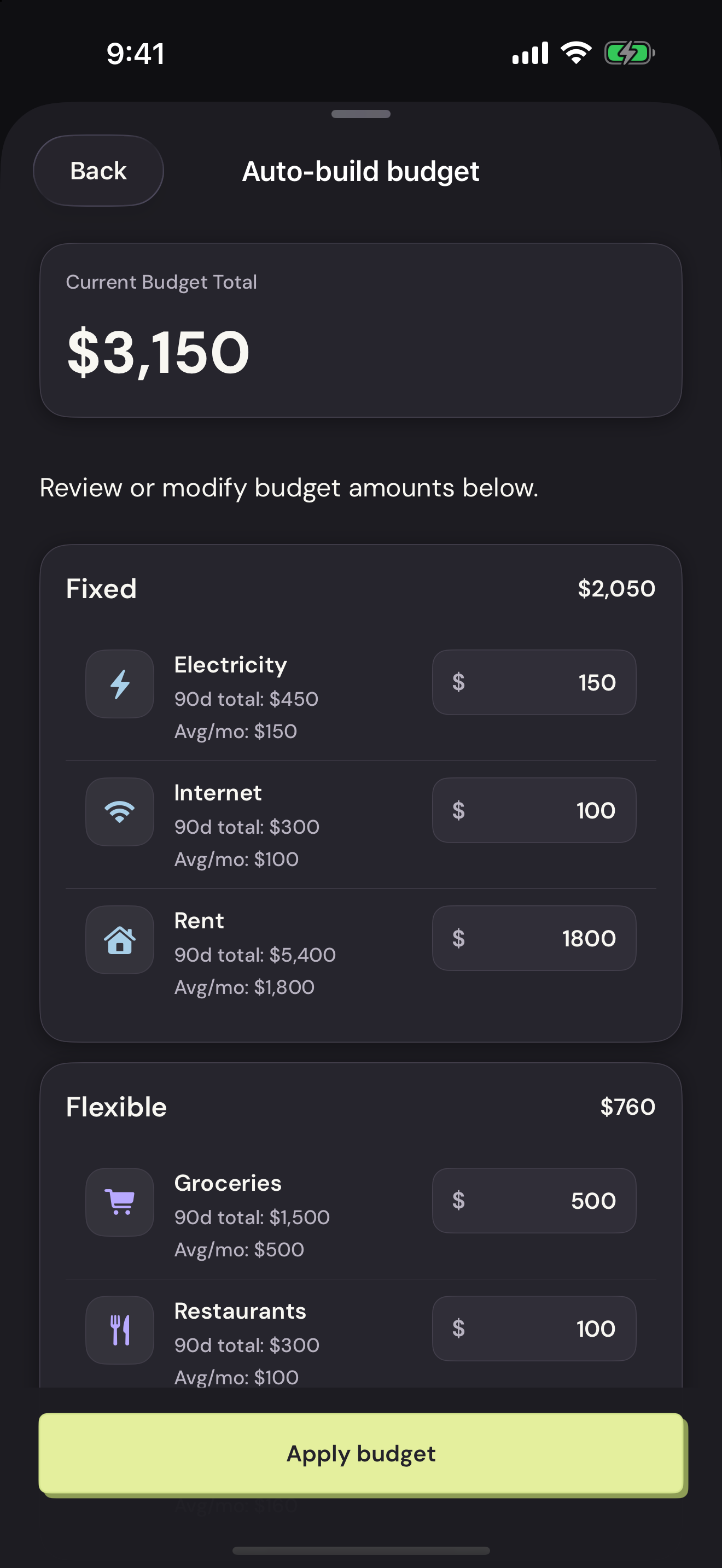
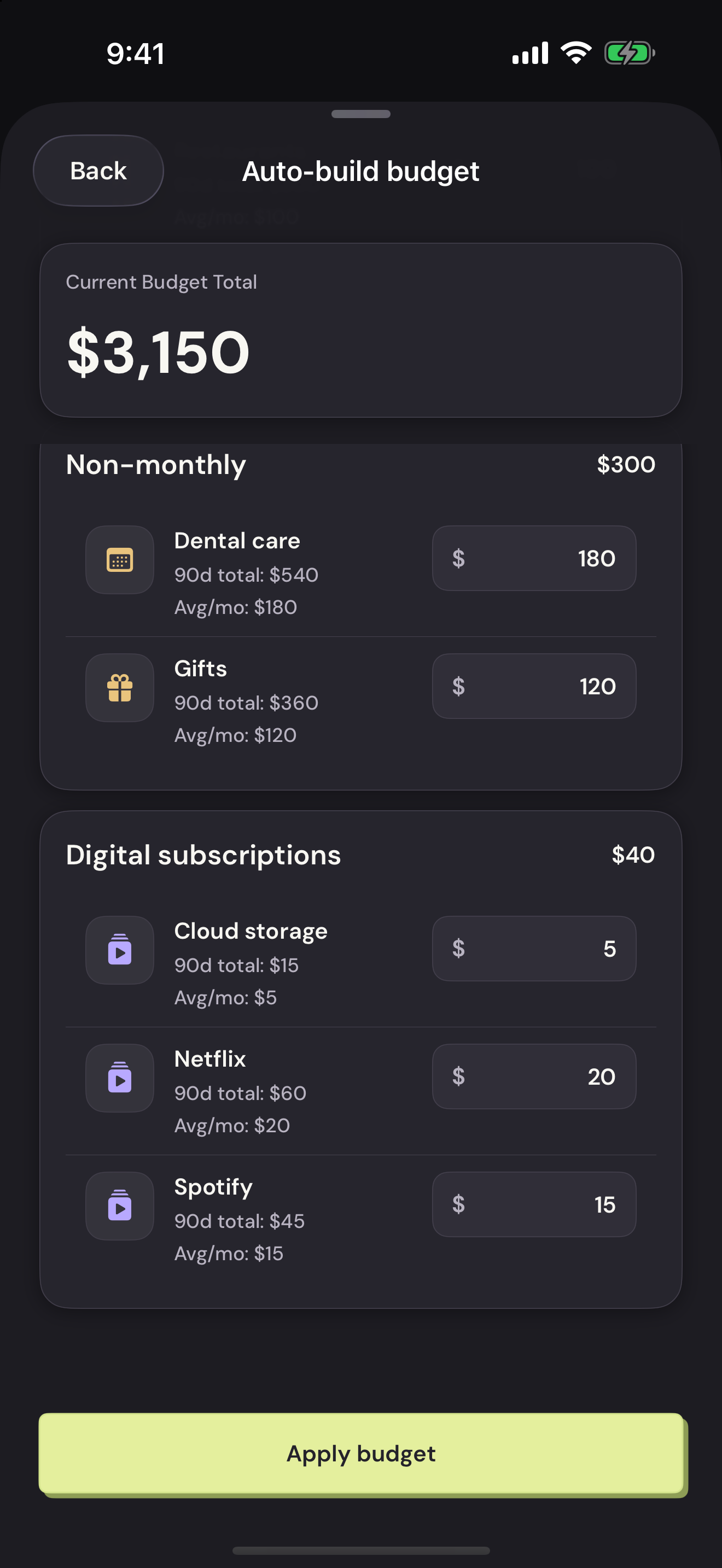
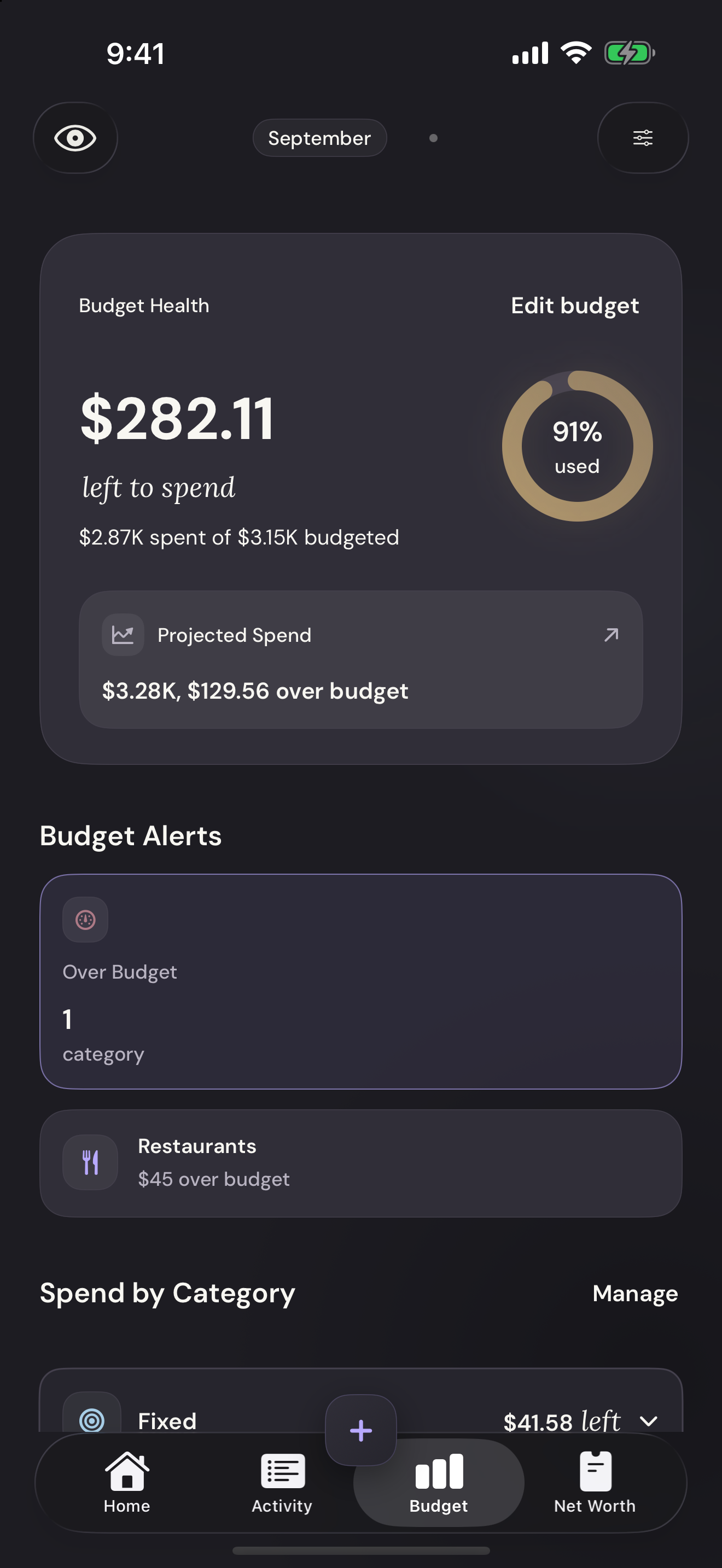
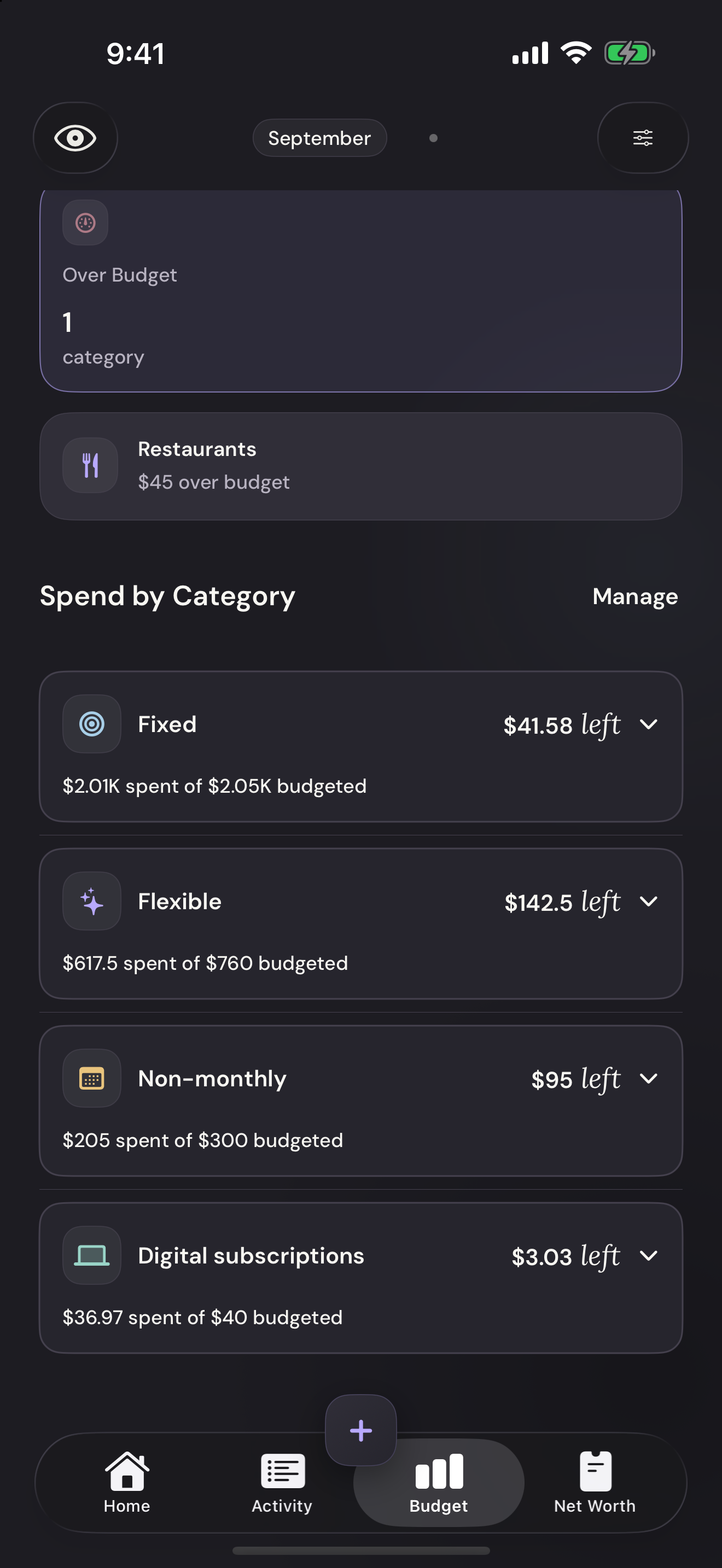
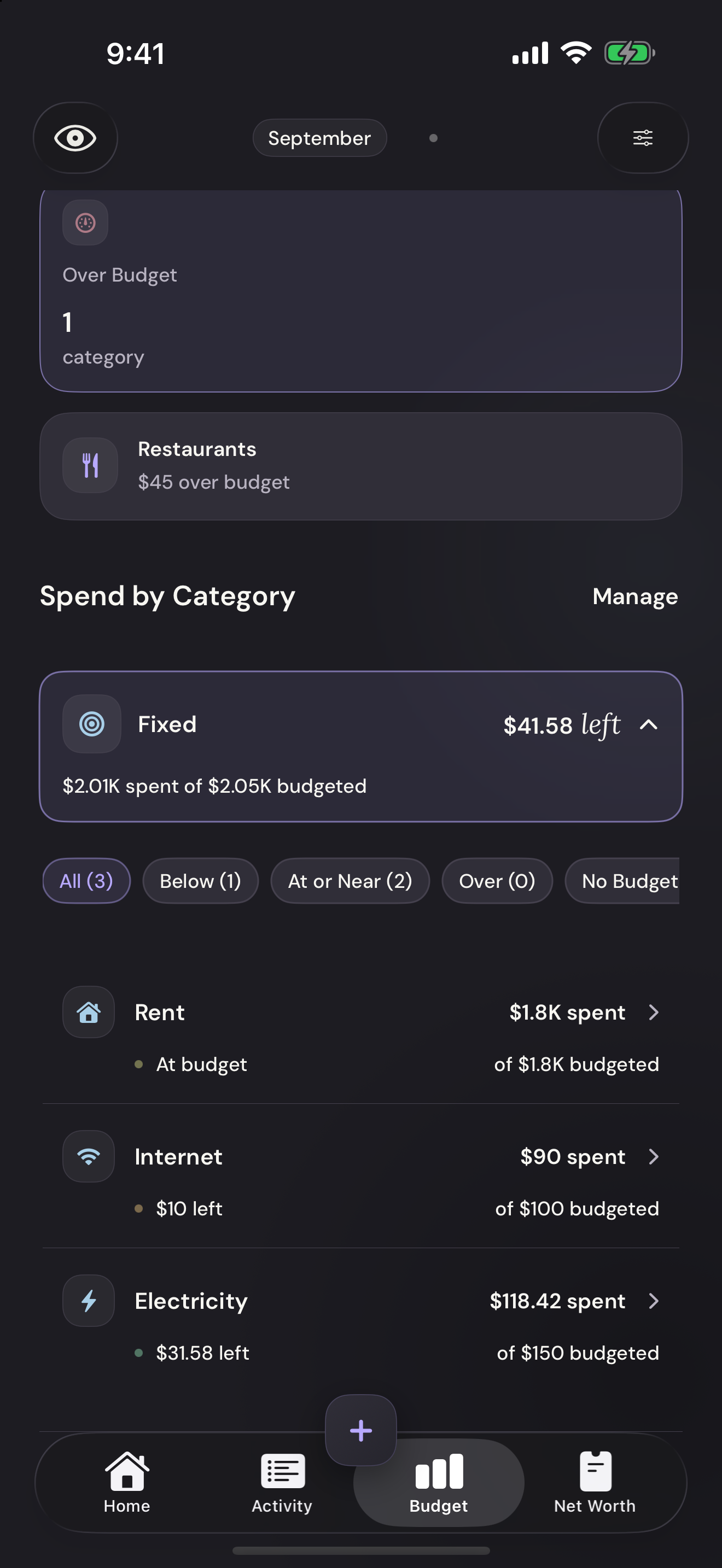
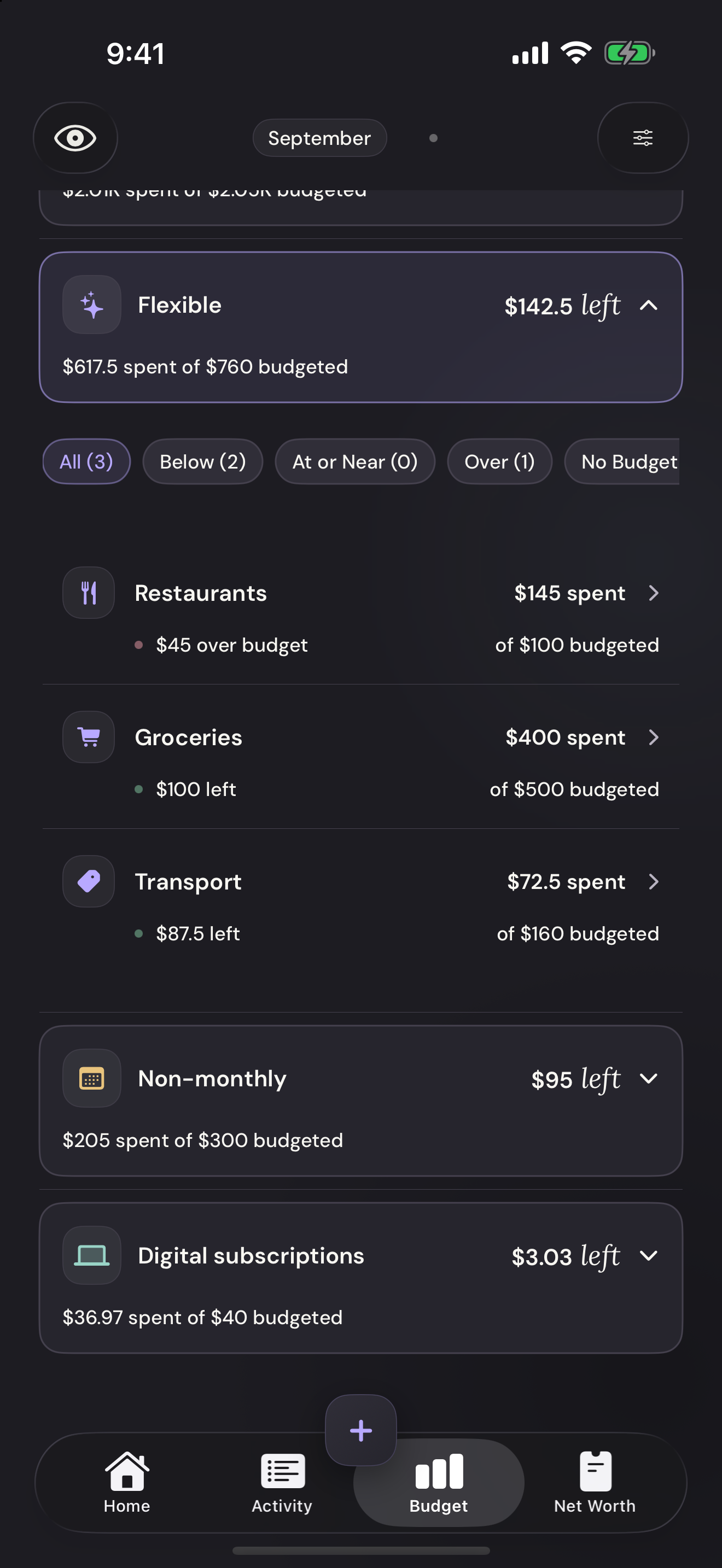
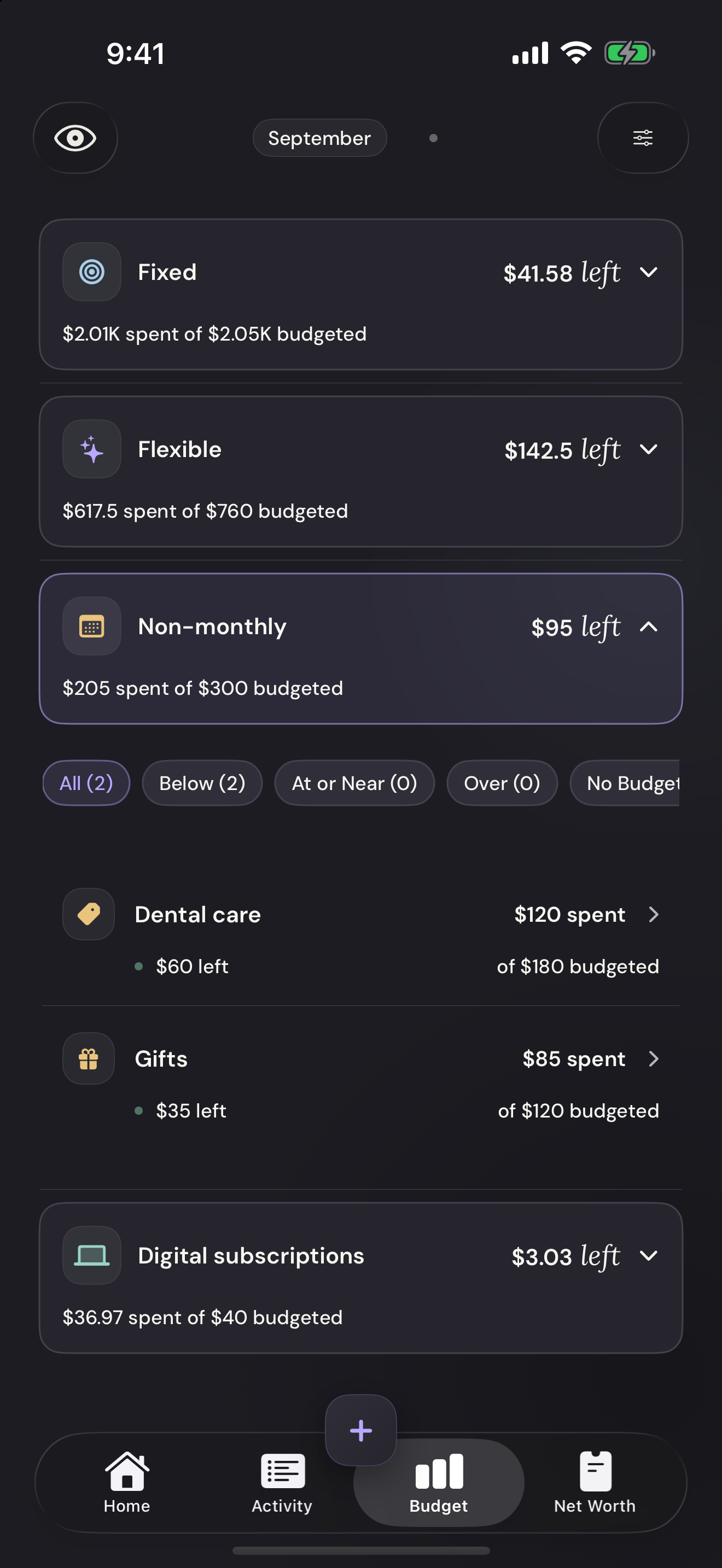
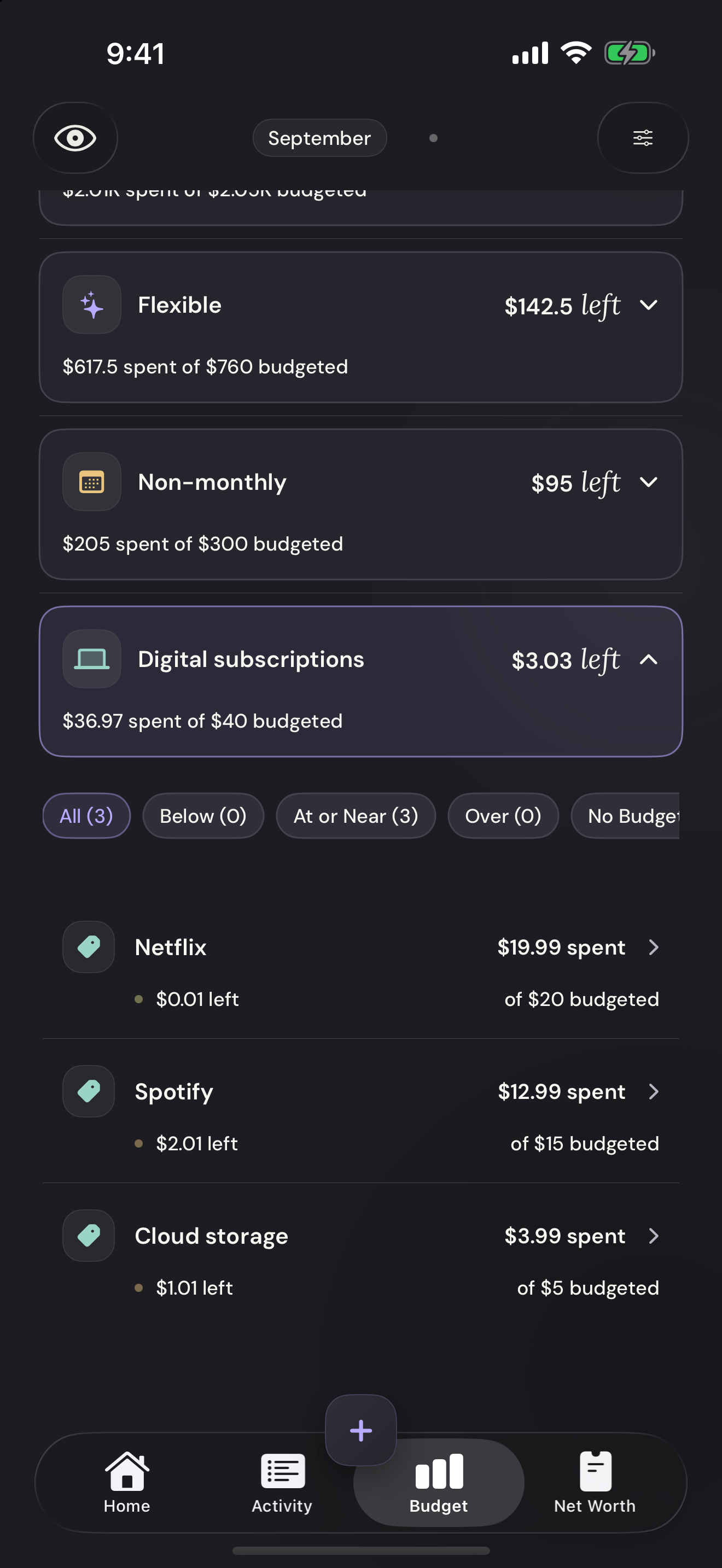
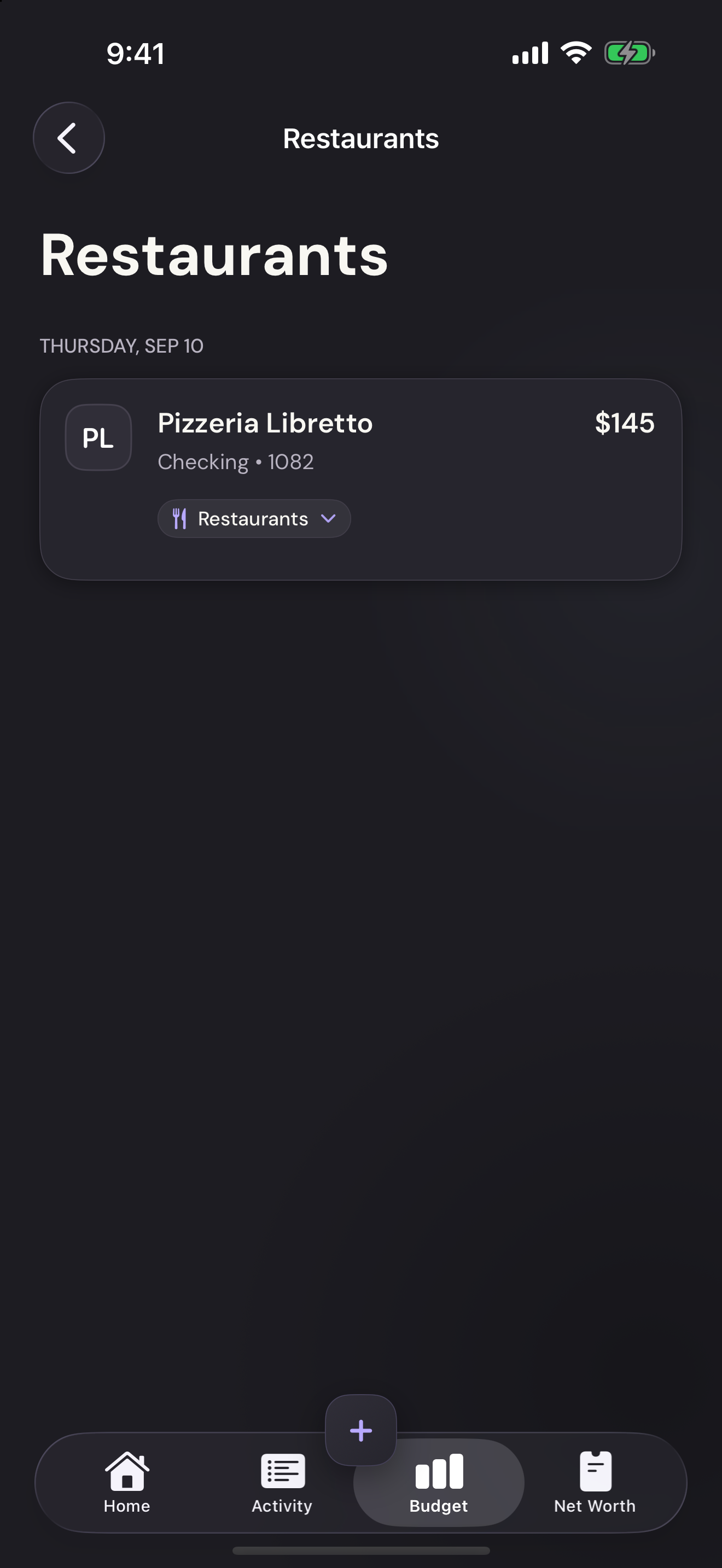
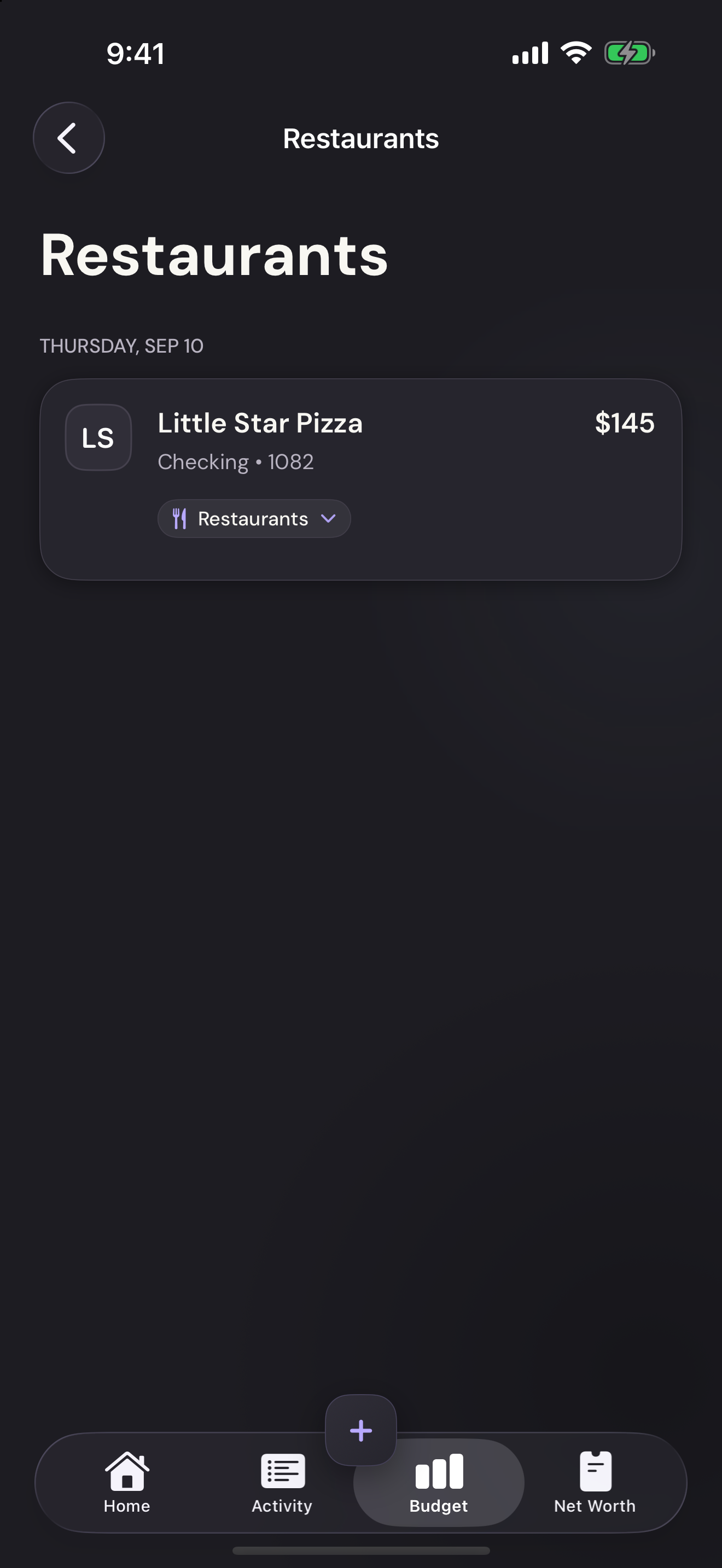
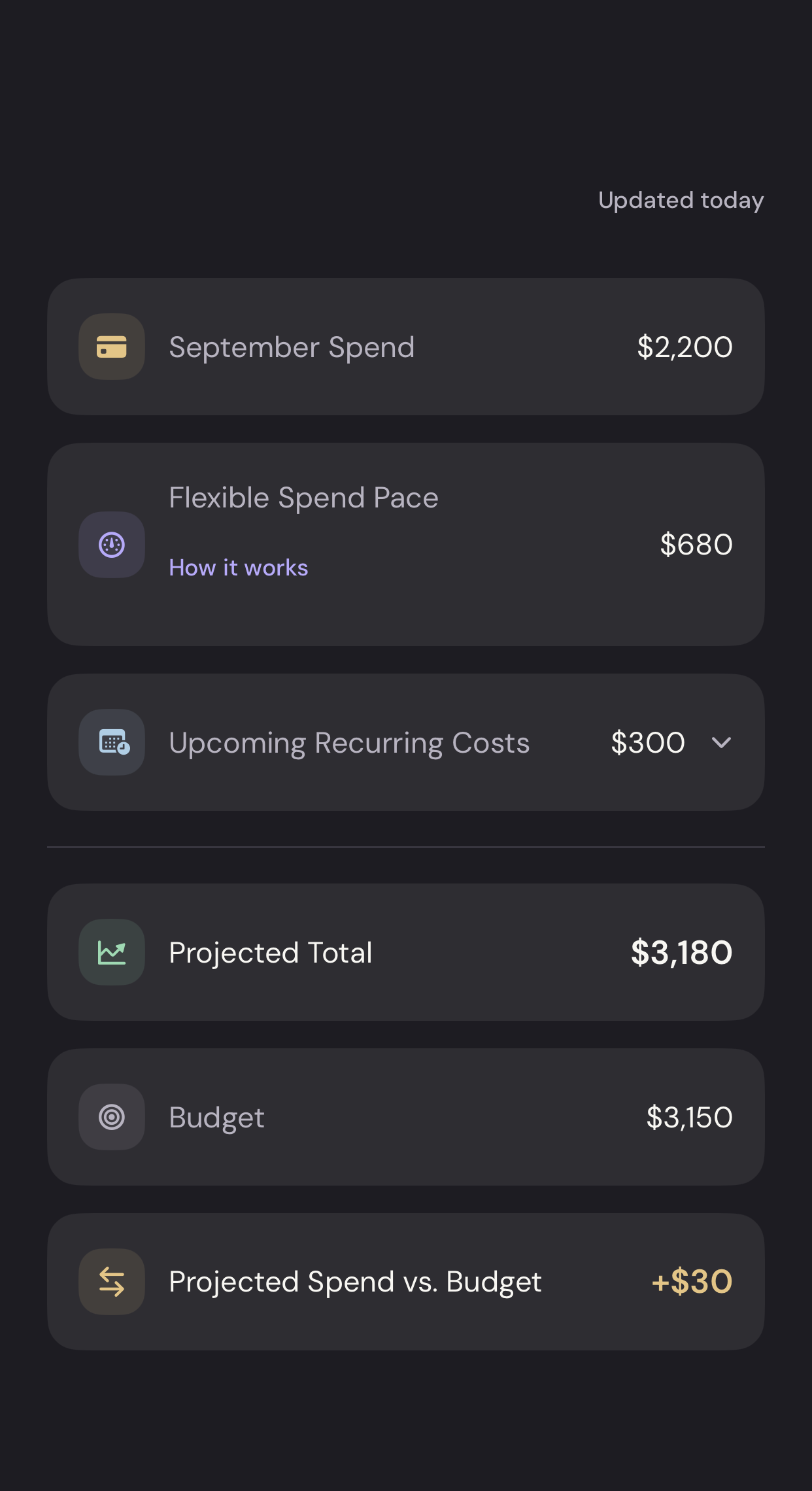
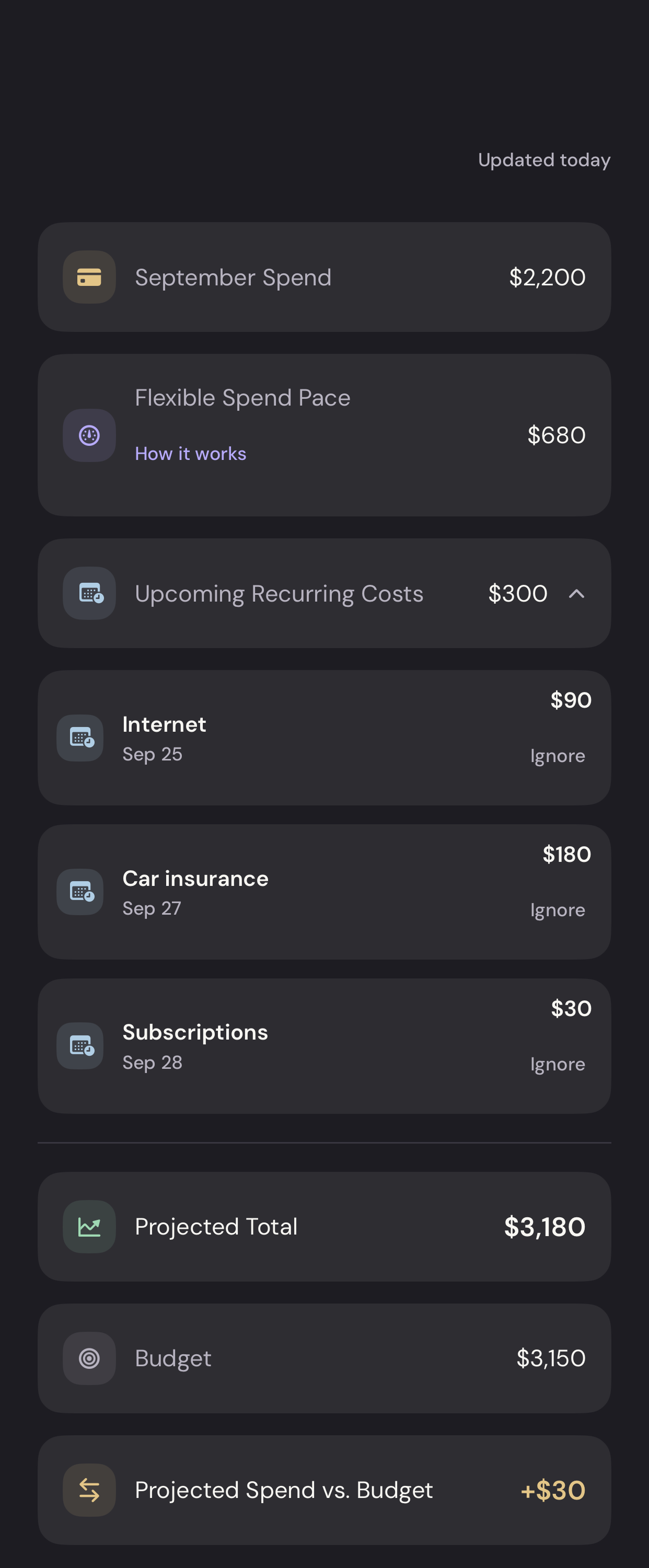
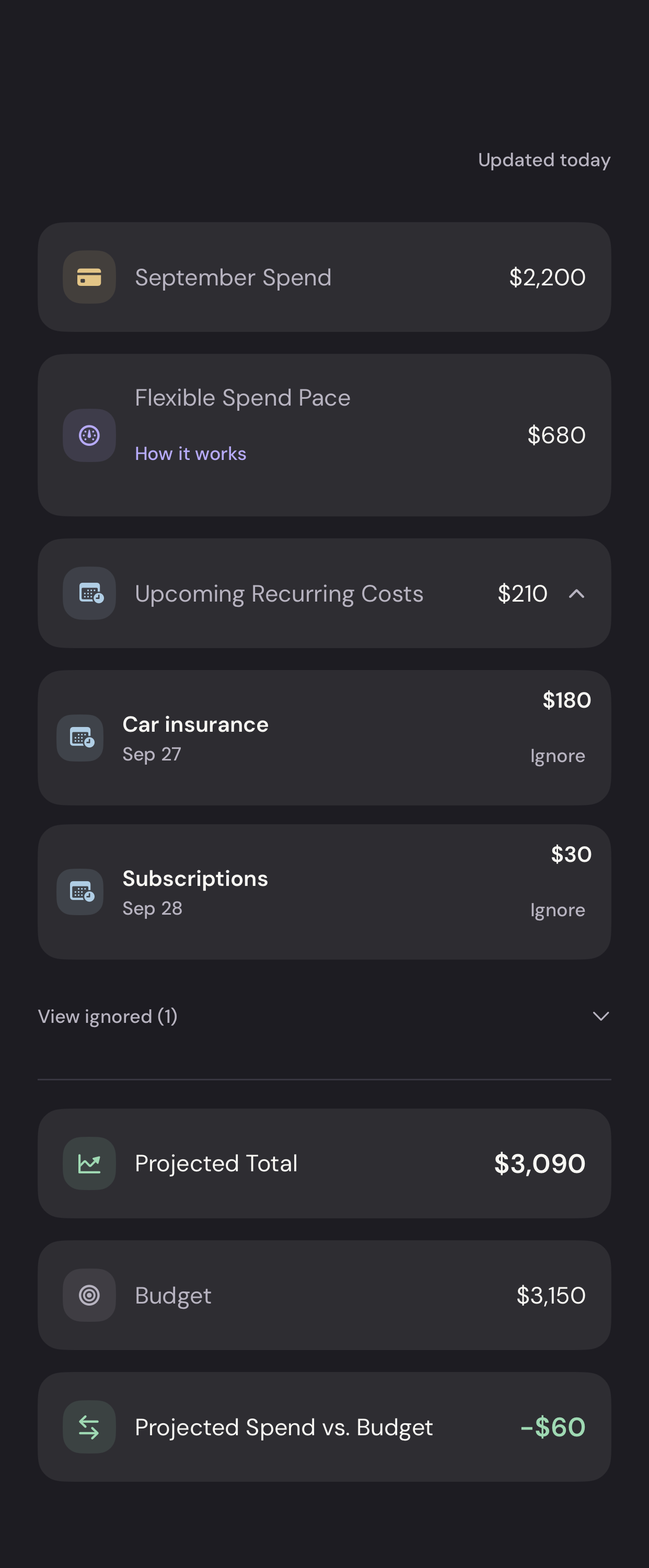
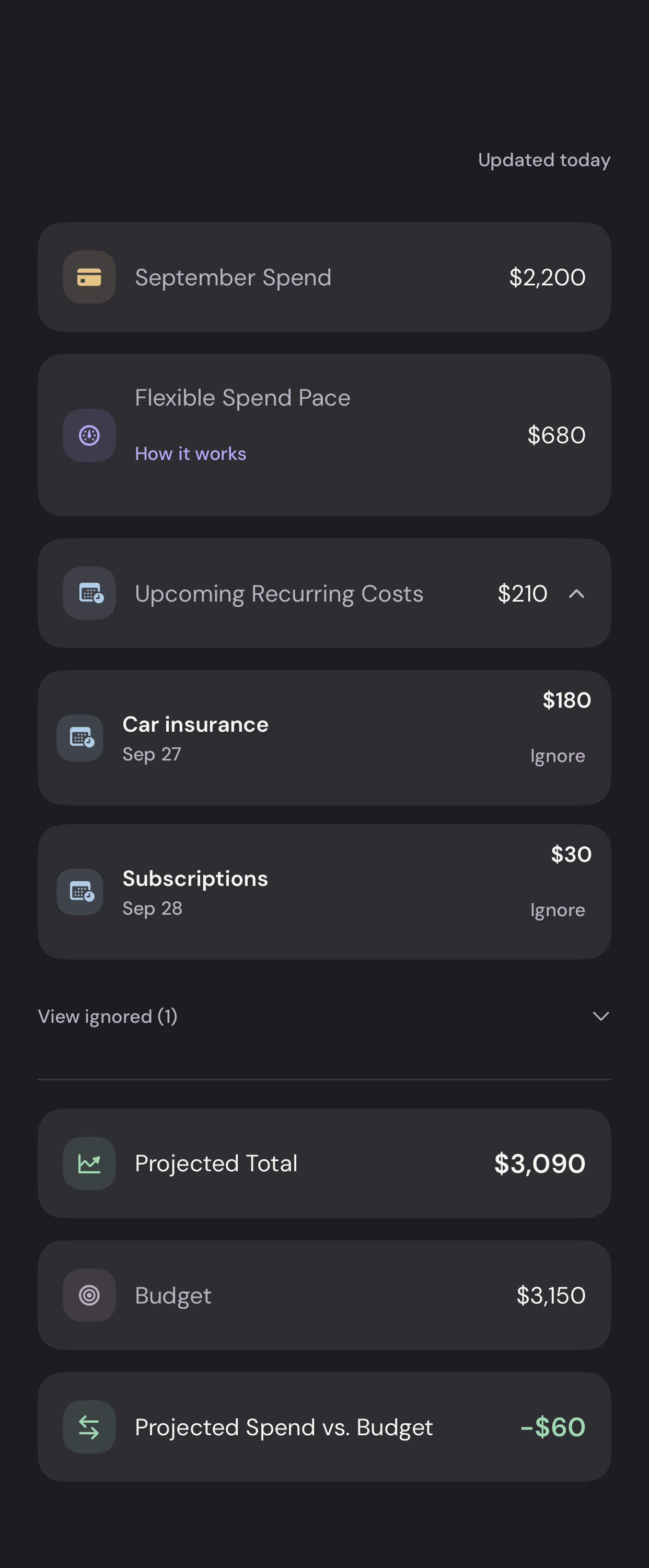
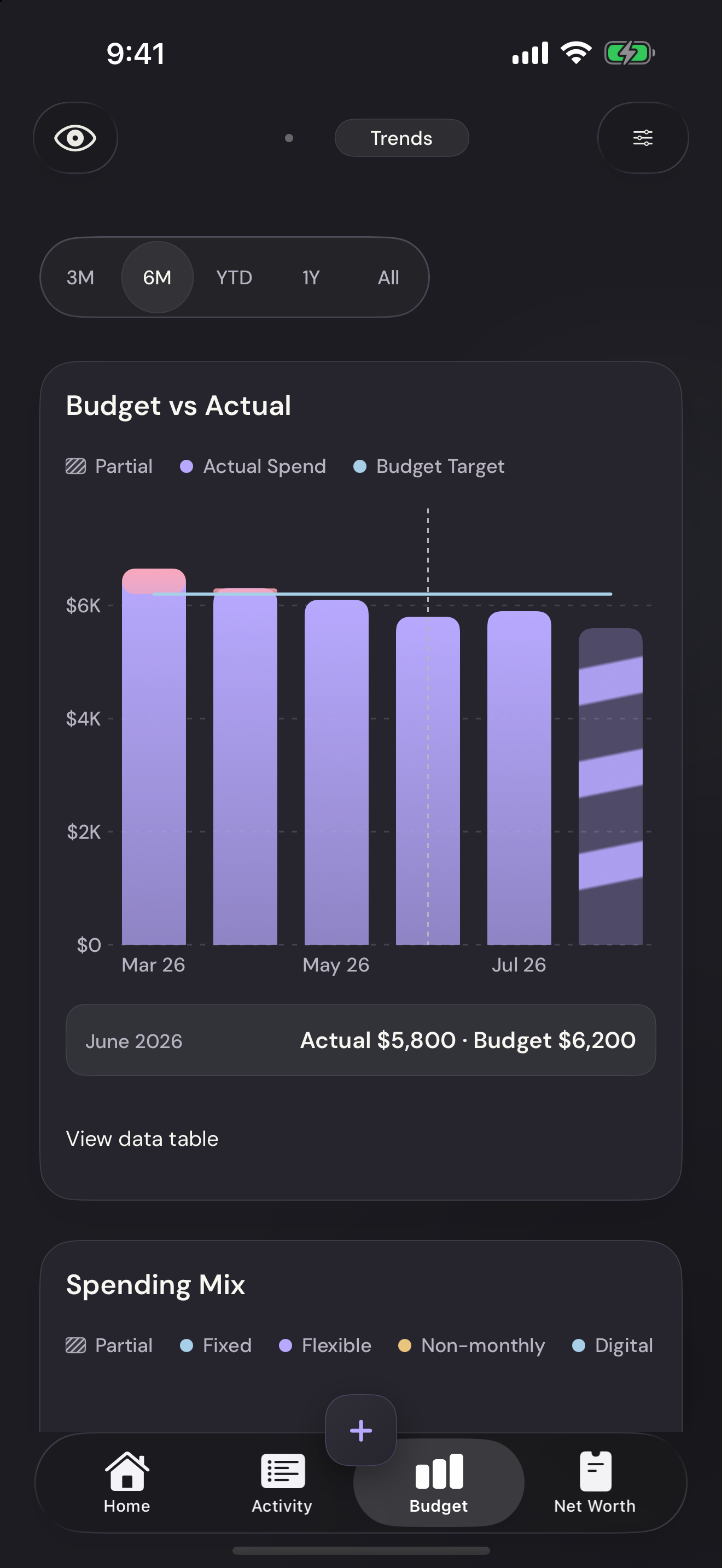
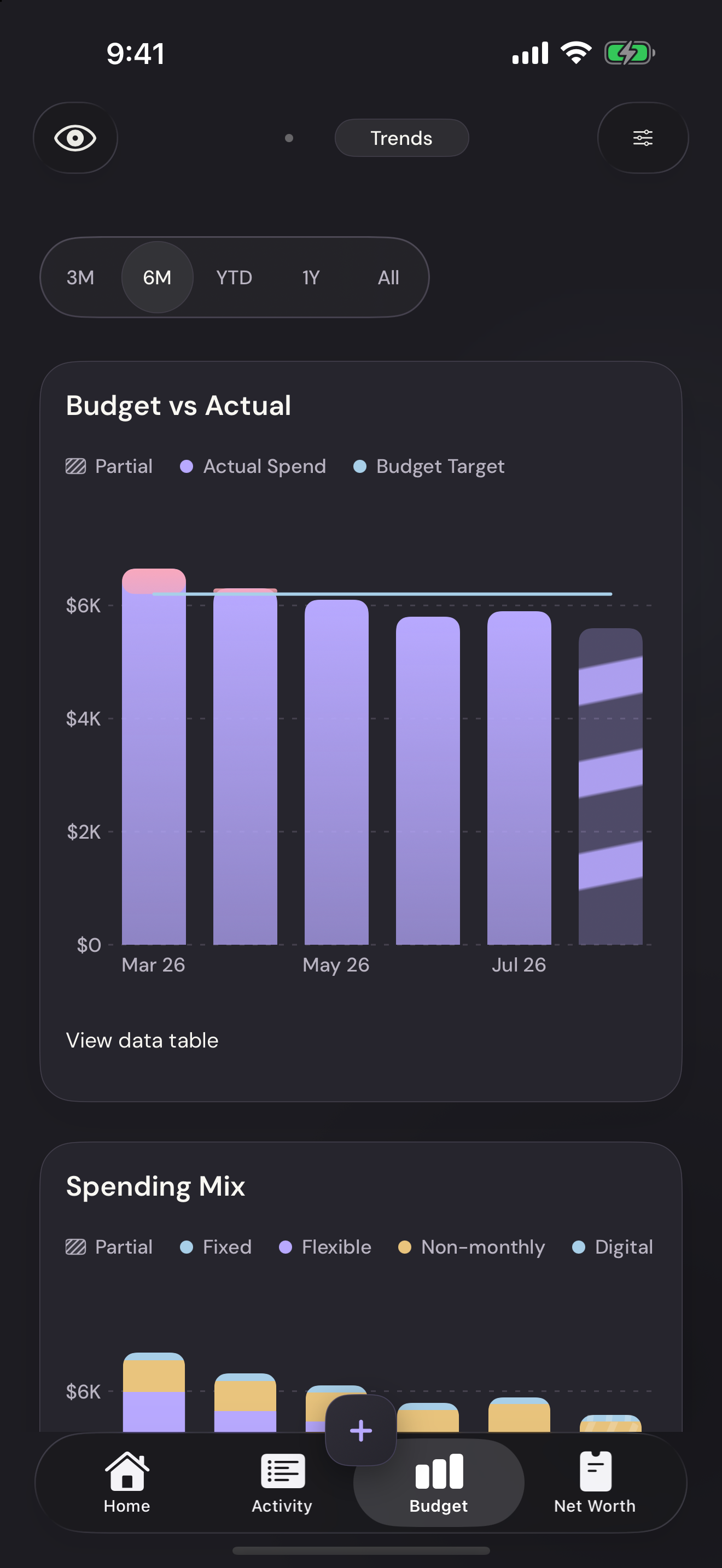
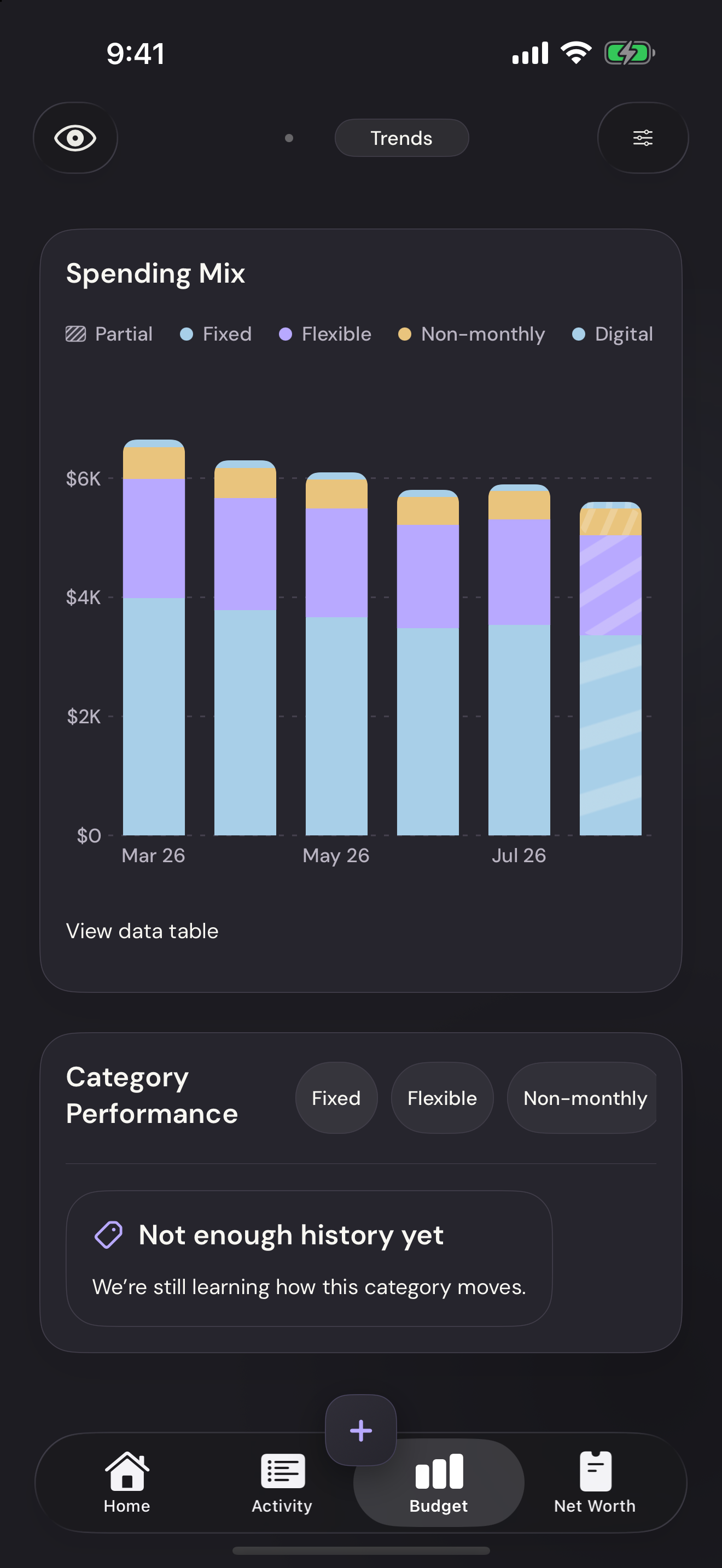
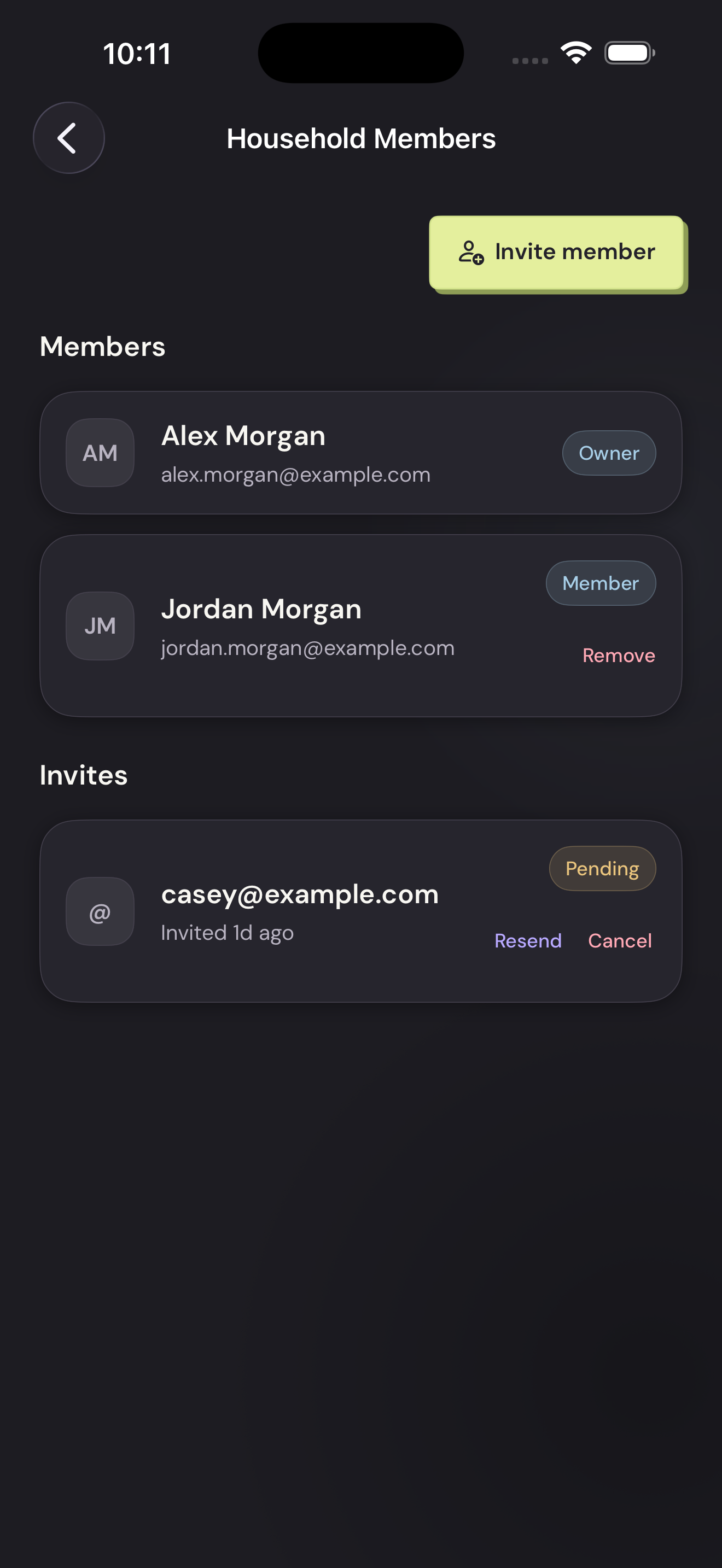
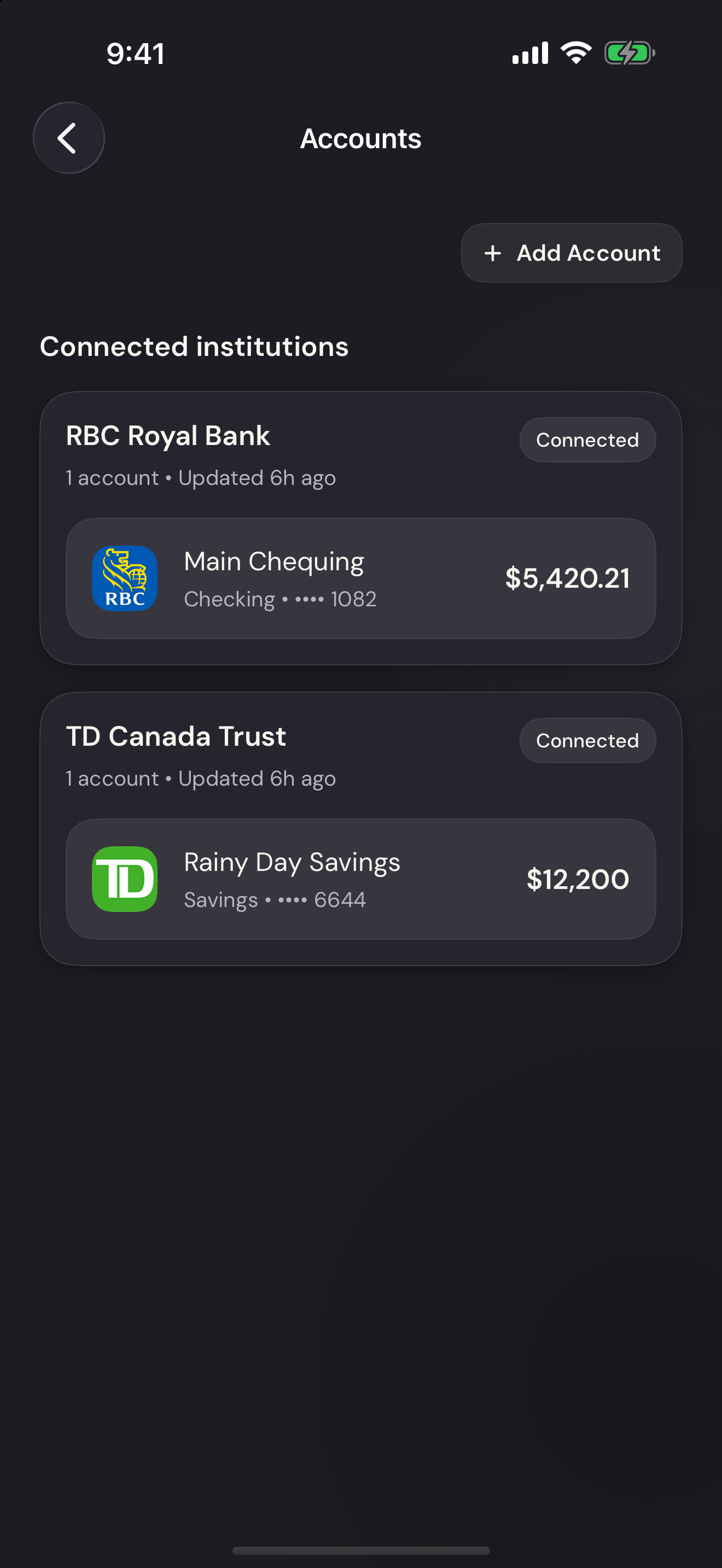
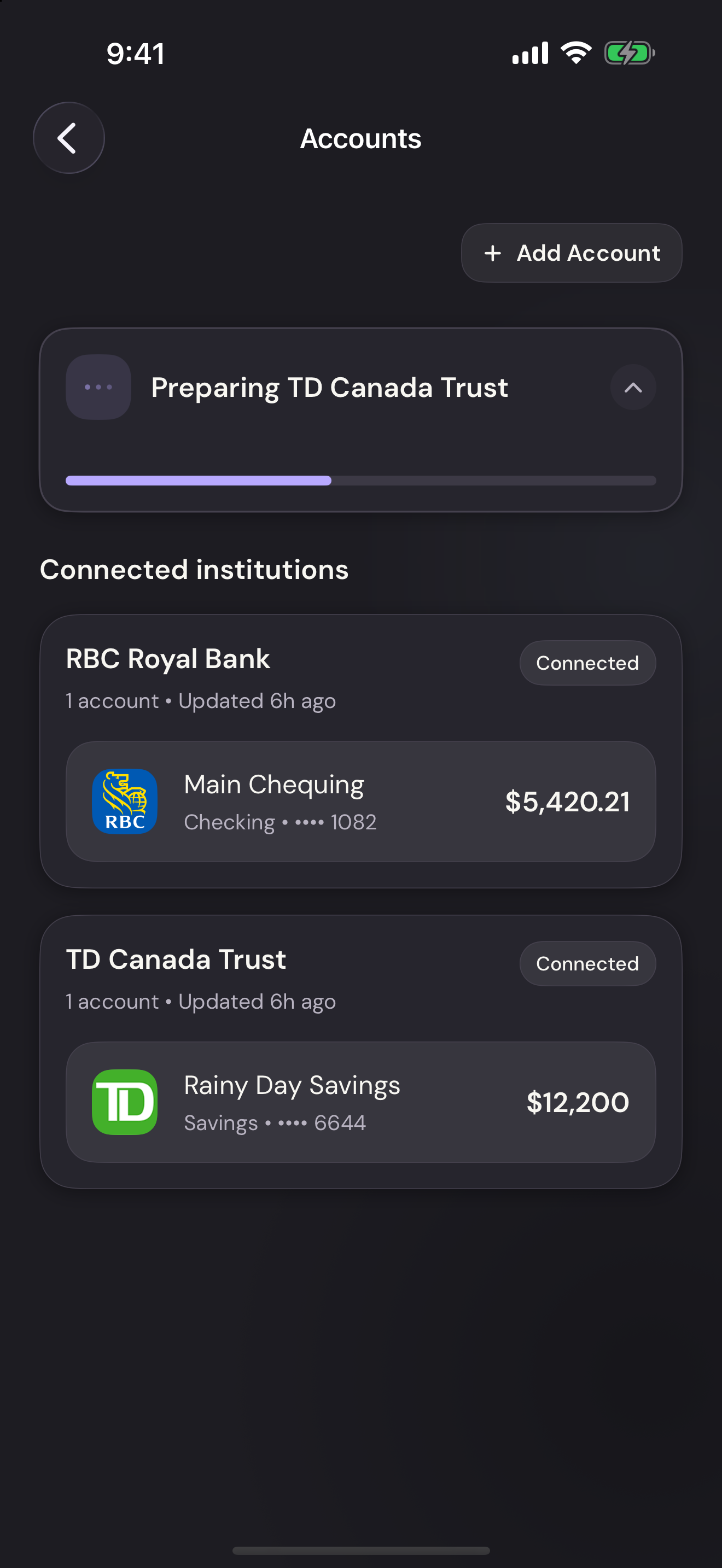
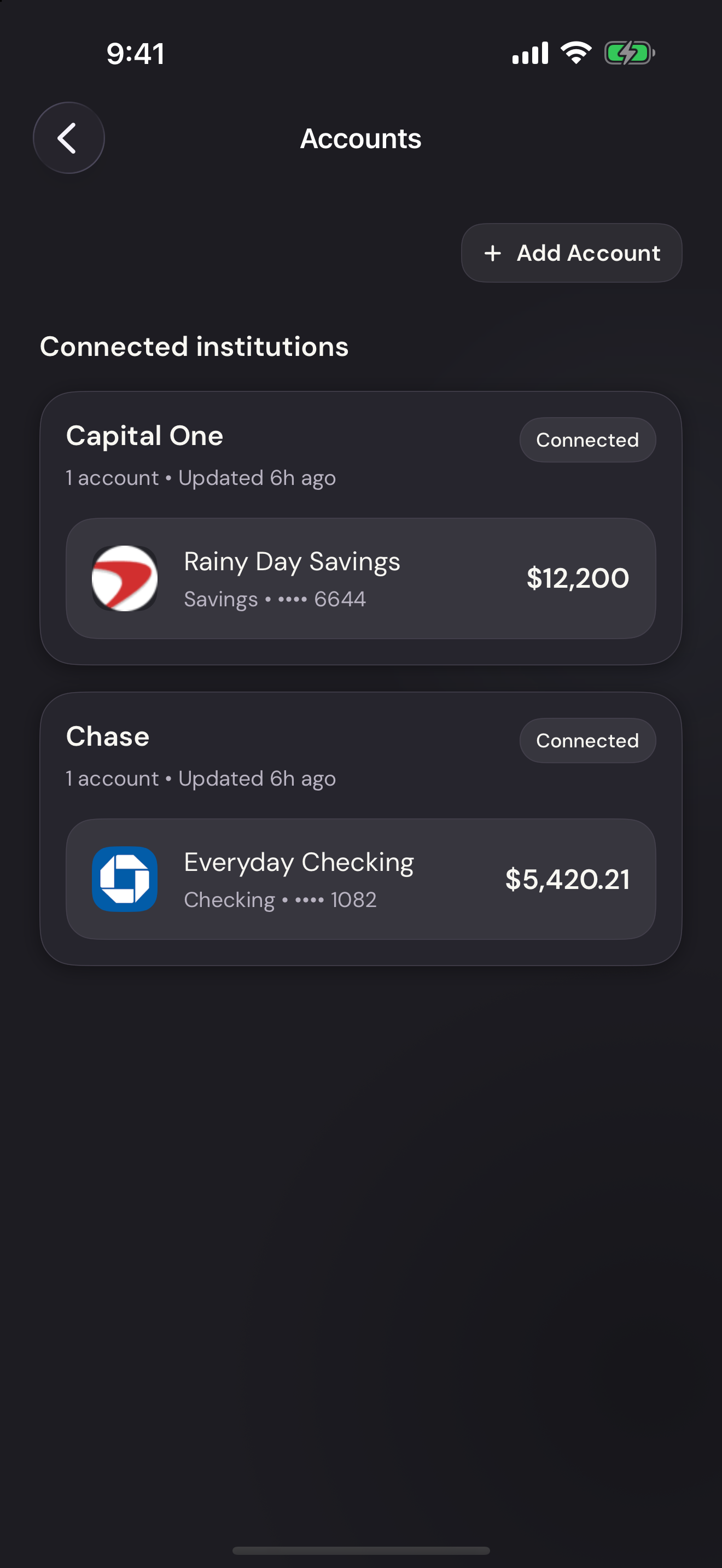
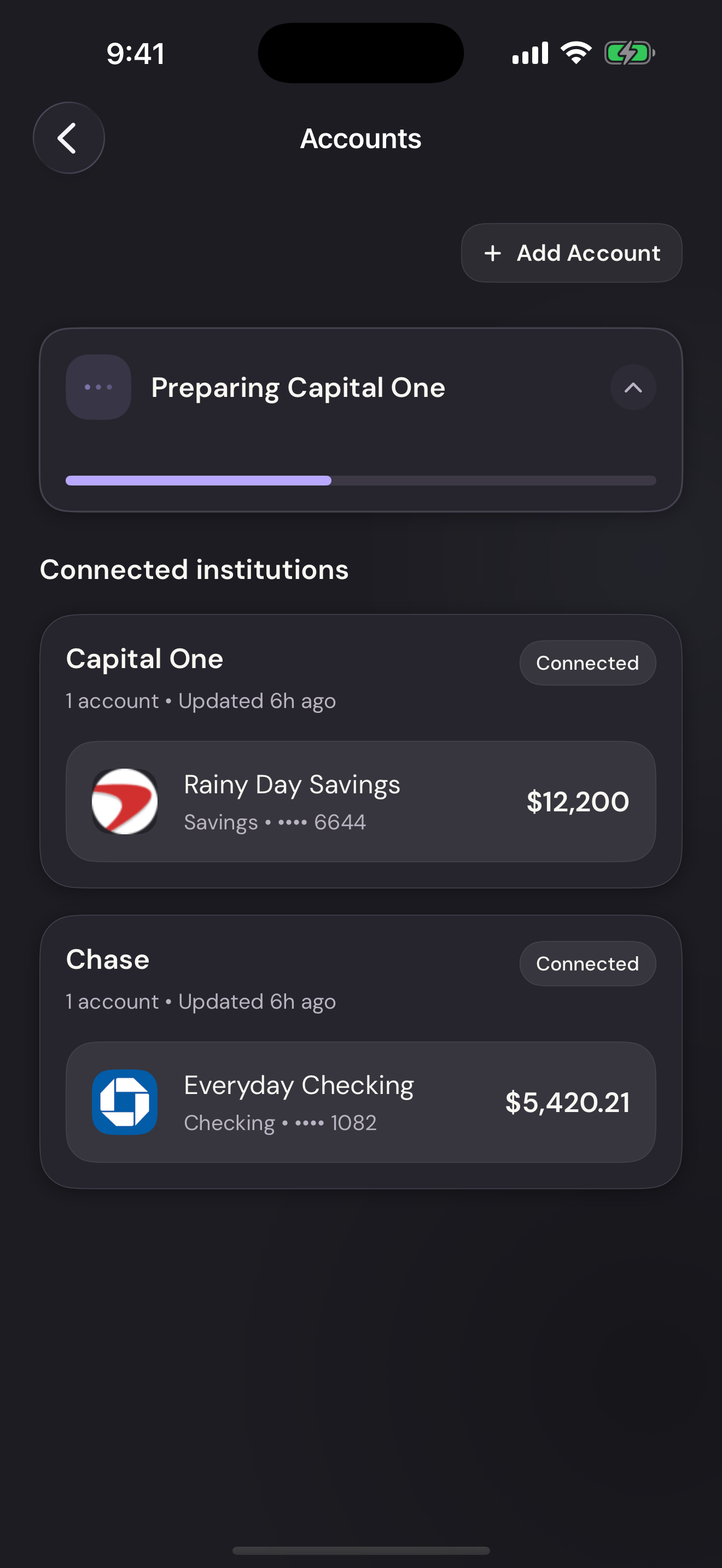
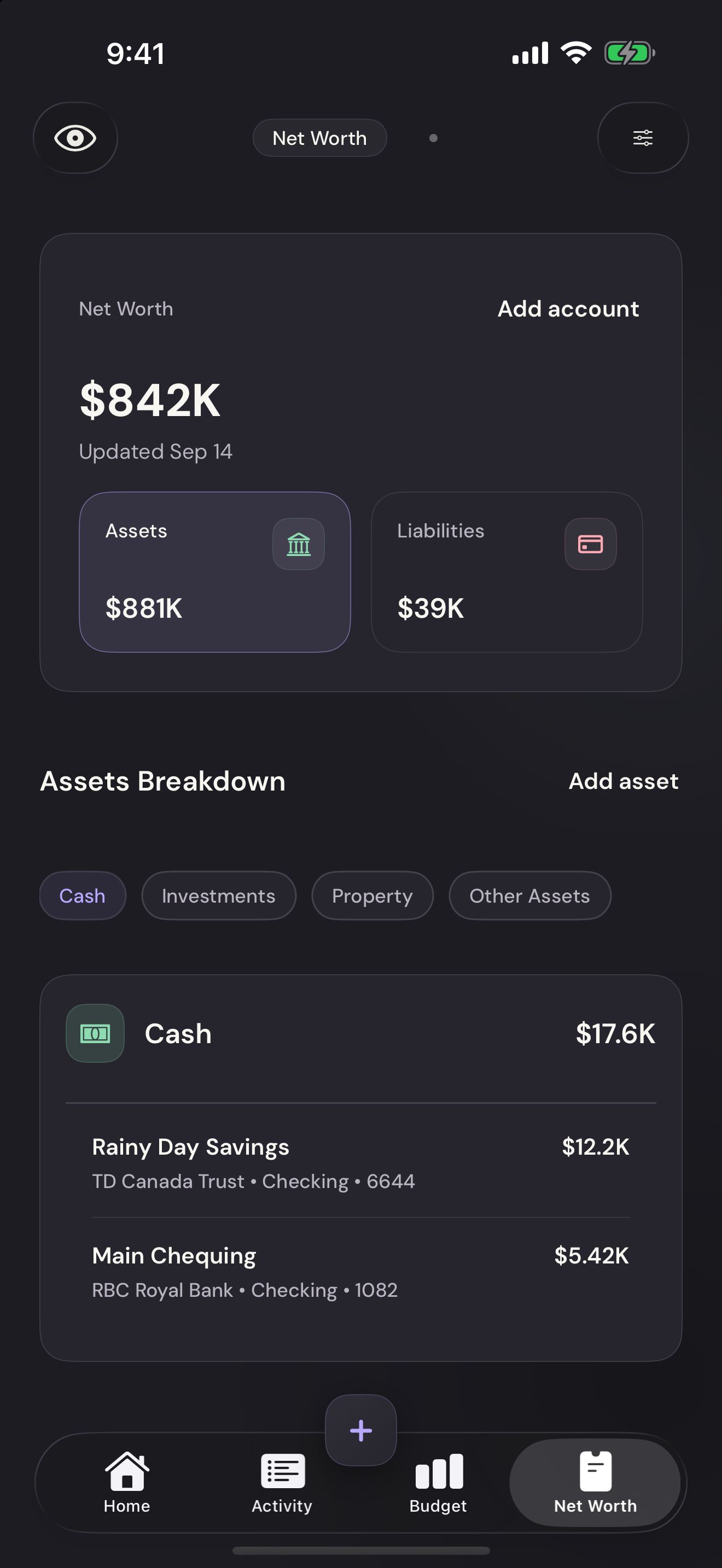
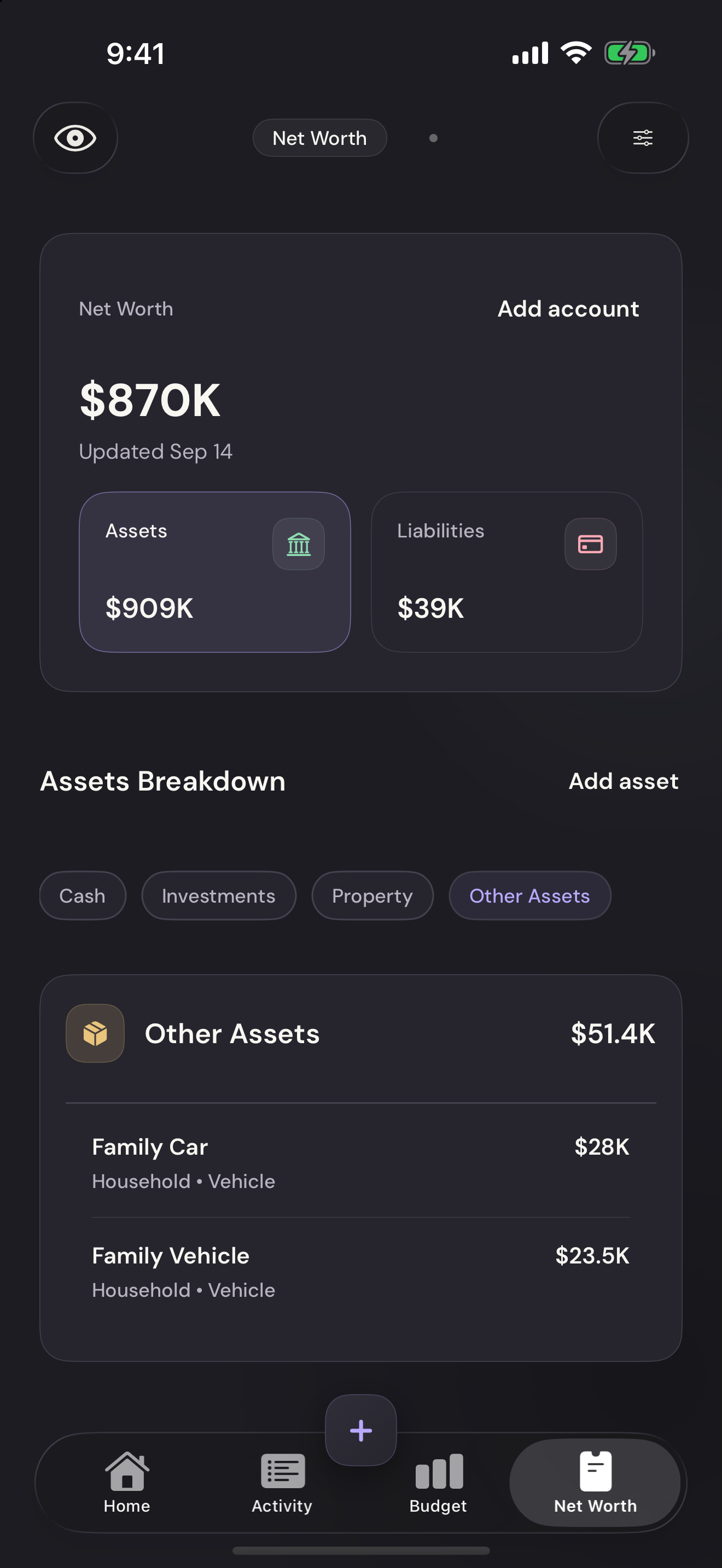
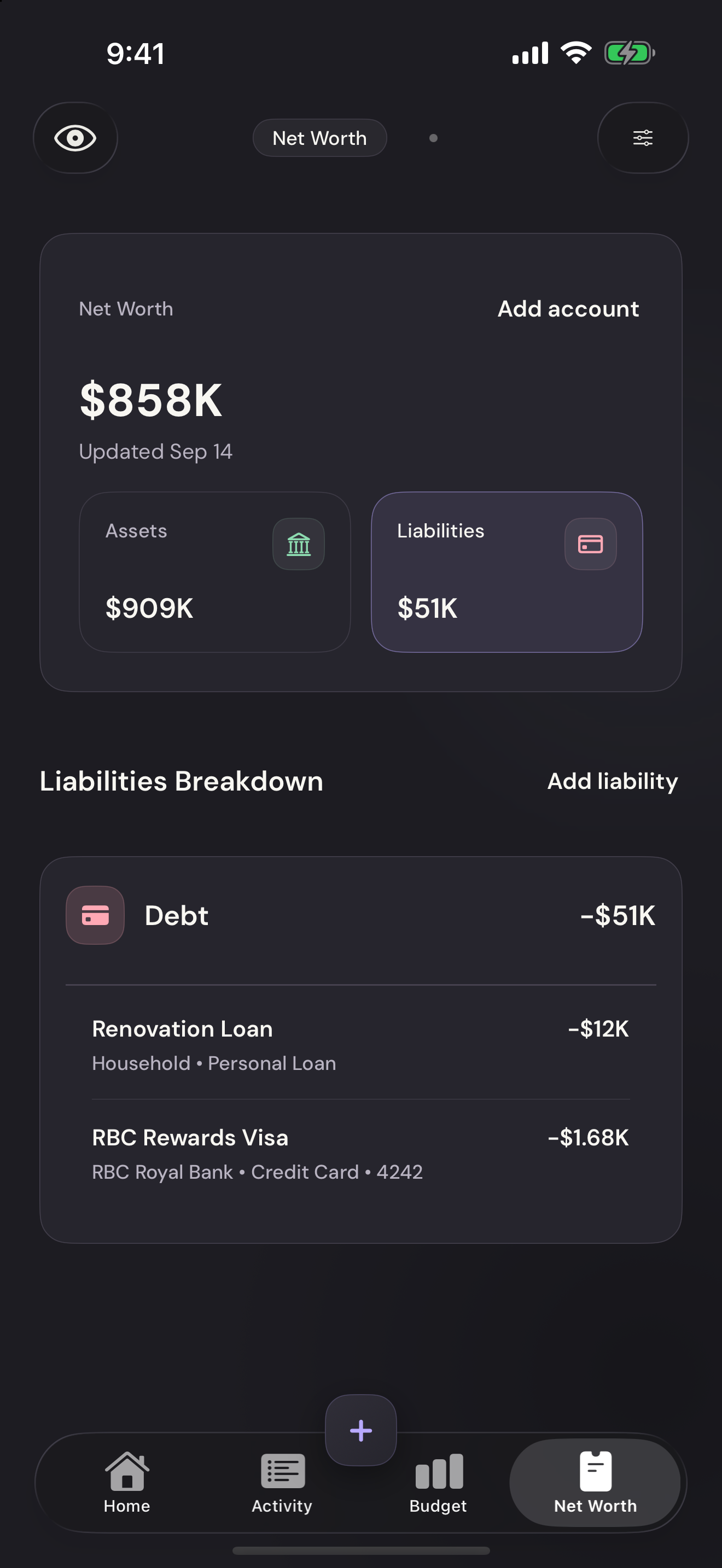
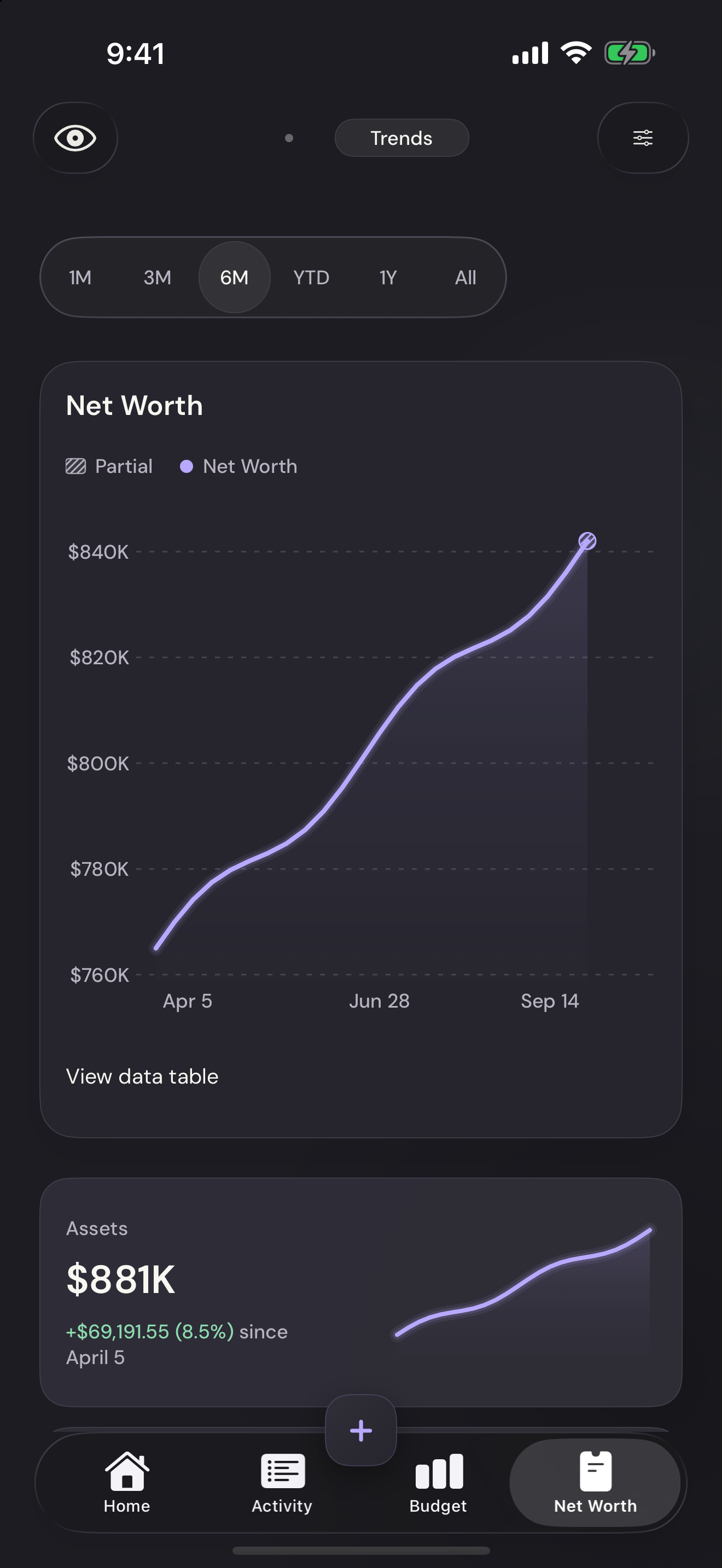
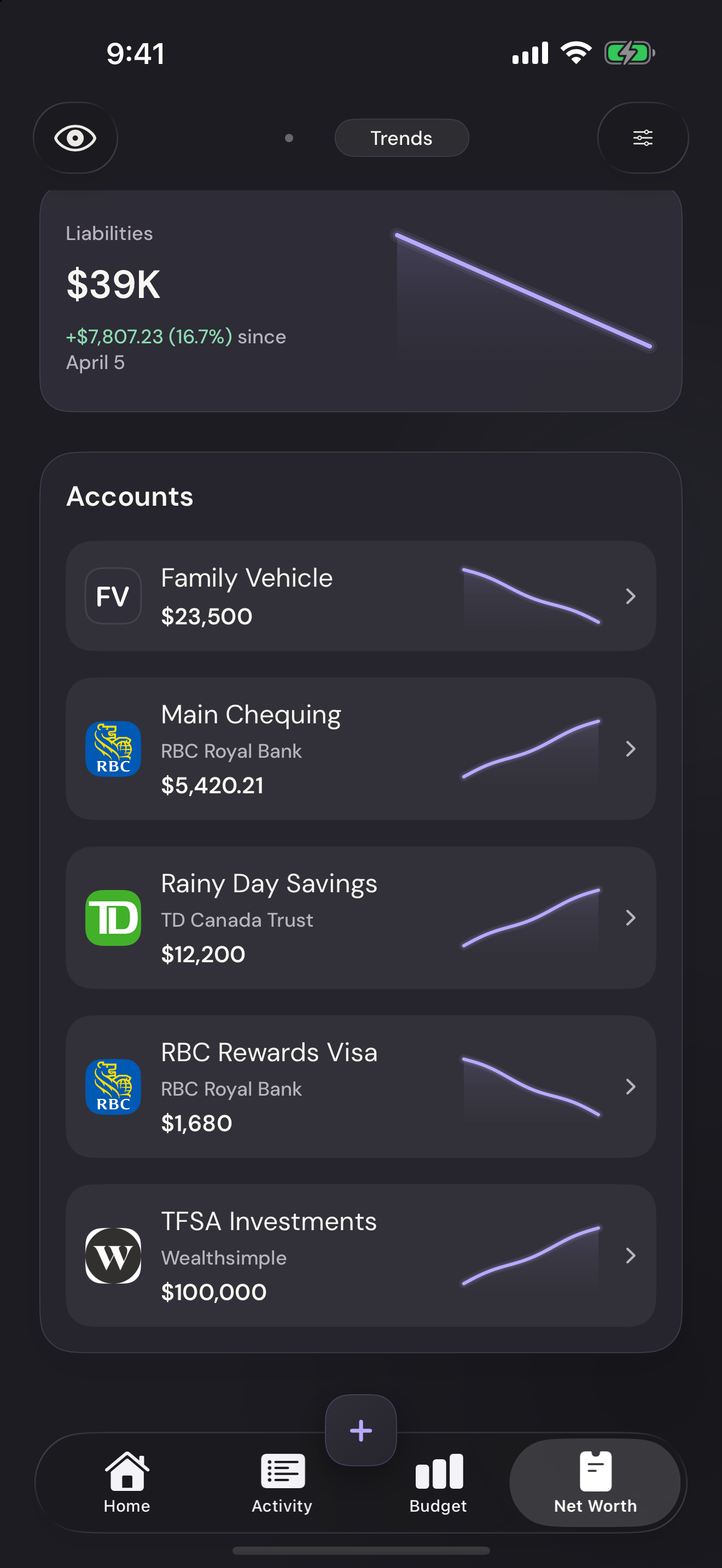
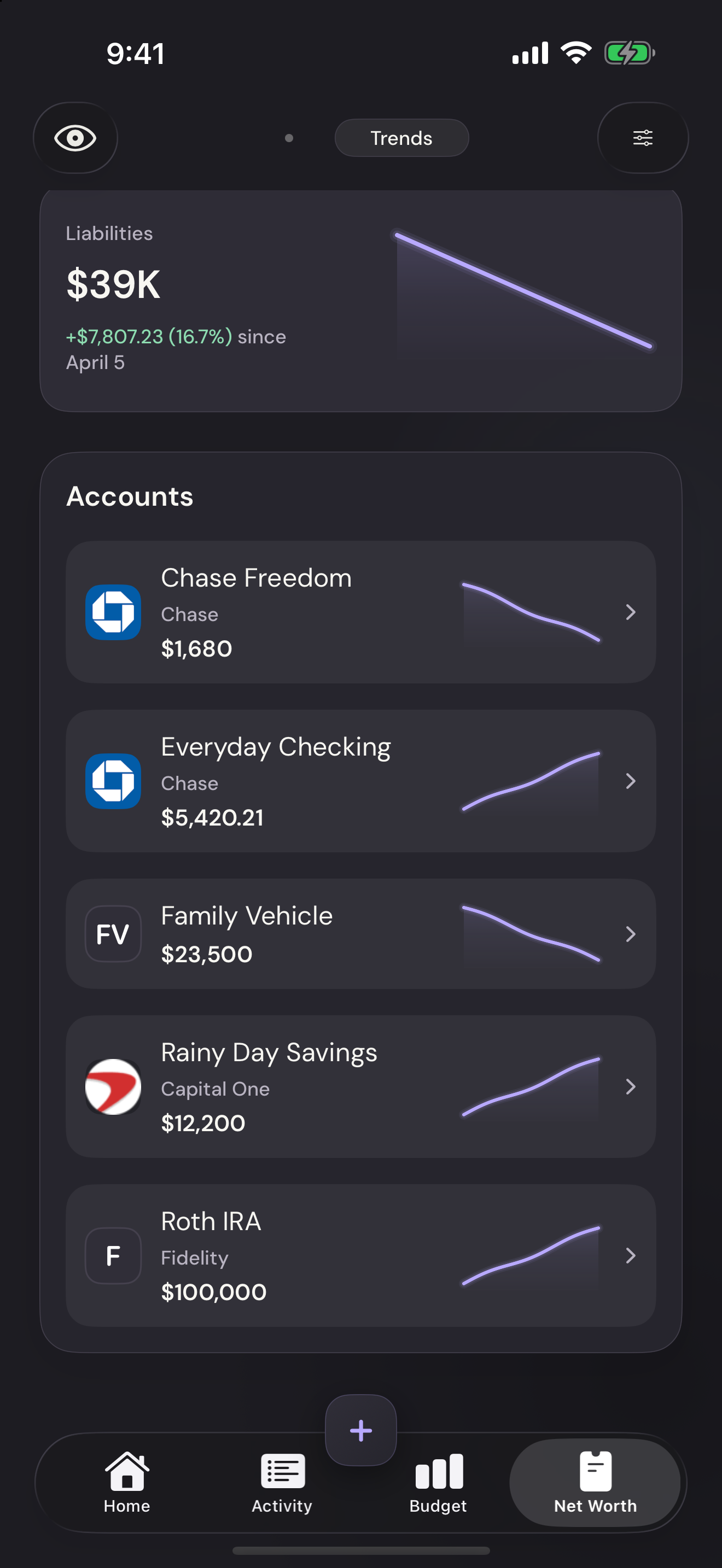
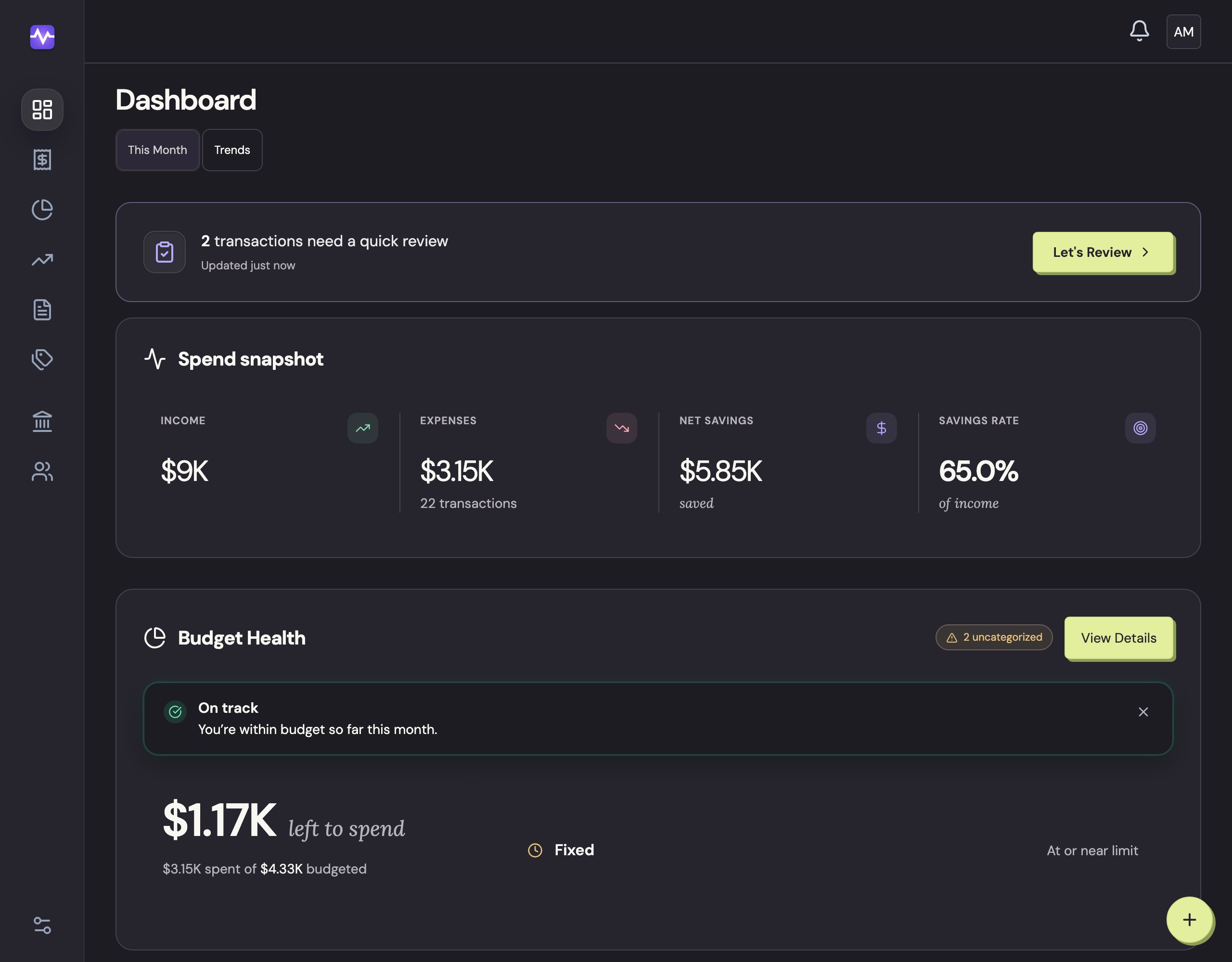
Vylo brings your household’s accounts, transactions, budgets, and net worth together. It handles most of the sorting while you choose your categories, set your rules, and decide how everything is organized.
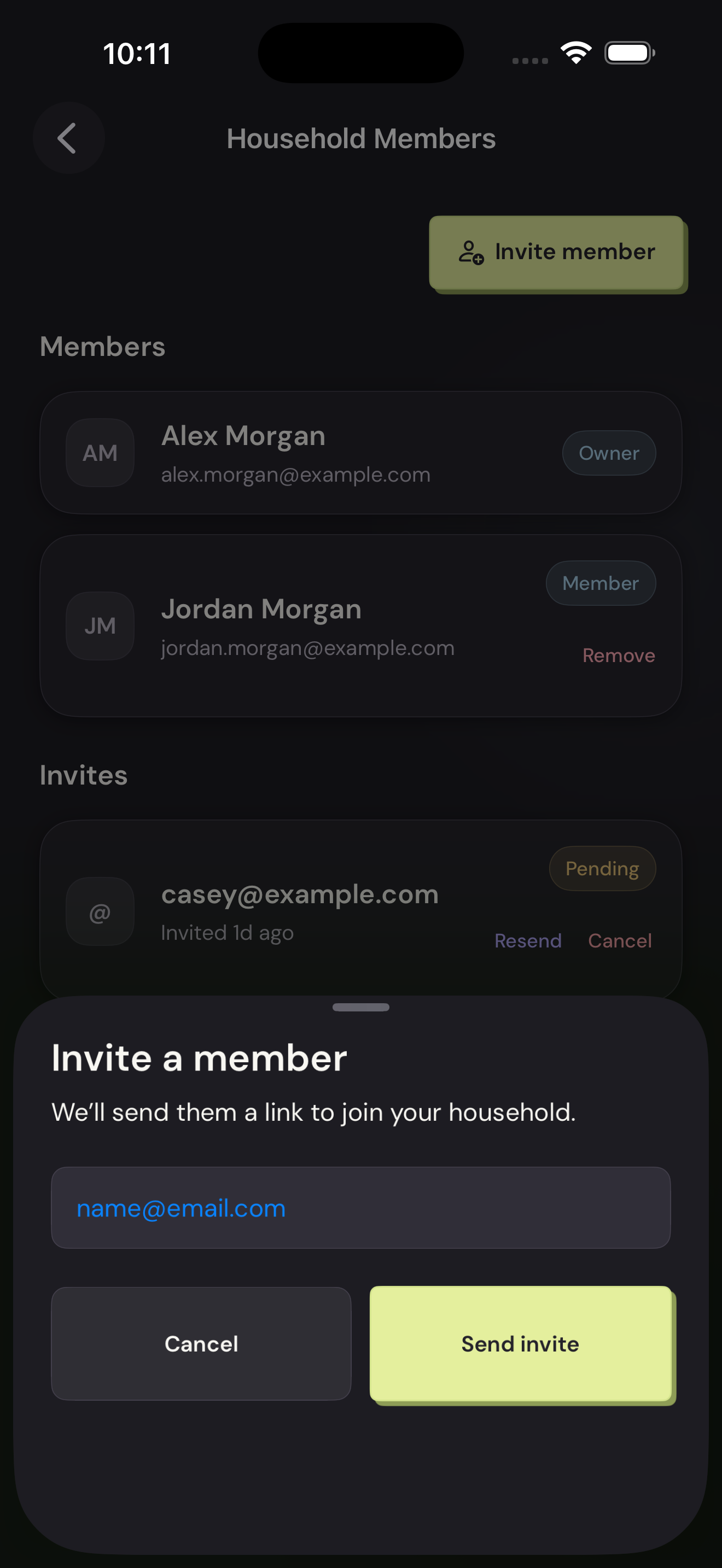
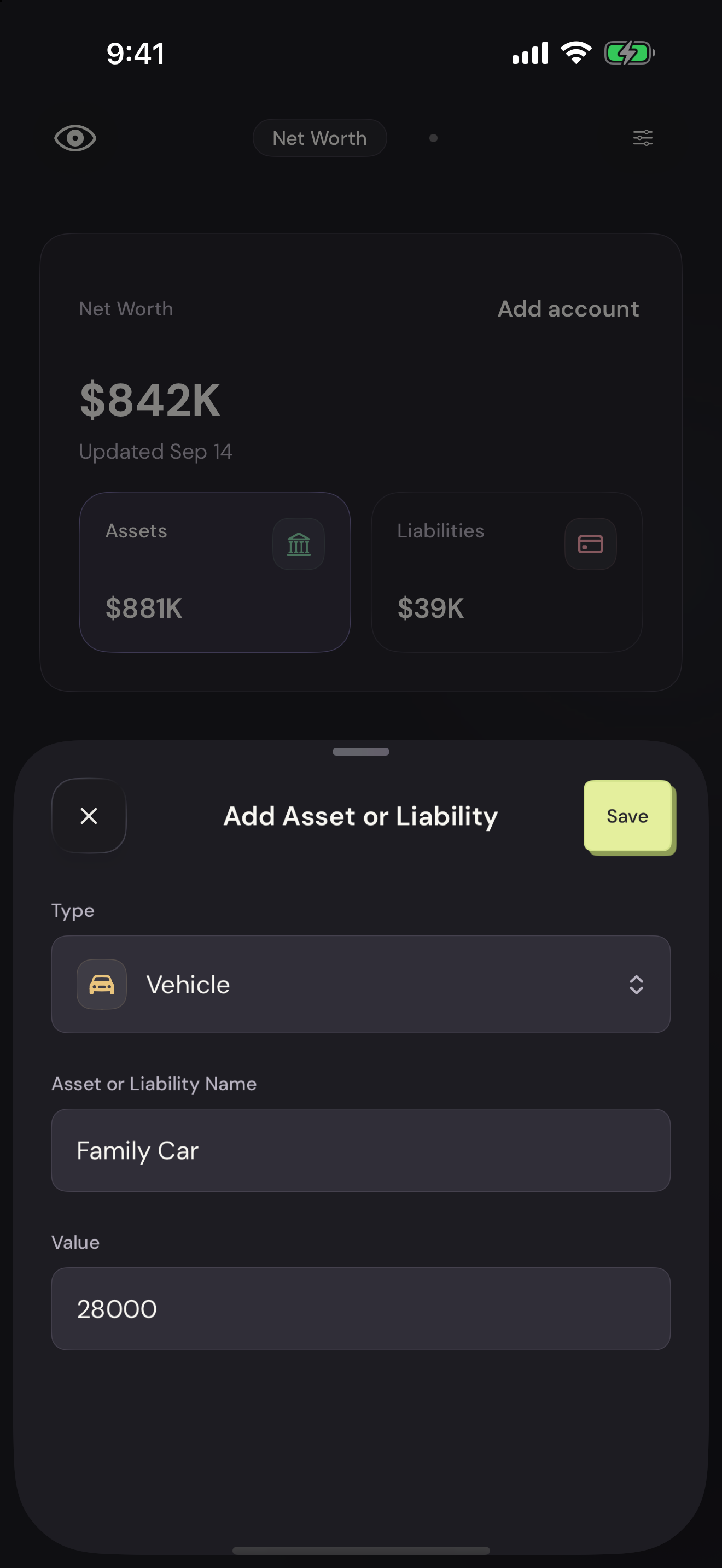
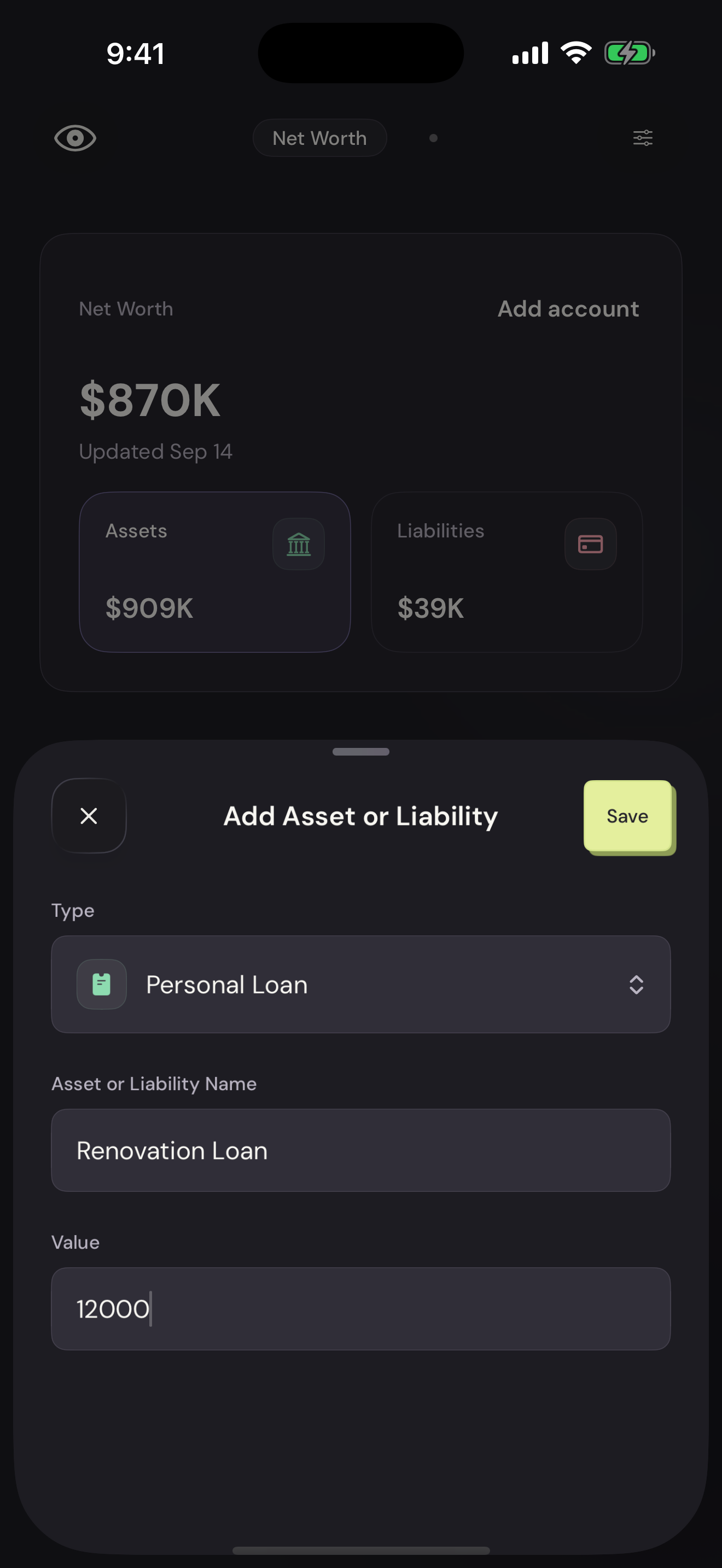
You get automation for the repetitive work and spreadsheet-like flexibility for everything else. Everyone in your household can see the same numbers, without passing a spreadsheet back and forth.
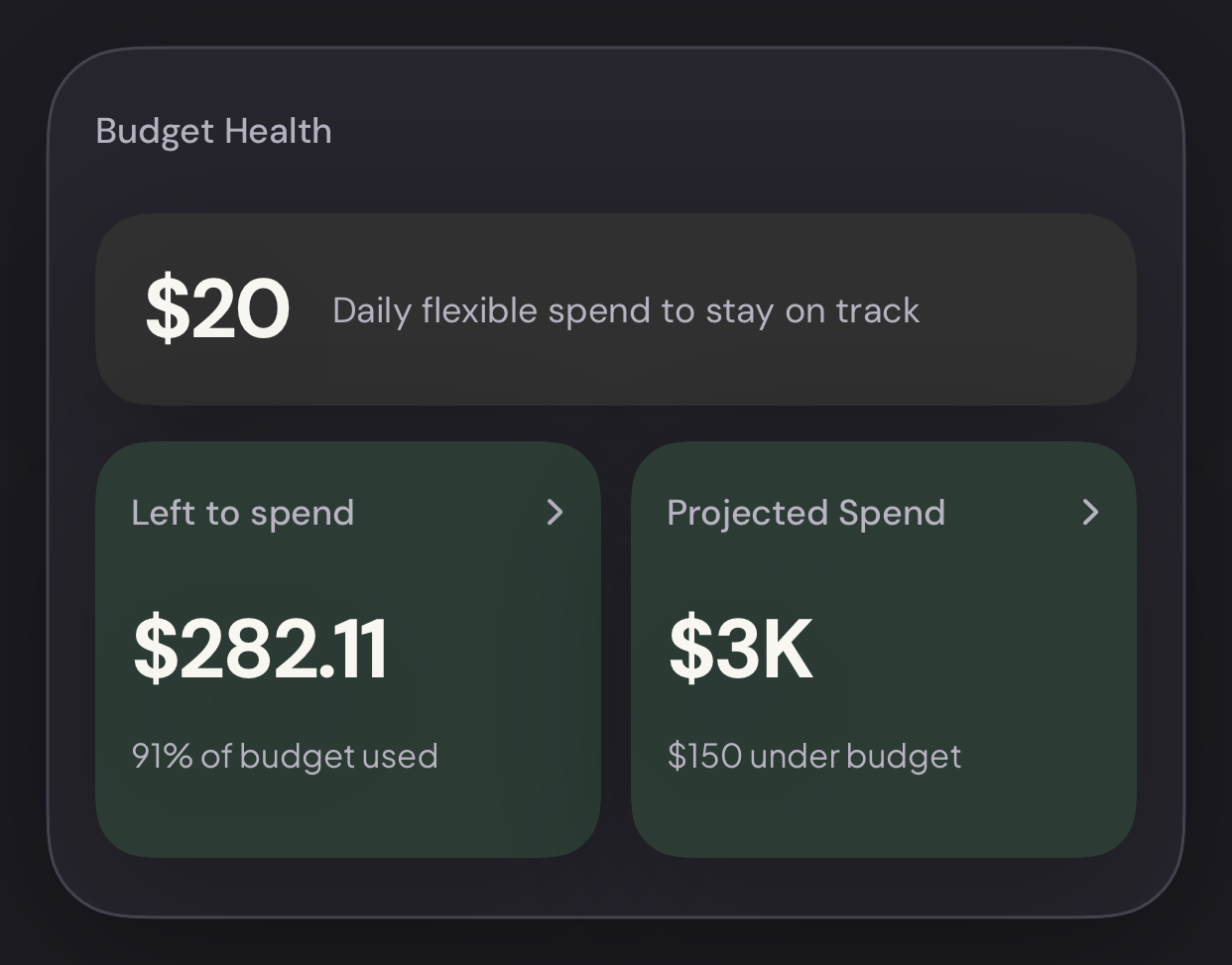
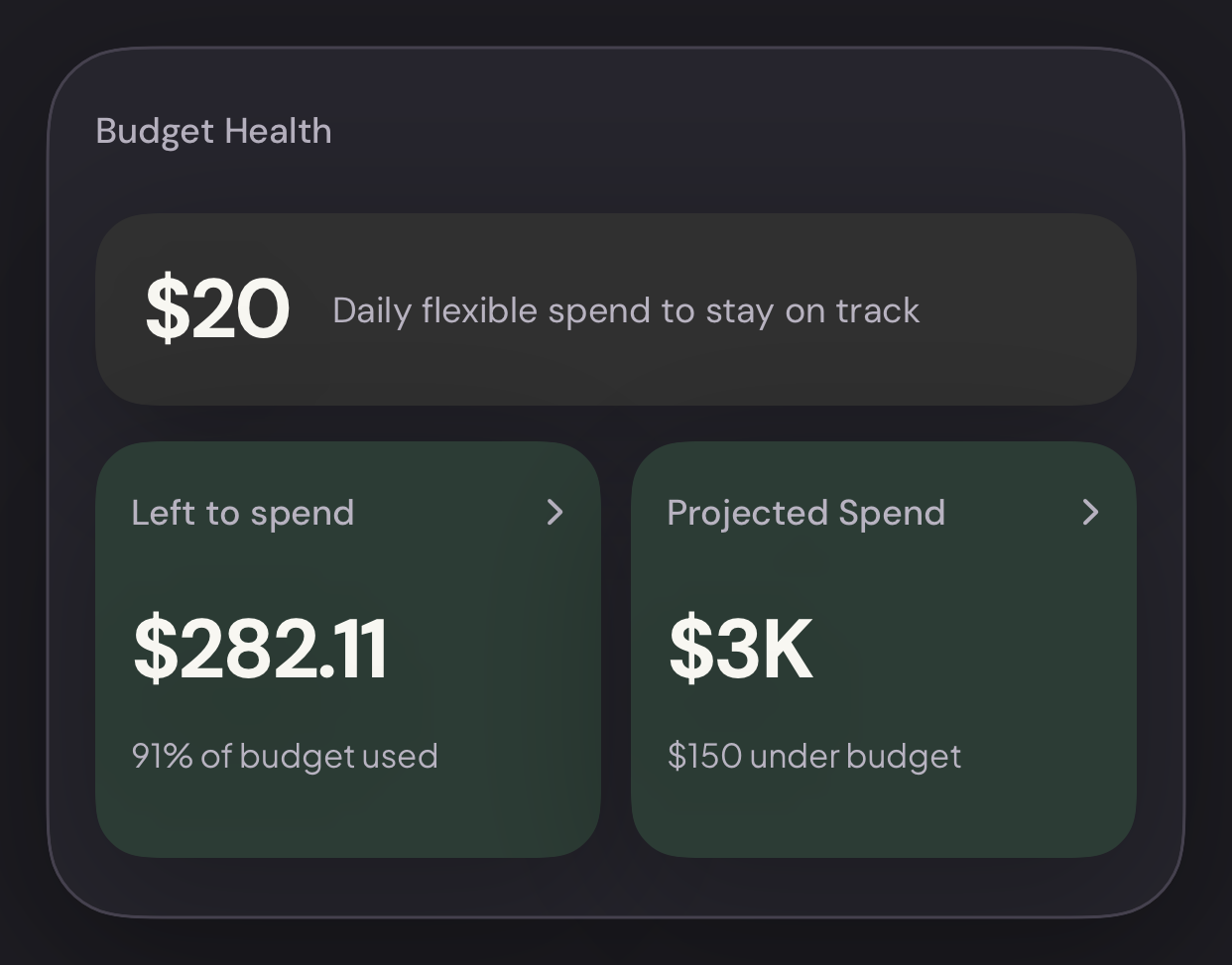
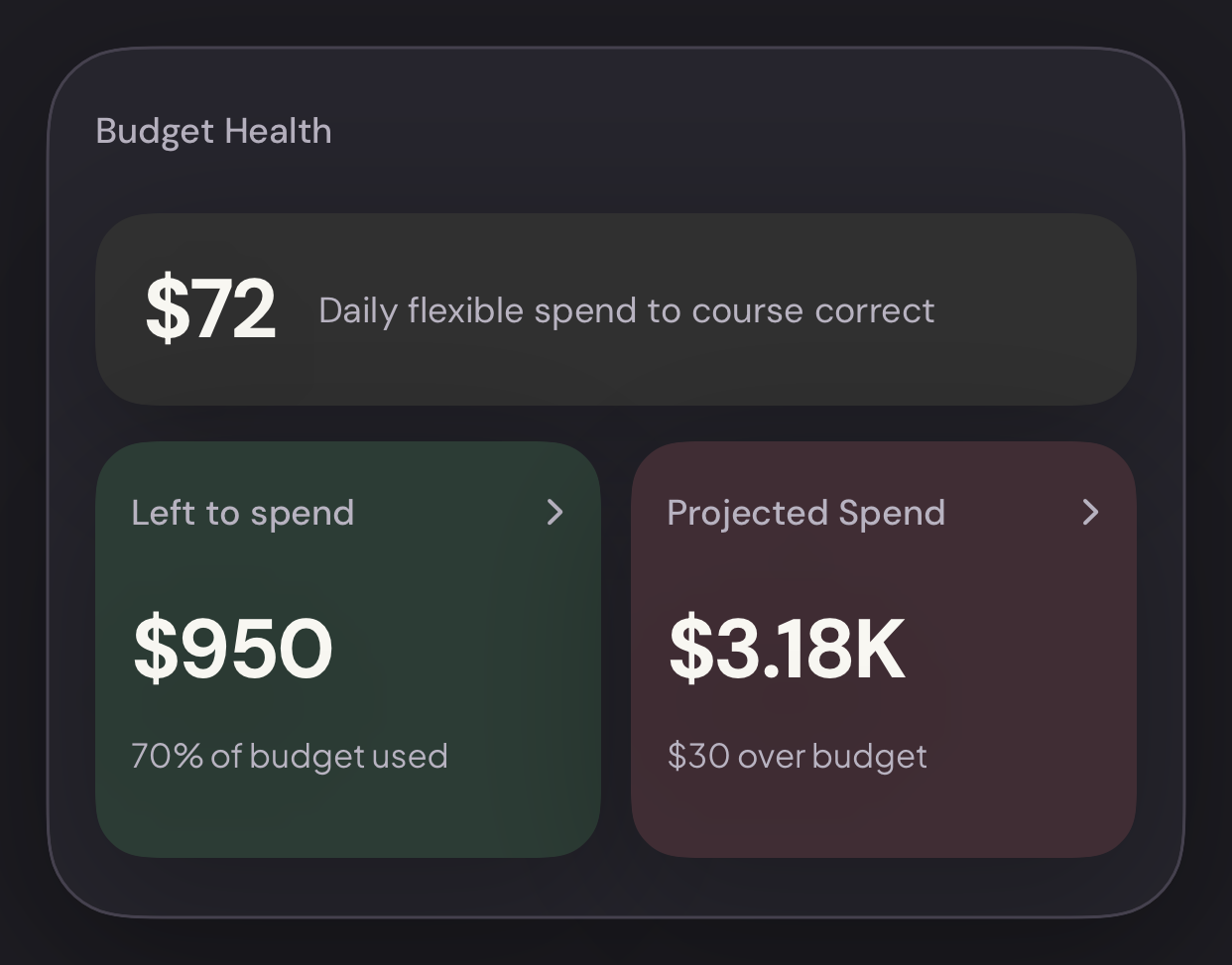
Once you’re set up, Vylo keeps things moving in the background and flags what needs a closer look. When you sit down to check the month, you can spend your time deciding what to do next.
There’s no annual commitment. You should have time to see whether it fits, and be free to leave if it doesn’t.
Keeping track of your money should make life easier—and leave you with a little more of your Sunday.
Thanks for giving Vylo a try.
— The Vylo Team
P.S. If something isn’t working for you, or you have an idea, email us at hi@myvylo.com. We’d love to hear it.