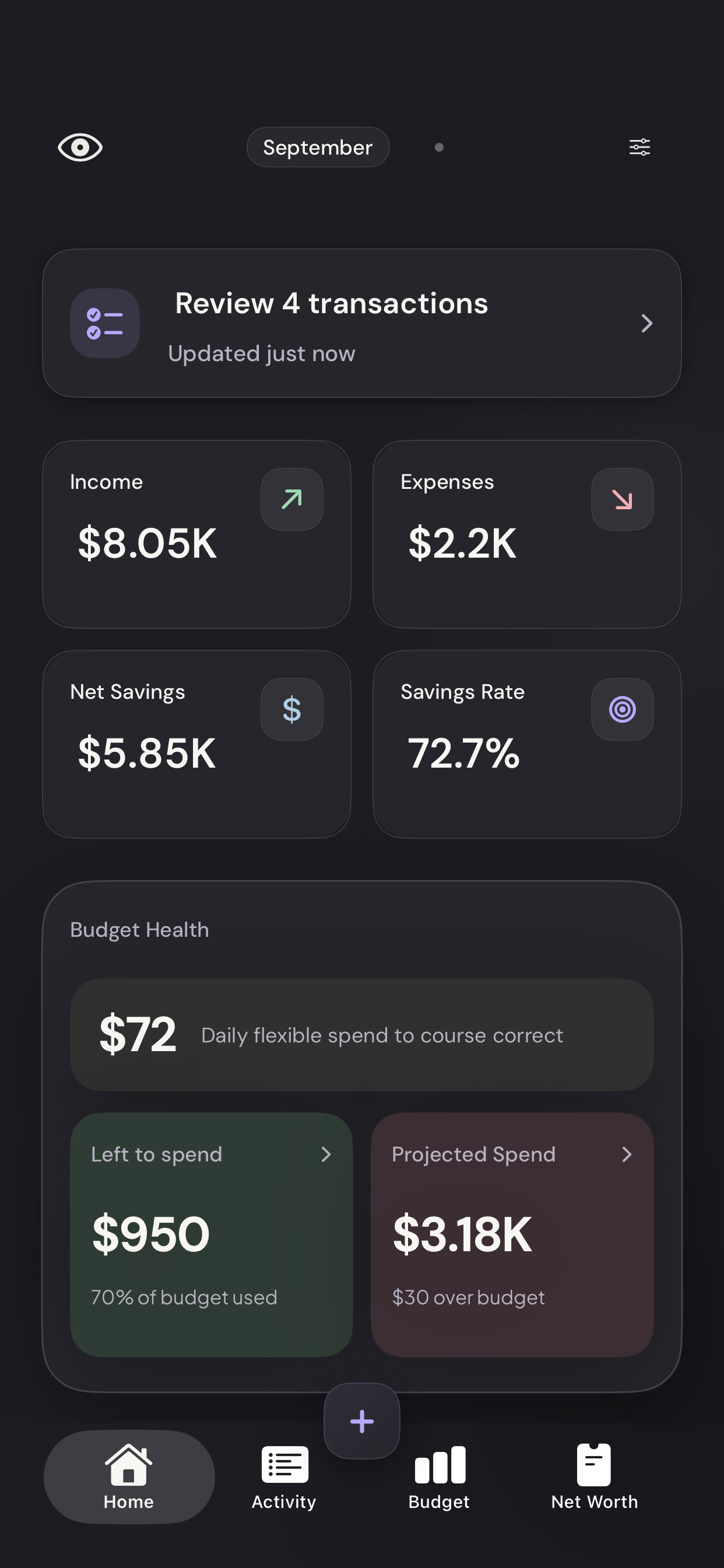
When a transaction arrives from your bank, Vylo tries to put it in the right category. Most purchases can be sorted using merchant names and built-in rules. AI is an optional extra step.
Your saved merchant choices come first
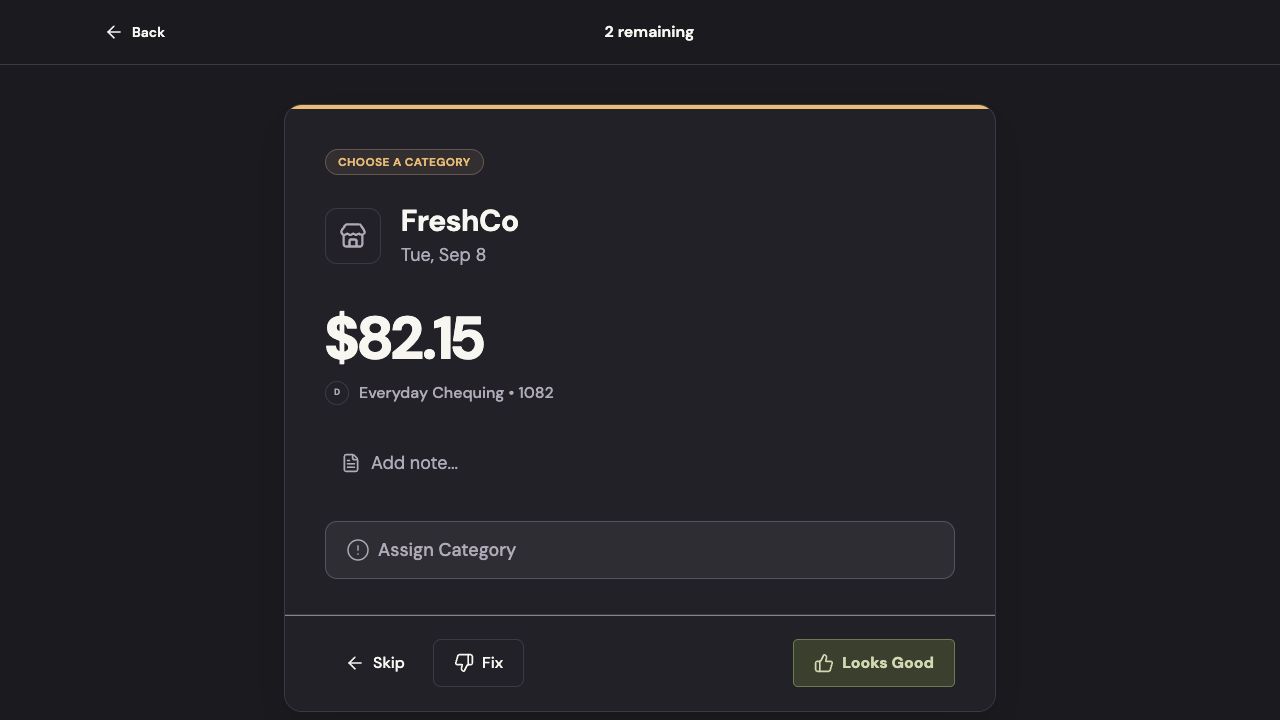
If you’ve told Vylo to remember a merchant, it uses that category for future matching purchases. For example, saving FreshCo as Groceries means you shouldn’t have to make the same choice next week.
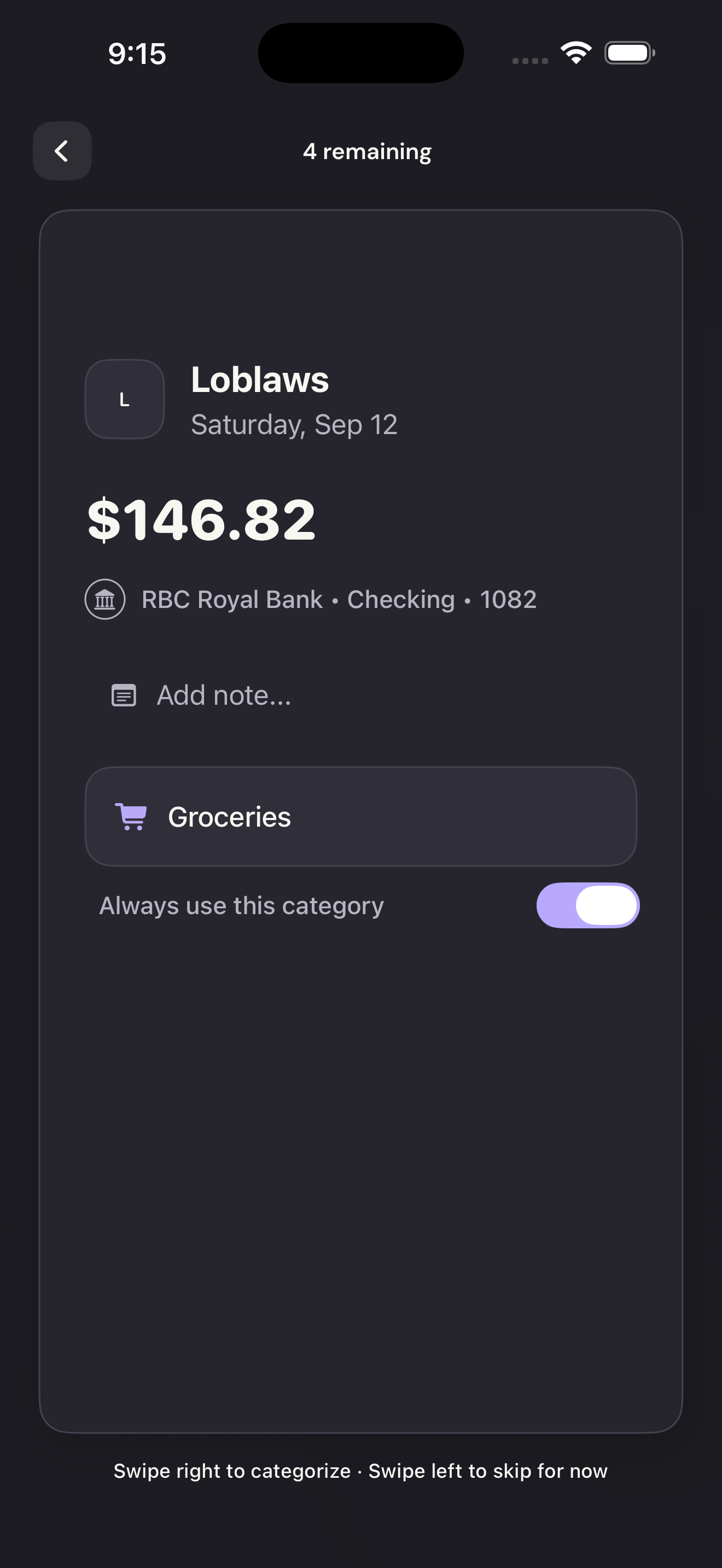
Changing one transaction and saving a merchant rule are different actions. Use Remember merchant on the web, or Always use this category in the iPhone review queue, when you want the choice to carry forward.
Vylo checks the transaction against its rules
Vylo recognizes many merchants and looks for words that help identify a purchase. It also has specific rules for things such as transfers, credit-card payments, bank fees, and income, so moving money between accounts isn’t treated like buying something.
You can add your own category keywords and use the category names that make sense to your household.
AI can help with an unclear merchant—after you agree
For eligible transactions the rules haven’t placed confidently, Vylo can ask OpenAI to suggest a category. The person who connected the bank must give explicit consent first. Joining a household or connecting a bank does not grant AI permission.
Vylo sends a shortened merchant name or bank description, with detected identifying details removed. It does not add the amount, date, account balance, or your budget. See exactly what is sent and how consent works.
Anything that needs a decision goes to review
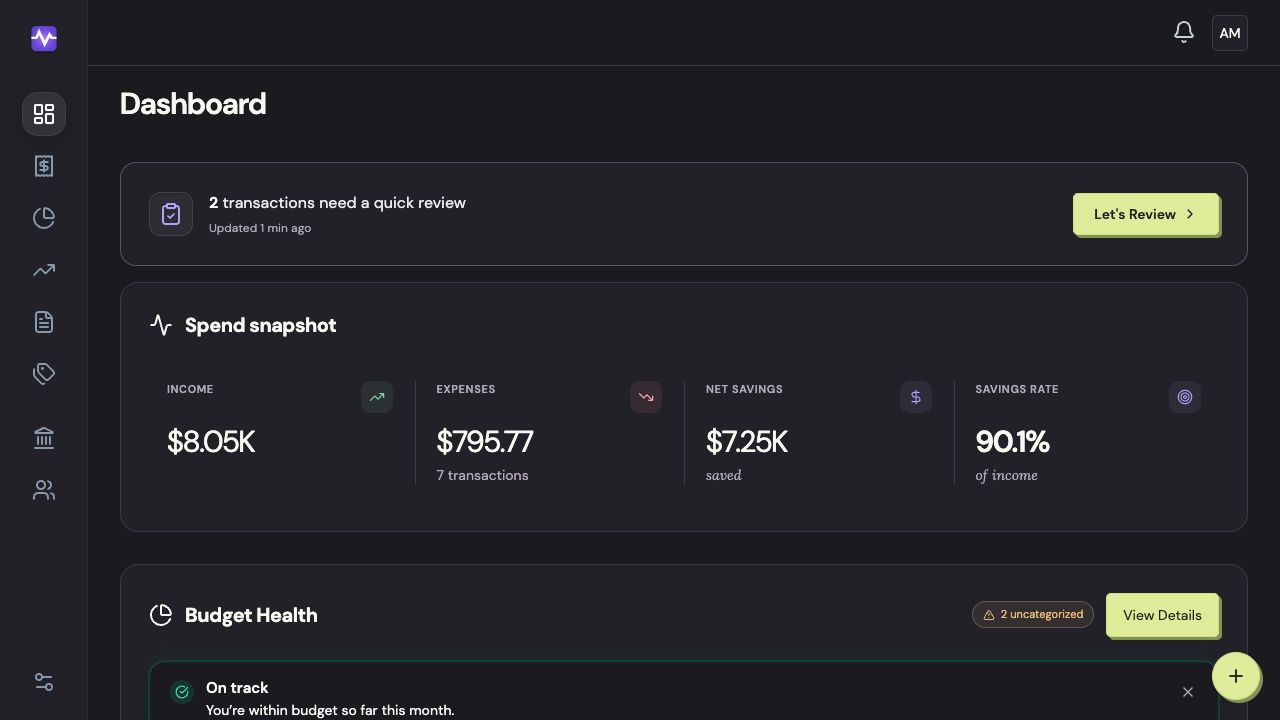
Open the review queue to check uncertain or uncategorized transactions. Choose a category, confirm it, or skip the transaction until you know what it is. You can also correct a category directly in Transactions on the web or Activity on iPhone.
A store can sell groceries, gifts, and furniture on the same receipt. Vylo can recognize the store; you still know best what the purchase was for.
On the web
The review queue is where you make the decisions the automatic rules couldn’t. The related review guide shows how to confirm a category and save a merchant rule.
On iPhone
Open a purchase in the review queue to check the category, correct it, or skip it until you know what it is.