
The billing owner can manage a web subscription’s card and invoices in Settings → Billing. Other household members may see the status without edit controls.
Why are there no invoices?
Check whether a payment has completed and whether this is a web subscription. Apple provides receipts for App Store purchases; those payments won’t appear in Vylo’s web invoice list.
What if I just want to cancel?
Use Cancel your subscription. Removing a card and updating a card are different actions; the confirmation explains any effect on renewal.
Payment details belong in the secure payment form. Don’t email a card number or security code.
On the web
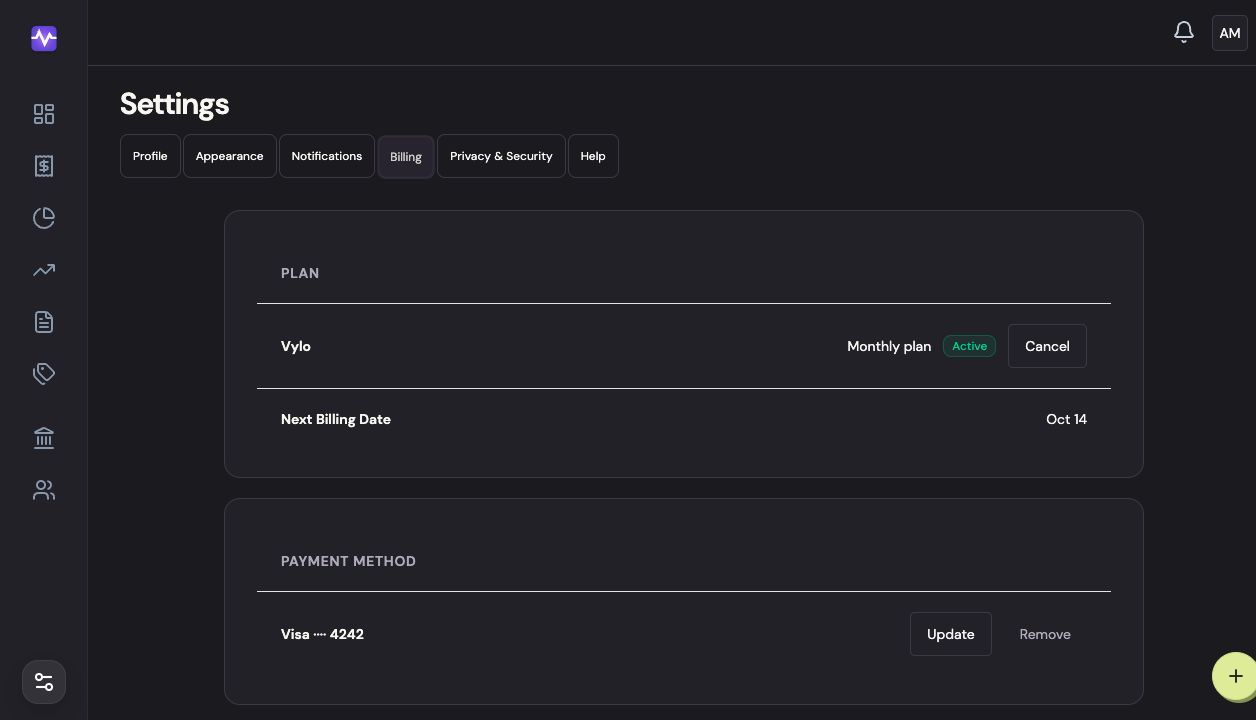
Open Billing
Choose Settings, then Billing.
Open BillingTap to enlarge Update your card
Click Update under Payment Method. Enter the replacement card in the secure payment form and save it.
Update your cardTap to enlarge Open an invoice
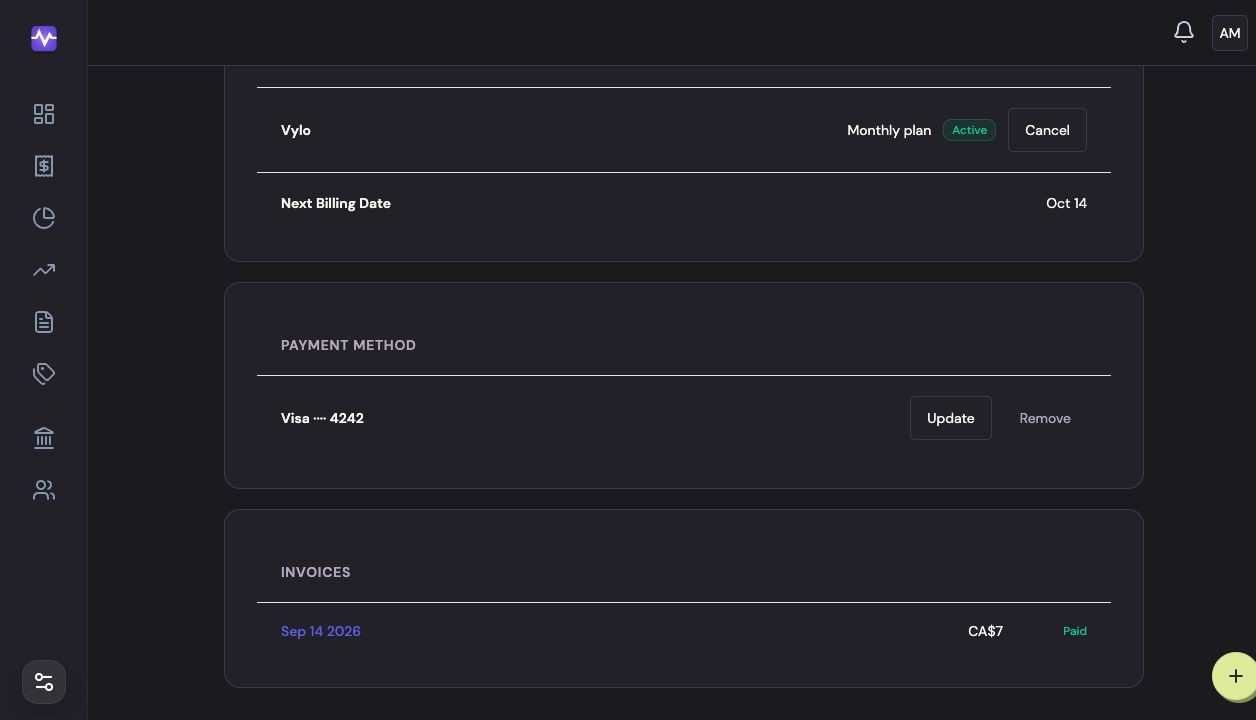
Under Invoices, click the payment date to open its receipt. You can download it from the invoice page.
Open an invoiceTap to enlarge
On iPhone
Apple handles payment methods and receipts for App Store subscriptions. For a web subscription, sign in to Vylo in your browser and follow the web steps.
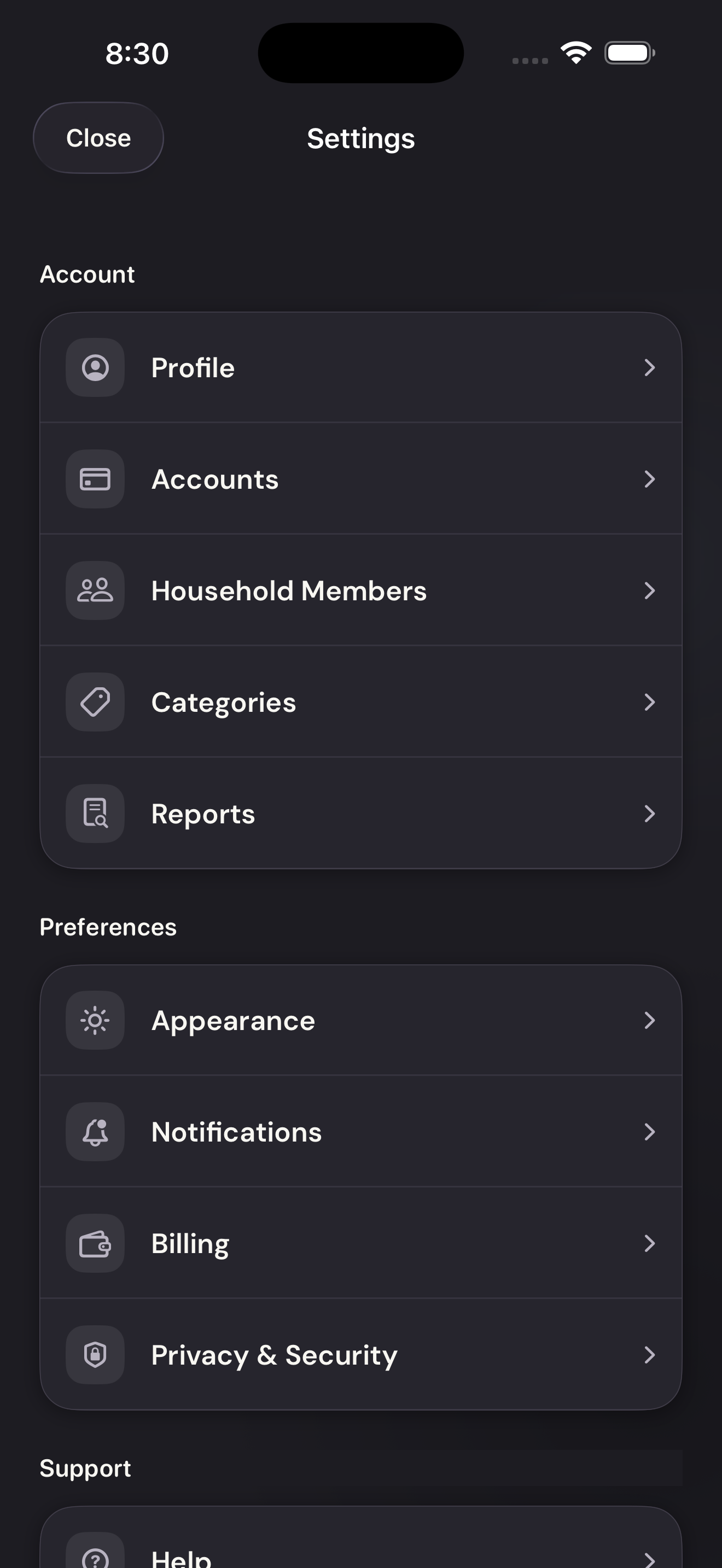
Open Billing
Tap the settings control at the top right of the app, then Billing.
Open BillingTap to enlarge Open Apple subscription management
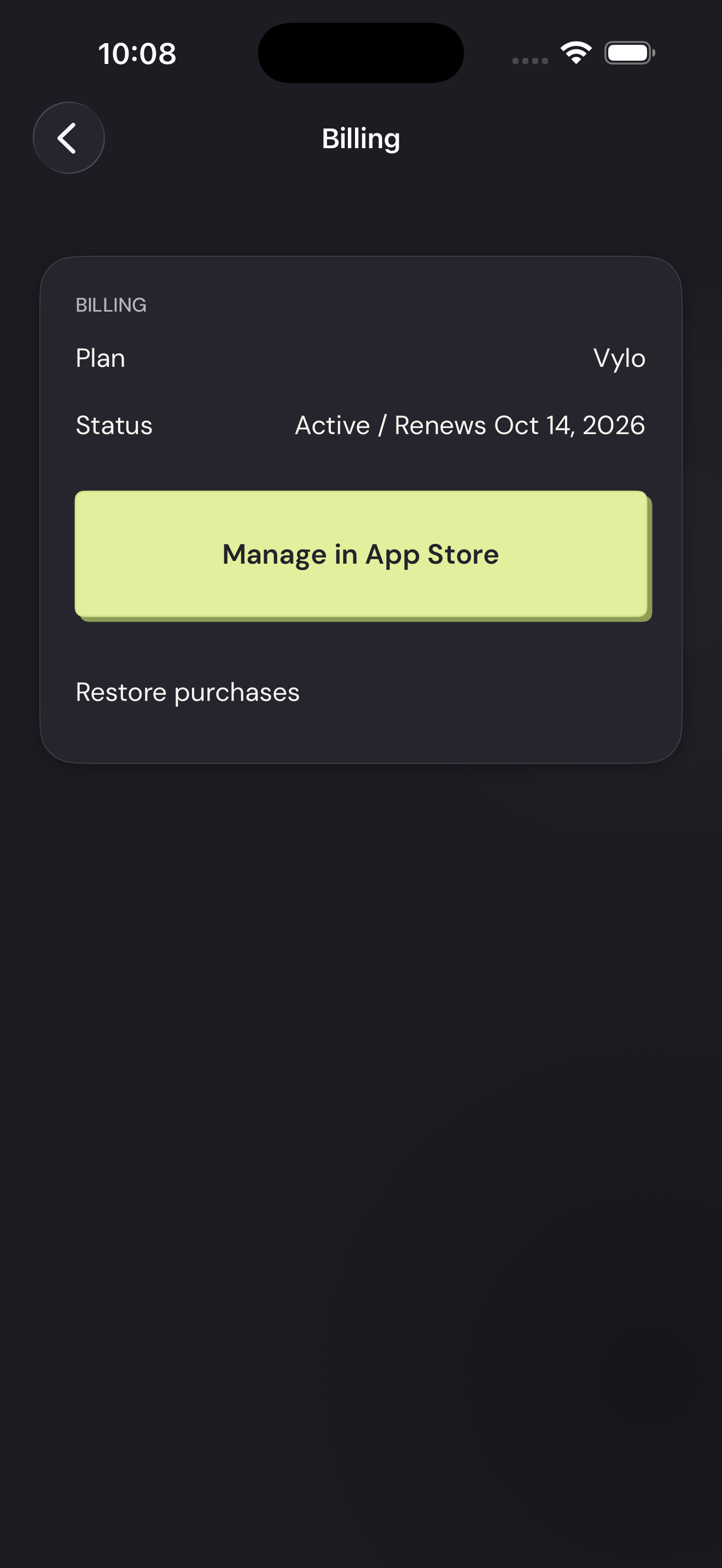
Tap Manage in App Store. Apple opens its subscription settings; choose Vylo to see its renewal and cancellation options.
Open Apple subscription managementTap to enlarge