
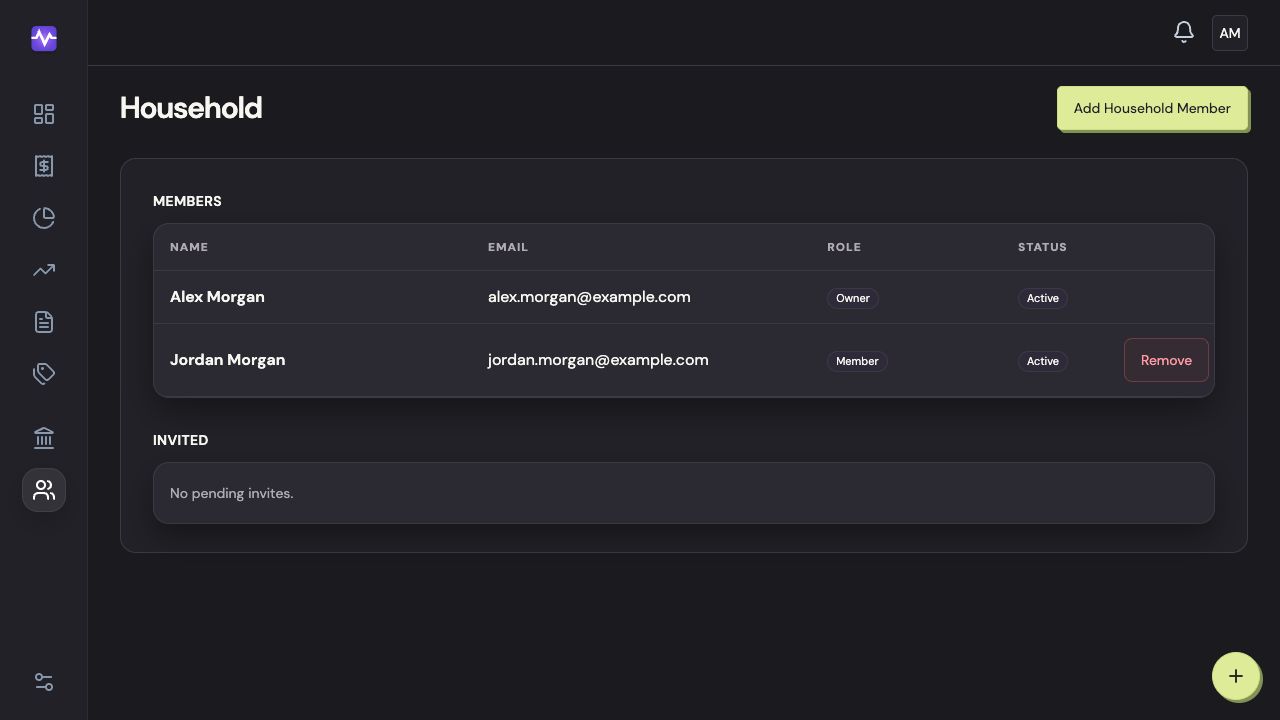
Removing a member ends their access to the shared household. Cancelling a pending invitation prevents that invitation from being used; it doesn’t remove someone who has already joined.
If the person connected bank accounts or manages the subscription, contact hi@myvylo.com before removing them so we can help you account for those connections and payments.
Can I leave or transfer ownership?
Email us with what you want to keep and who should manage the household. Deleting the owner’s account deletes the household; it does not transfer it to another member.
On the web
On iPhone
Open Household Members
Tap the settings control at the top right of the app, then Household Members.
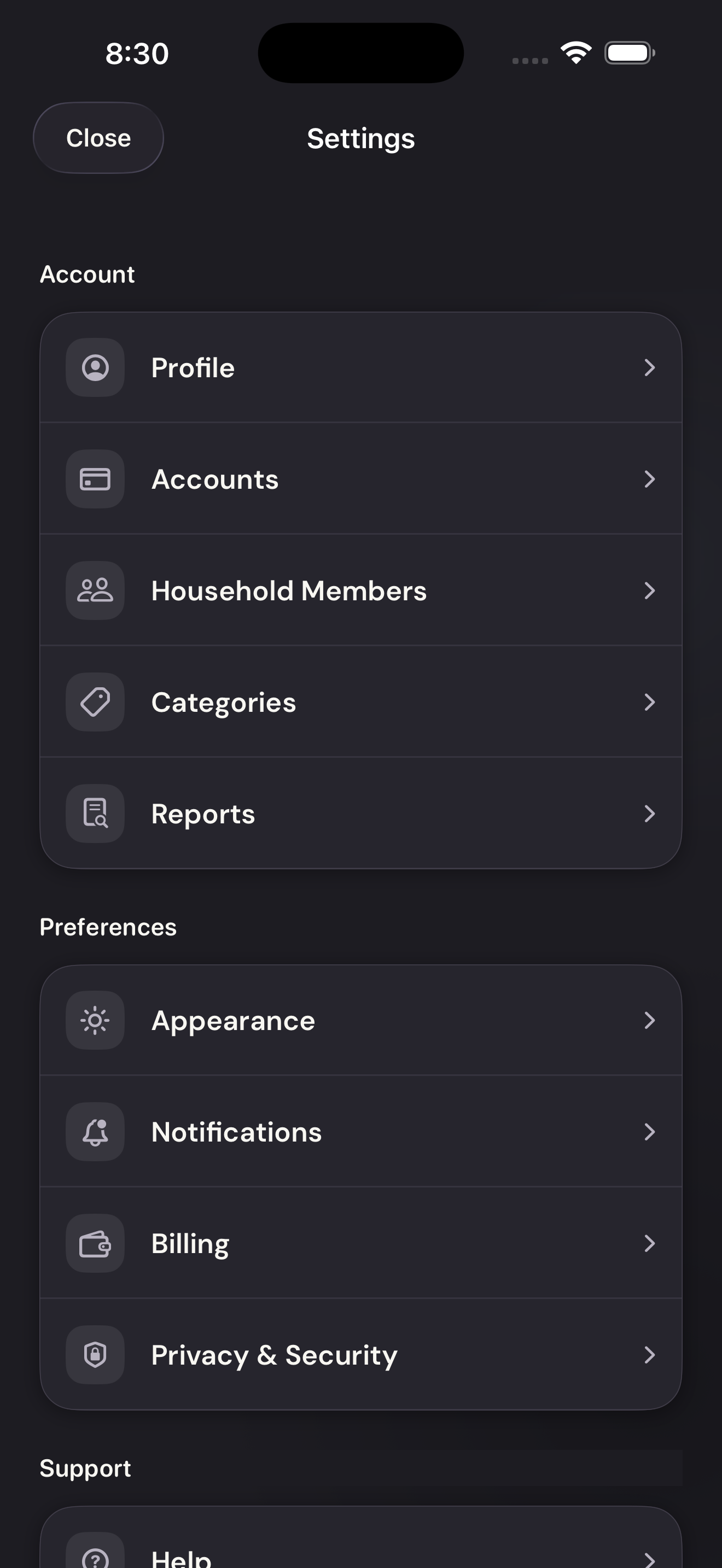
Open Household MembersTap to enlarge Choose the member
Tap Remove on that person’s card.
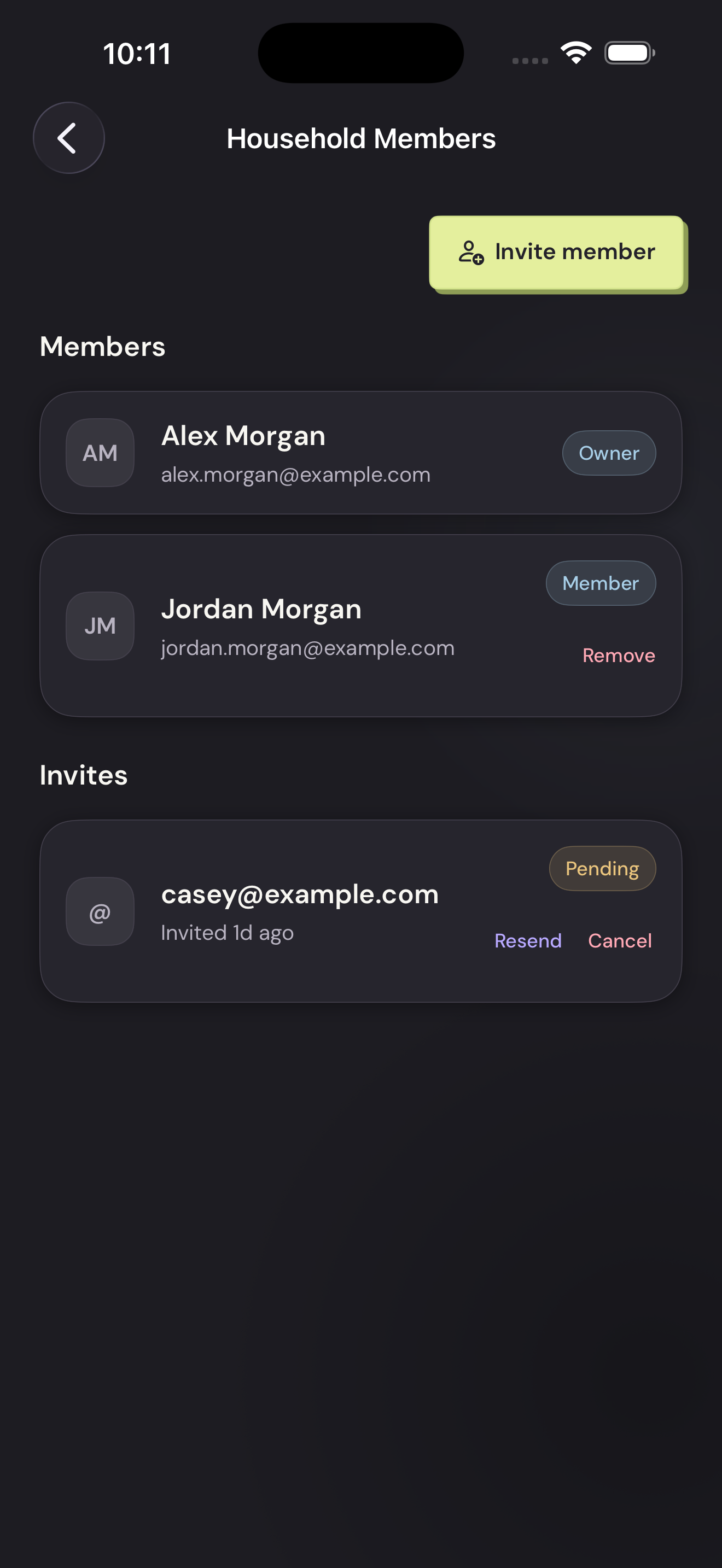
Choose the memberTap to enlarge Confirm the name
Check the person named in the pop-up, then tap Remove.
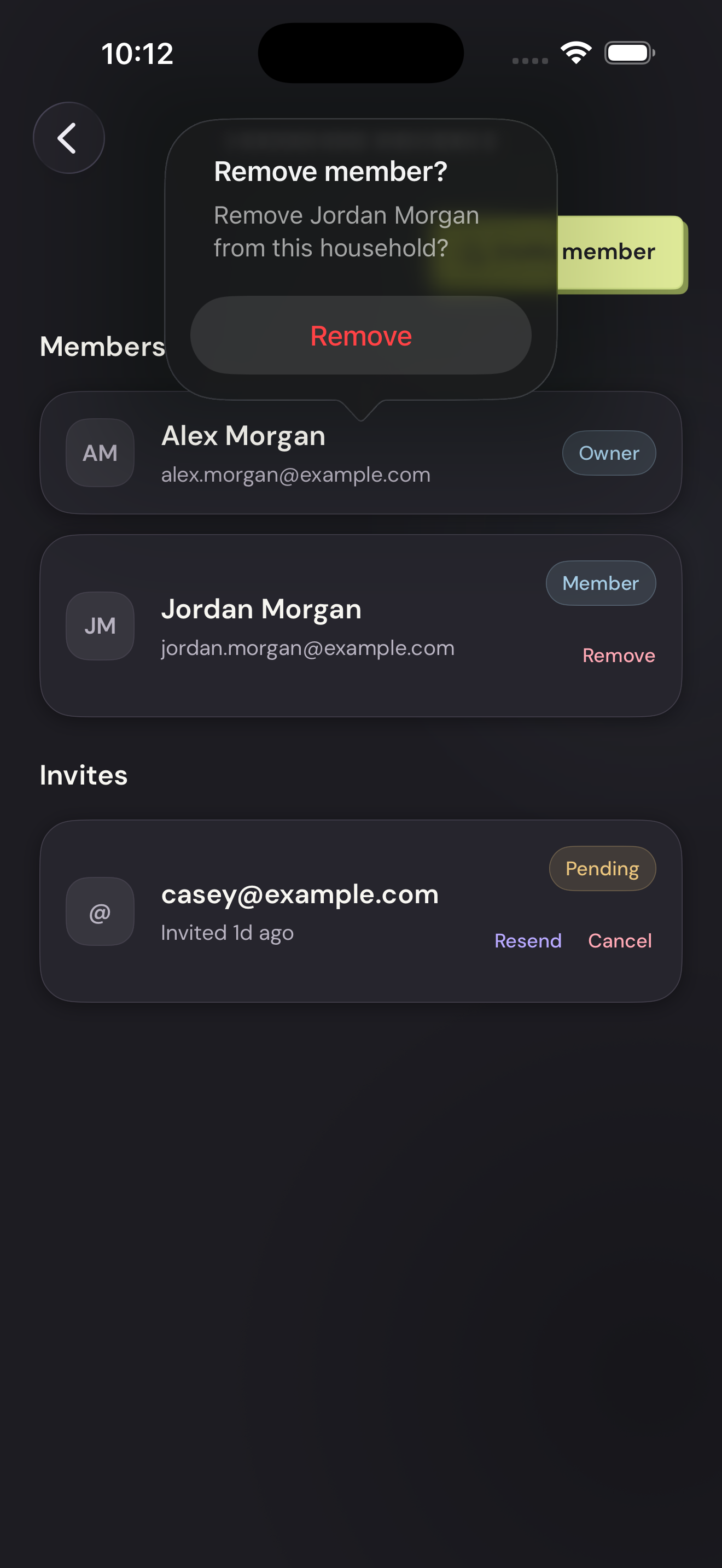
Confirm the nameTap to enlarge