
The household owner can request a data export in Settings → Privacy & Security. Once it’s ready, download it before the link expires. Request a fresh export if the earlier download is no longer available.
For a spreadsheet of transactions, Export CSV is the smaller option.
Exporting before deletion
Download the file you want to keep before deleting your account. Requesting an export doesn’t automatically save it to your device.
The file contains household financial information, so keep it somewhere private.
On the web
Open Privacy & Security
Choose Settings in the navigation, then Privacy & Security.
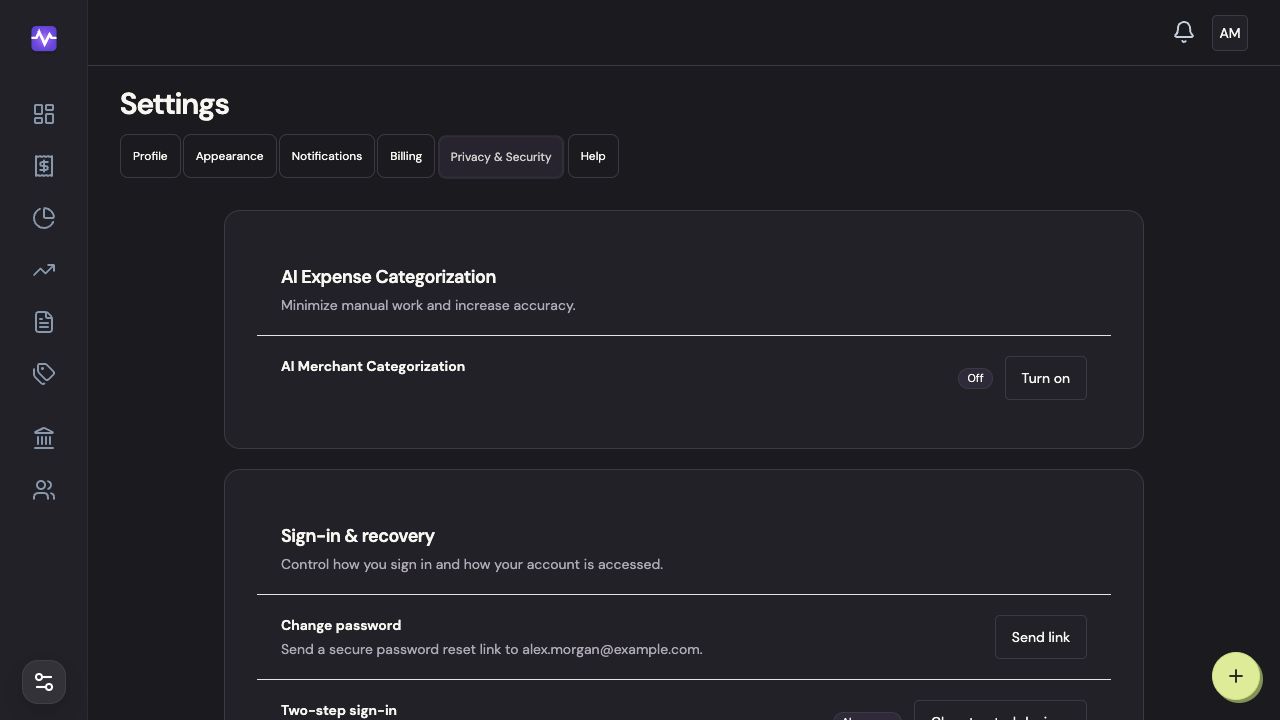
Open Privacy & SecurityTap to enlarge Request an export
Under Export data, click Request export.
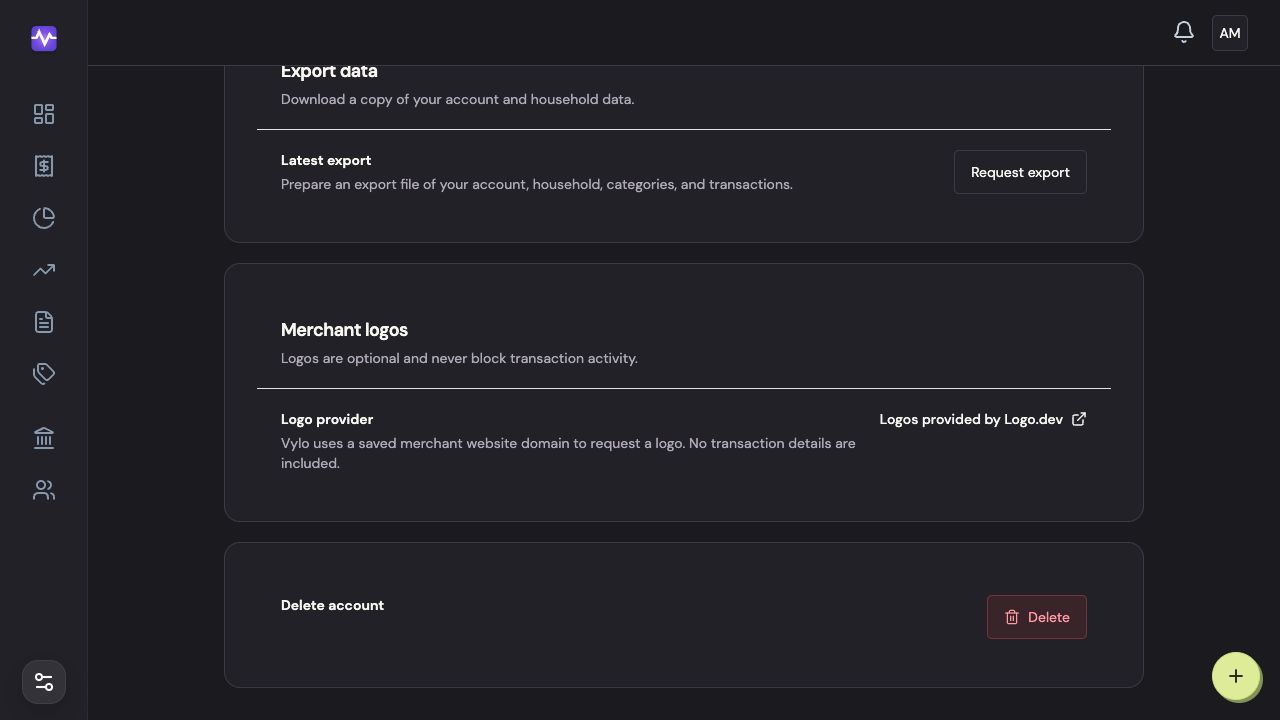
Request an exportTap to enlarge Prepare the file
Click Prepare export in the confirmation.
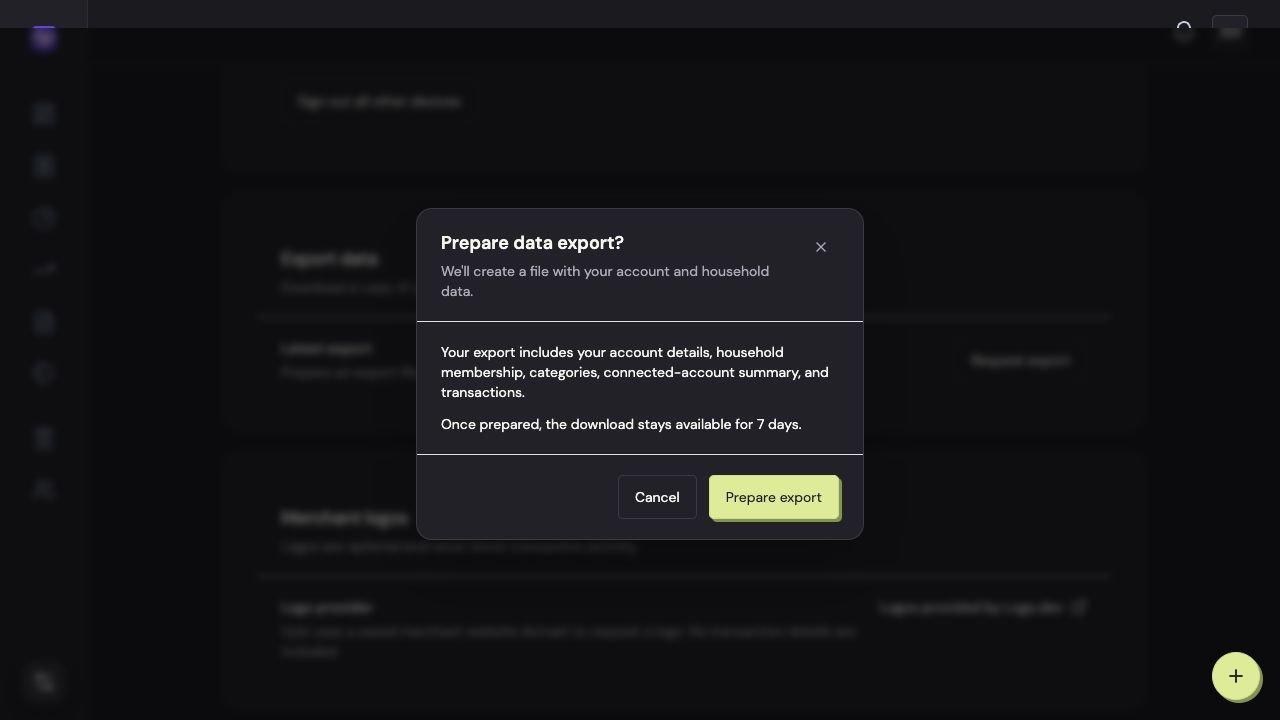
Prepare the fileTap to enlarge Download your export
When the status is Ready, click Download. Keep the file somewhere private; it contains your household’s financial information.
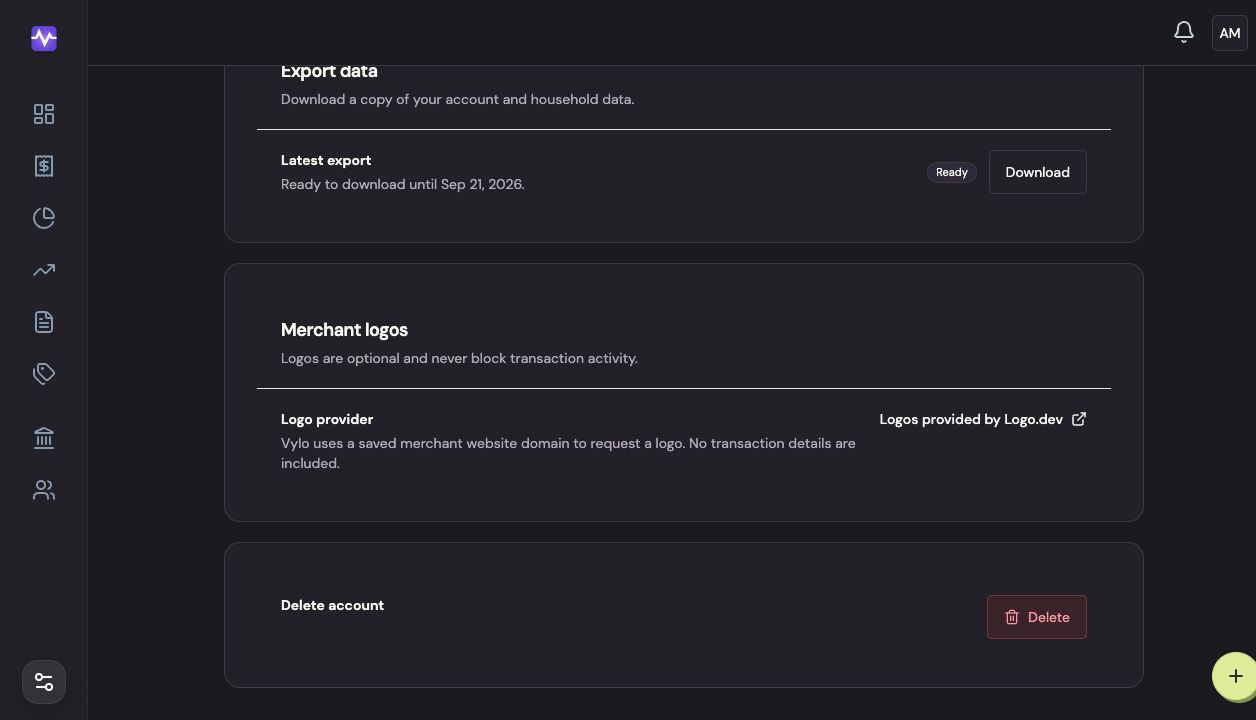
Download your exportTap to enlarge
On iPhone
Open Privacy & Security
Tap the settings control at the top right of the app, then Privacy & Security.
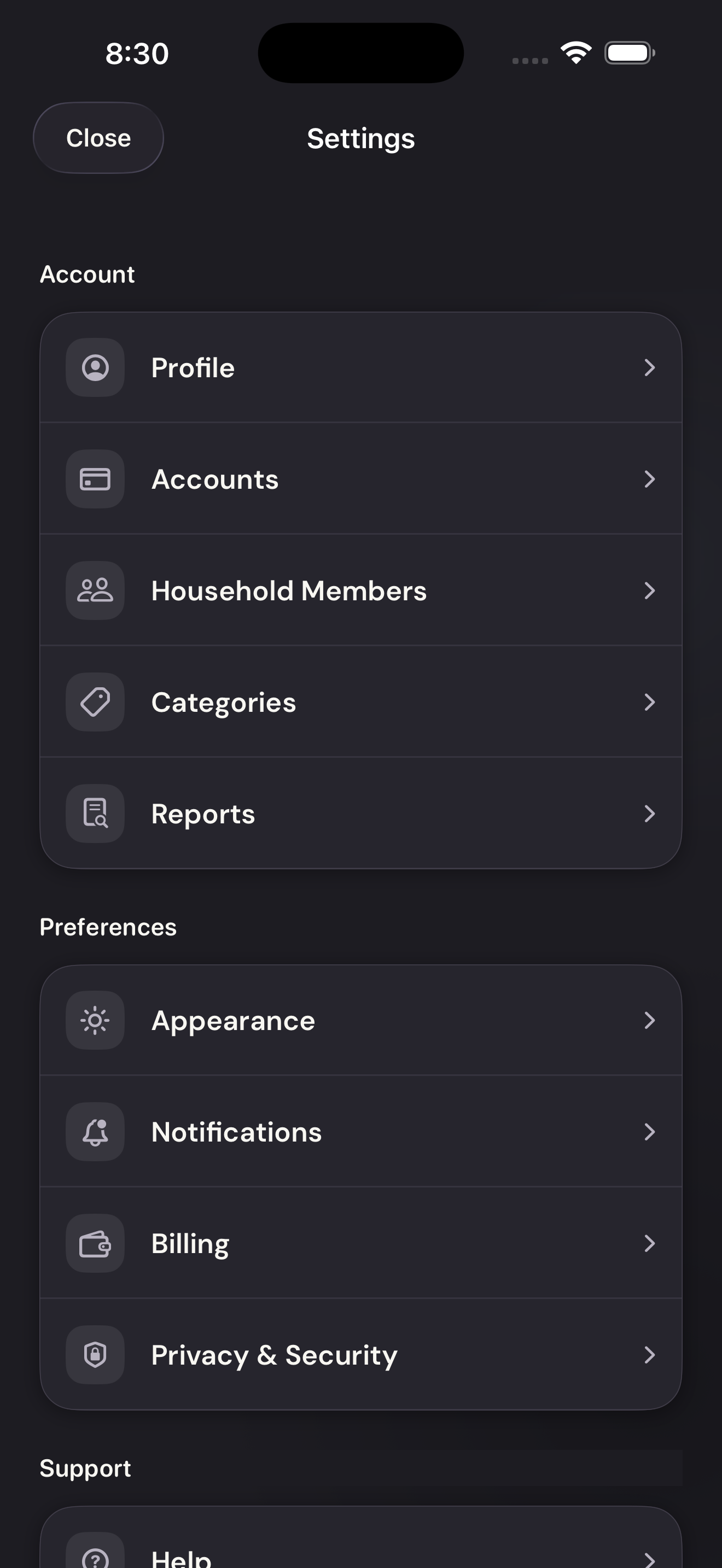
Open Privacy & SecurityTap to enlarge Prepare the export
Scroll to Export Data and tap Prepare Export. Wait for the export to be ready.
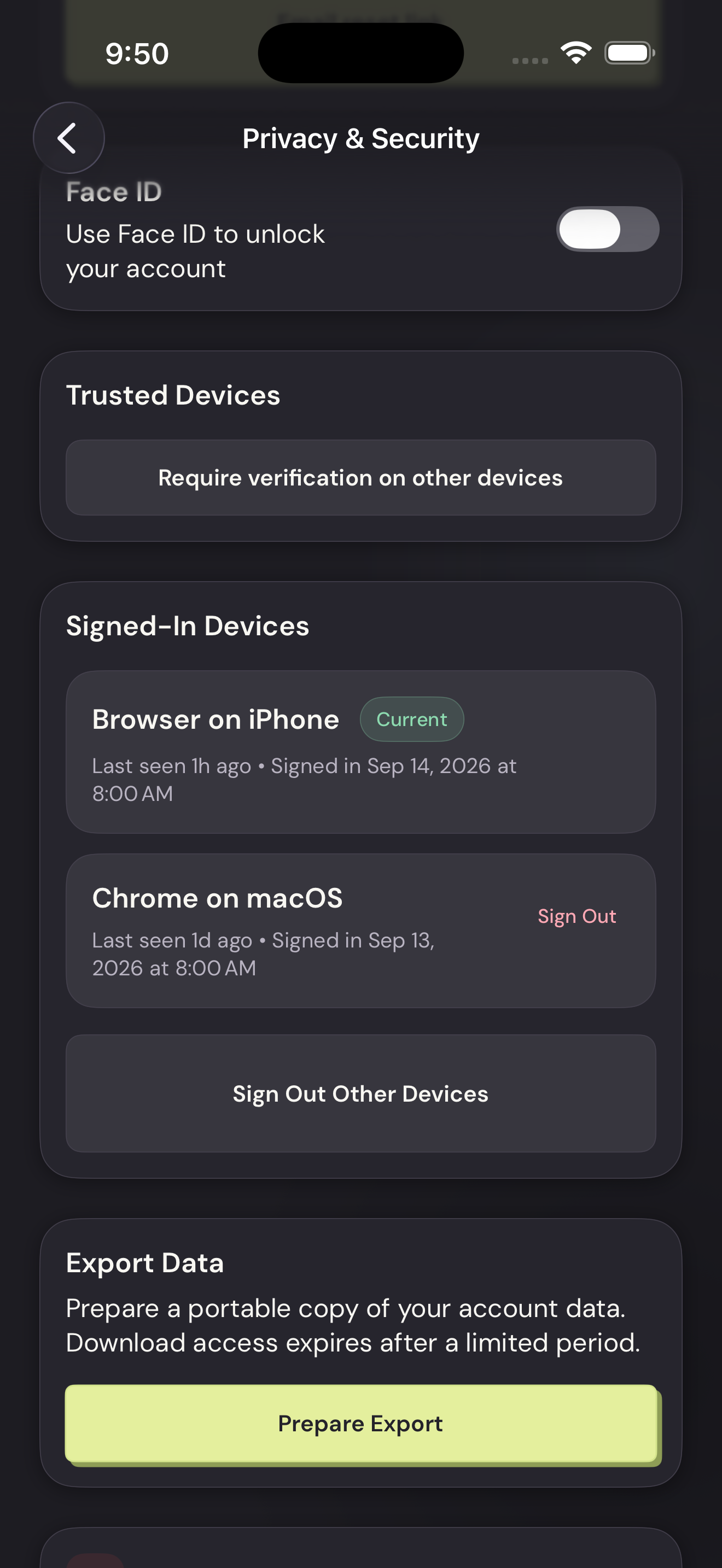
Prepare the exportTap to enlarge Download the file
Tap Download Export. Choose where to save it in the iPhone share sheet.
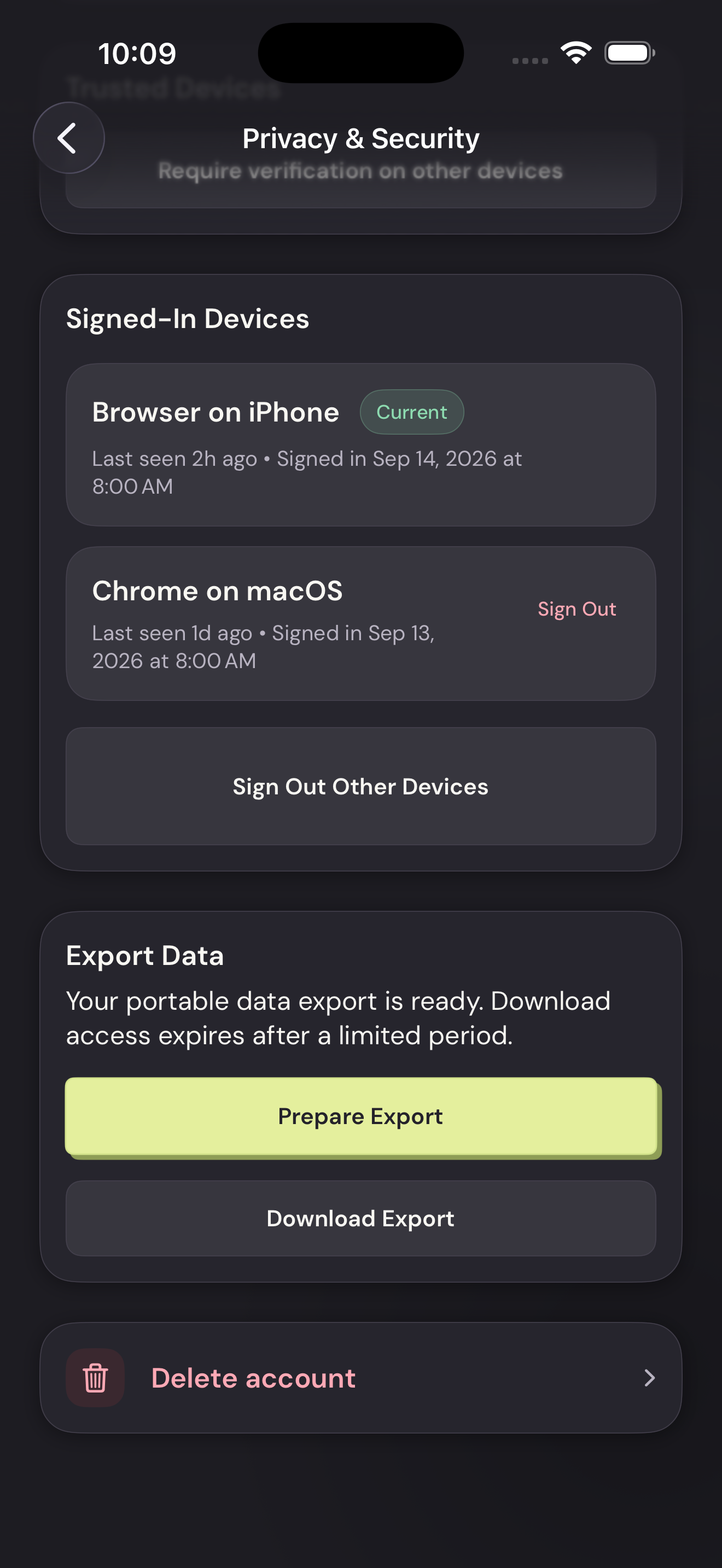
Download the fileTap to enlarge