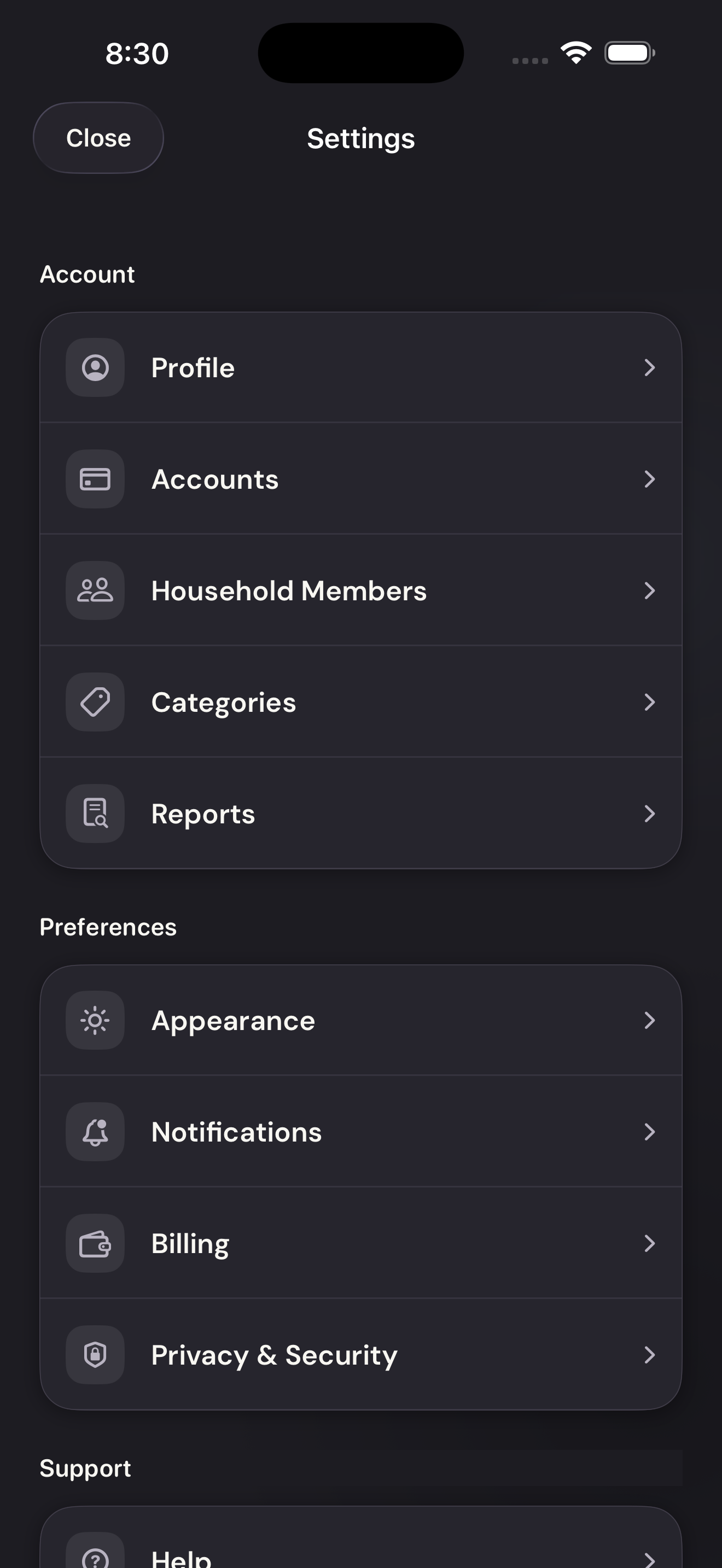
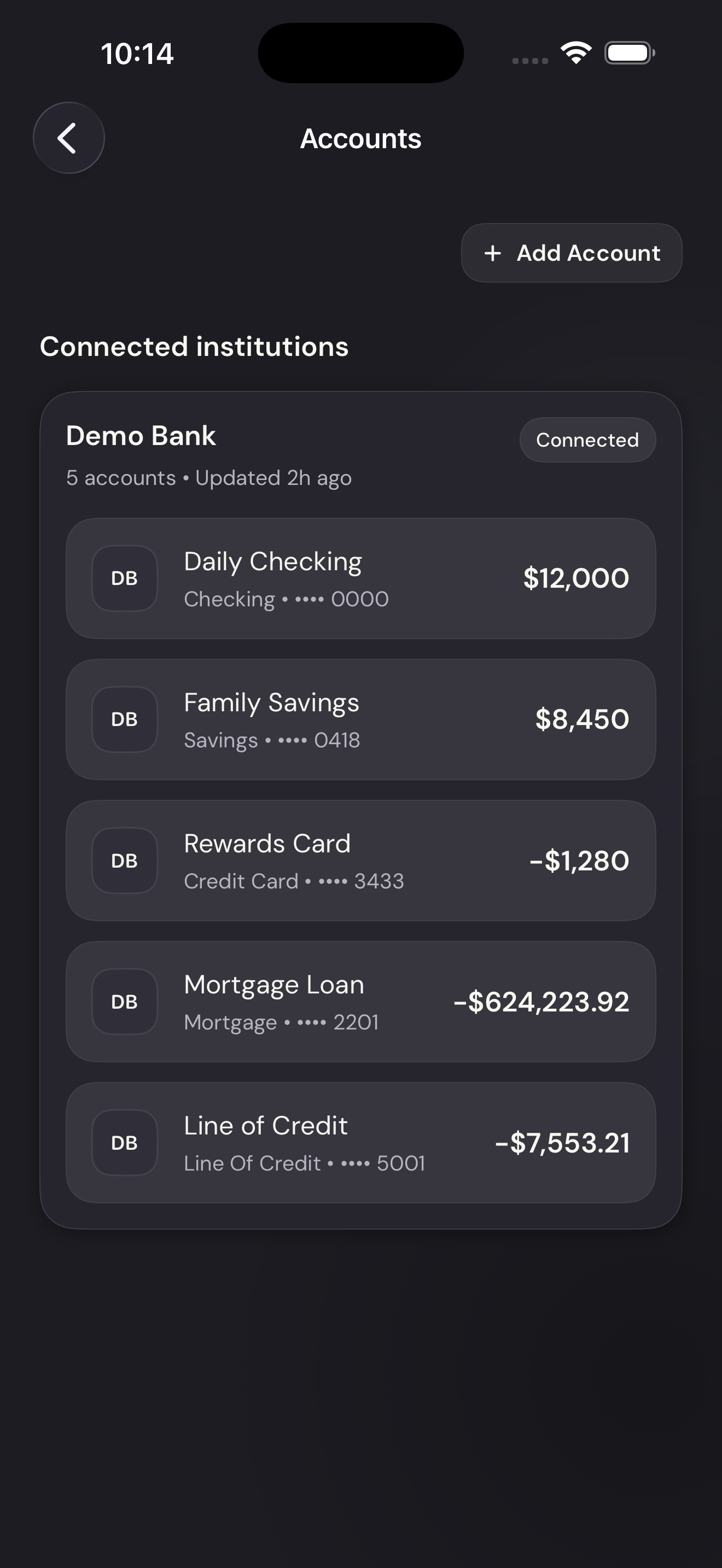
Vylo uses Plaid and Finicity, a Mastercard company, to connect banks. The provider guides you through finding your institution, verifying your identity, and selecting accounts.
What happens in the bank’s connection screens?
Choose the correct institution and service, then complete the bank’s sign-in and any code or approval it requests. Select the accounts you want to share and return to Vylo.
Those screens differ by bank and provider. Enter bank credentials only in that connection flow; Vylo support won’t ask you to send them.
What happens afterward?
The accounts appear in Vylo while their transaction history imports. The first import requests 90 days and usually takes about five minutes.
For a joint account, check whether someone in your household has already connected it. You only need one copy.
On the web
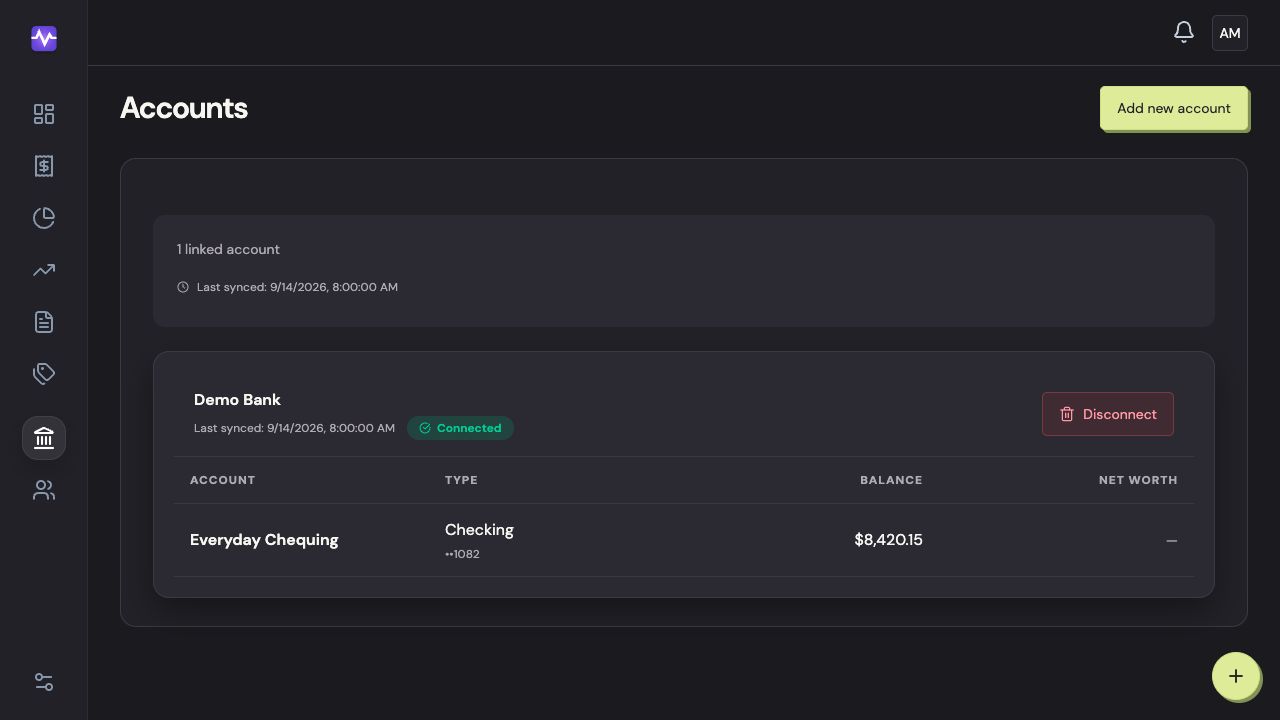
Open Accounts
Choose Accounts in the left navigation.
Open AccountsTap to enlarge Add a bank account
Click Add new account.
Add a bank accountTap to enlarge Choose your bank
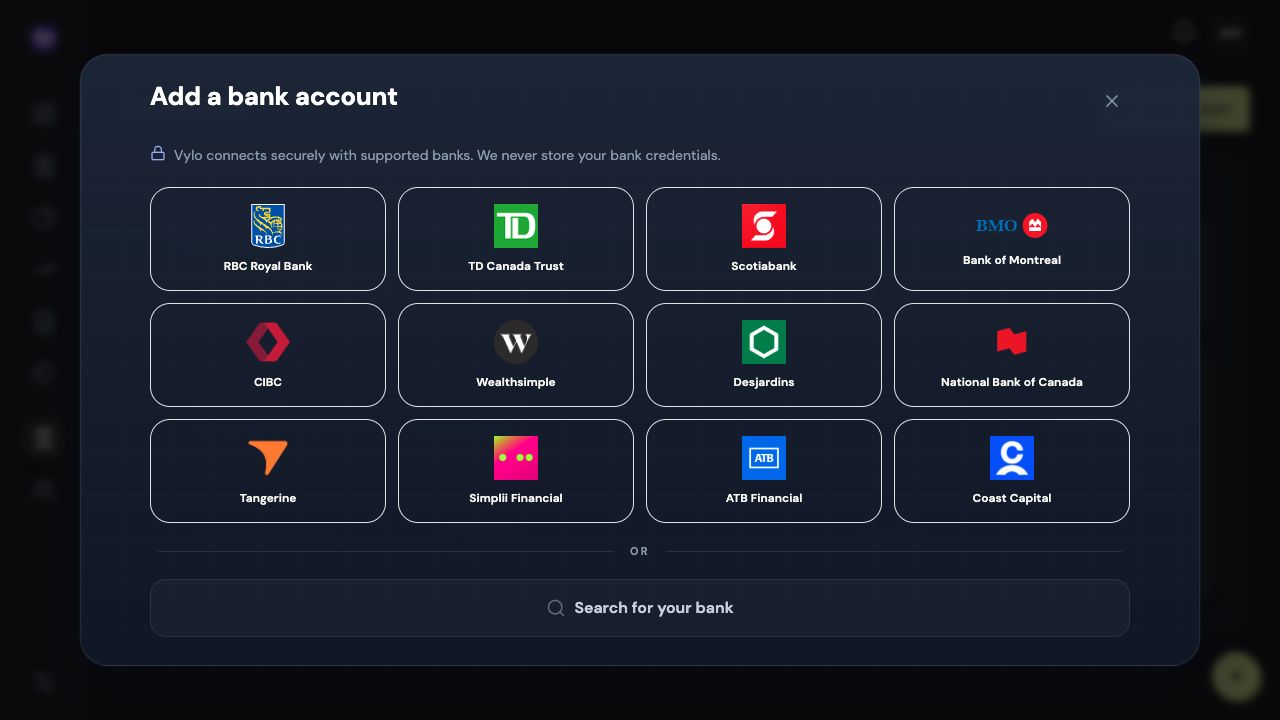
Select a bank, or use Search for your bank. Continue through the provider’s sign-in and verification screens and select the accounts you want to share.
Choose your bankTap to enlarge
On iPhone
Bank sign-in screens vary by institution. Enter credentials only in the bank connection flow; never send them to support.