
If Vylo’s Billing screen says the subscription is managed through the App Store, use the Apple Account that made the purchase to manage it.
You can open Manage Apple Subscription from Vylo when shown, or go to iPhone Settings → your name → Subscriptions → Vylo. Apple shows the renewal or expiration date there.
Why can’t I find the subscription?
Check the Apple Account on the purchase receipt. You may be signed into a different one. A subscription bought on Vylo’s website won’t appear in Apple’s subscription list.
Do I need to subscribe again to use the iPhone app?
No. Sign in to the Vylo account and household that already has access. Buying another plan won’t connect two separate households.
For renewal, follow the cancellation guide. For a charge made by Apple, request a refund through Apple.
On the web
Billing shows whether your household’s plan is managed by Apple. Apple purchases are managed through the Apple Account that paid for them.
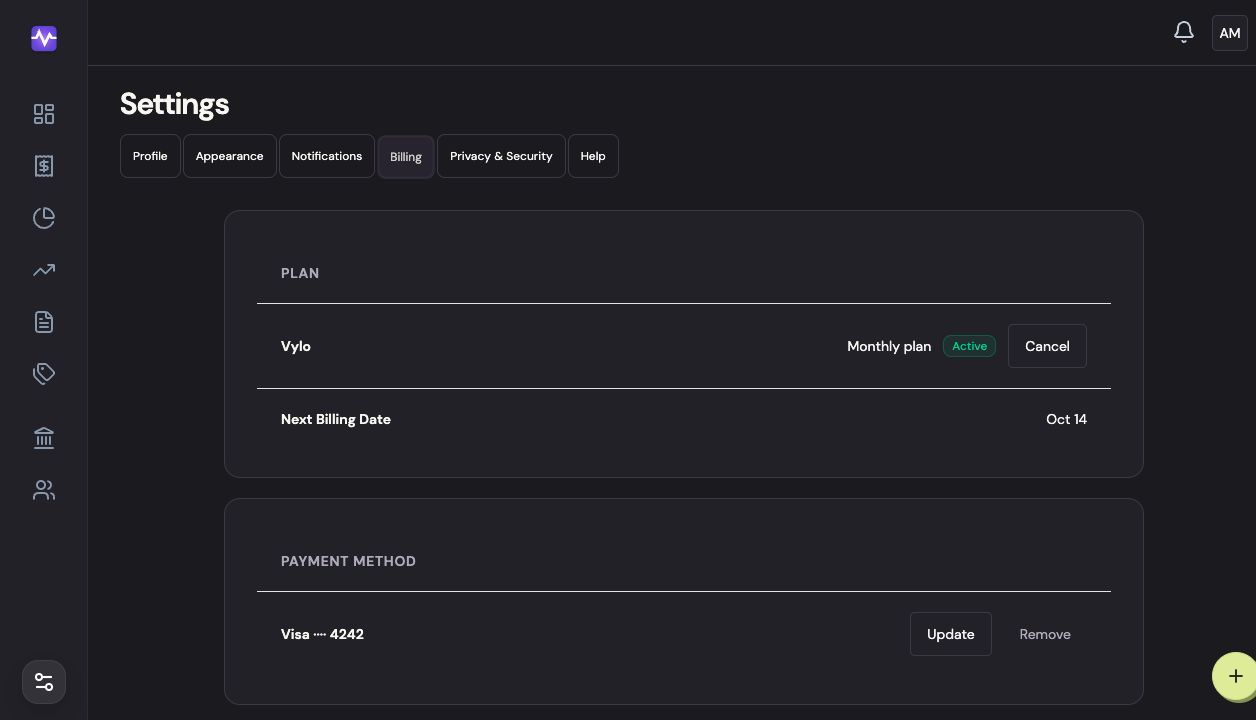
On iPhone
In Apple’s subscription settings, choose Vylo to see the price, renewal date, and cancellation option. Apple’s screens can vary with your iOS version.
Open Billing
Tap the settings control at the top right of the app, then Billing.
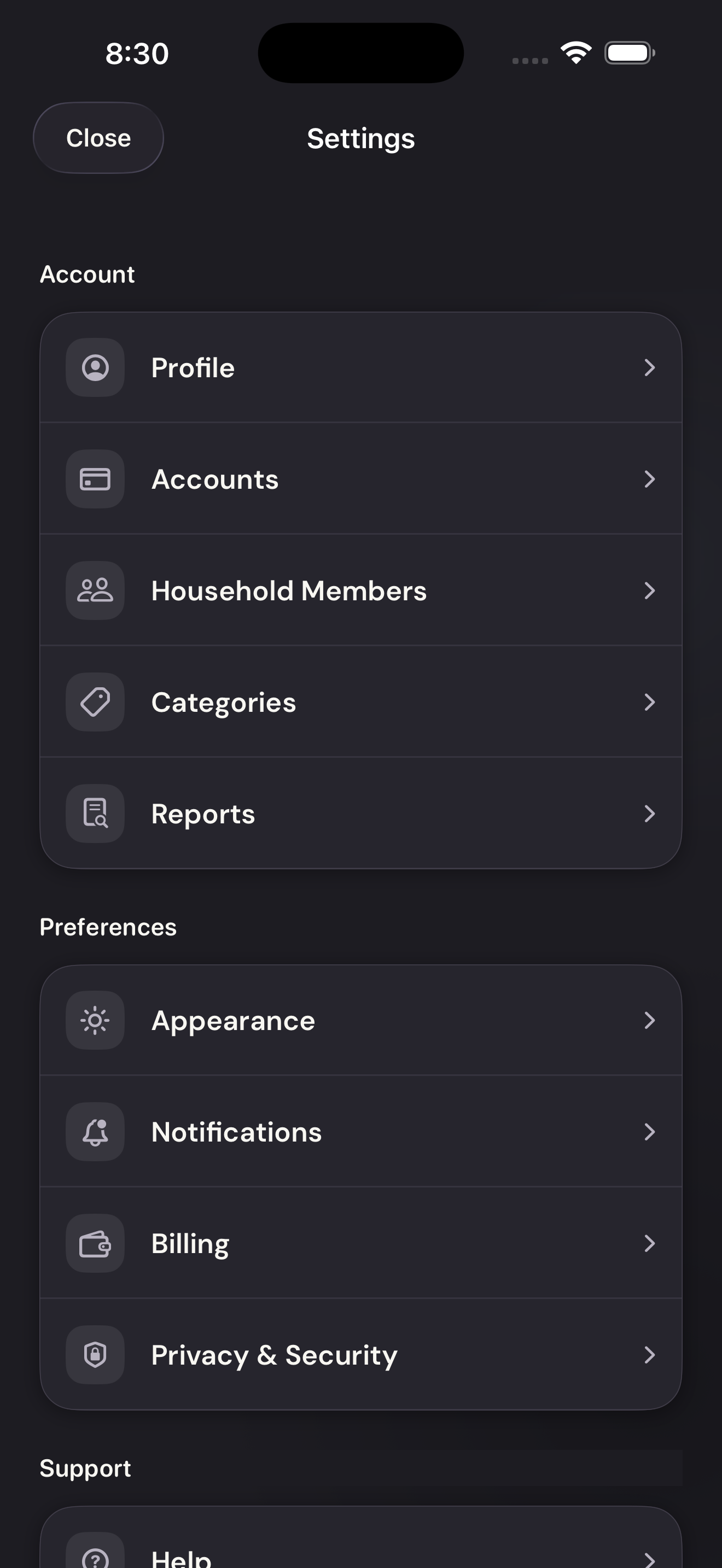
Open BillingTap to enlarge Open Apple subscription management
Tap Manage in App Store. Apple opens its subscription settings; choose Vylo to see its renewal and cancellation options.
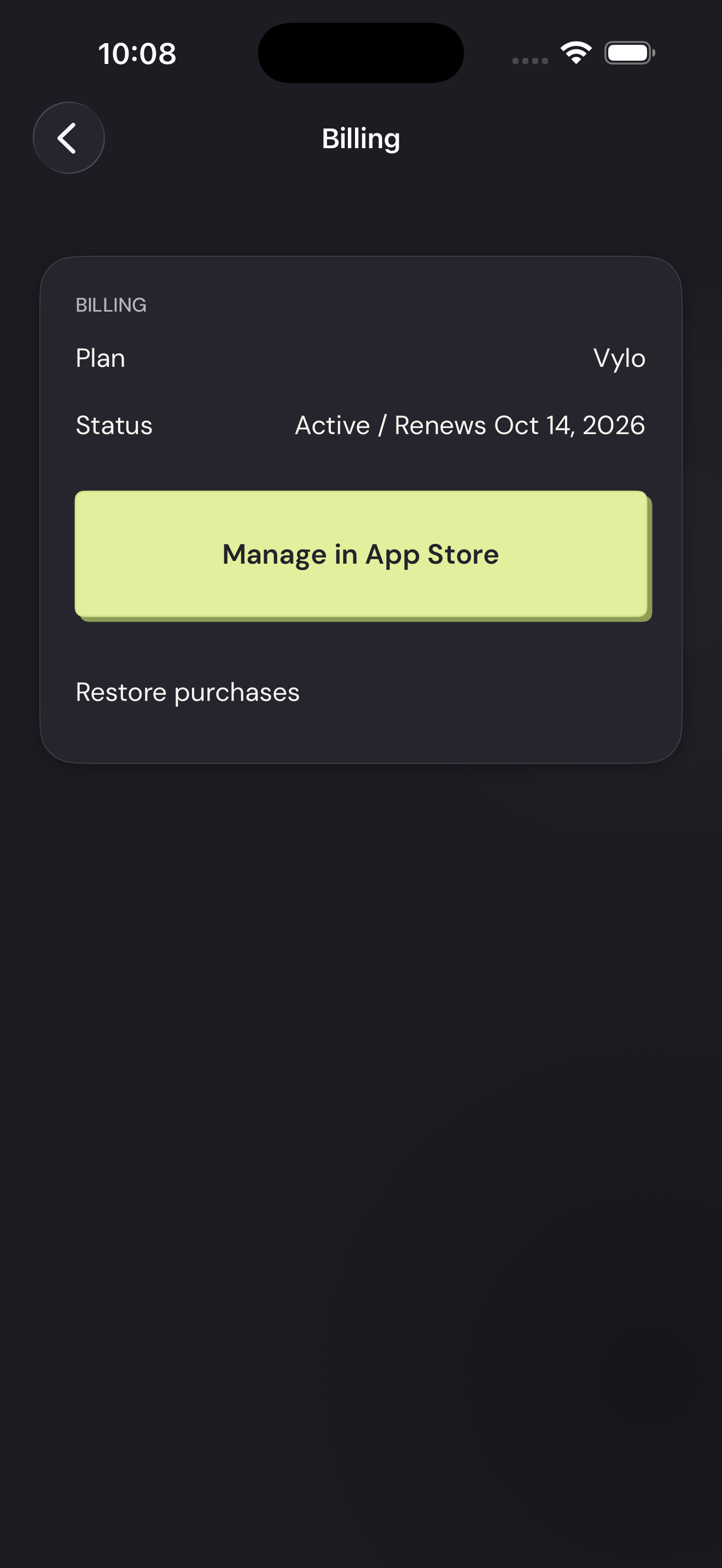
Open Apple subscription managementTap to enlarge