
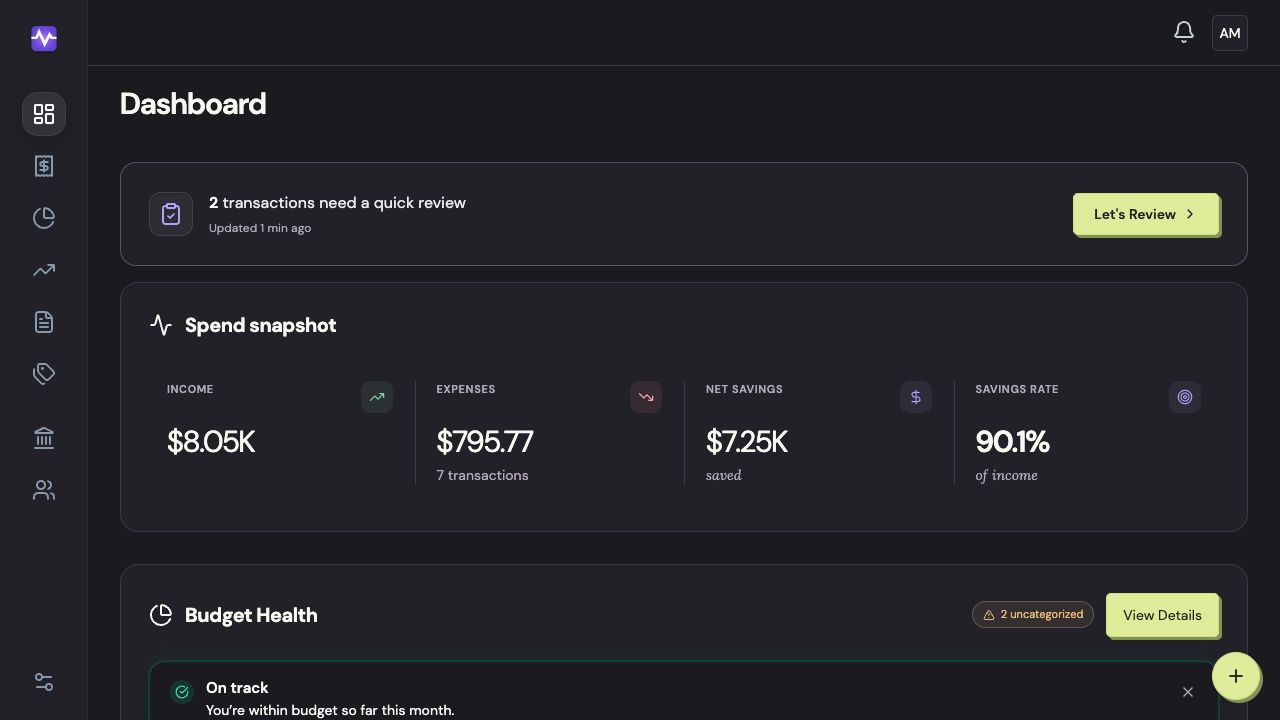
The web and iPhone apps show the same household. Their navigation is arranged to suit each screen.
Where should I start?
| What you want to see | On the web | On iPhone |
|---|---|---|
| This month at a glance | Dashboard | Home |
| Purchases and payments | Transactions | Activity |
| Your spending plan | Budgets | Budget |
| Assets and debts | Net Worth | Net Worth |
| Category names and rules | Categories | Settings → Categories |
| Connected banks | Accounts | Settings → Accounts |
| Household members | Household | Settings → Household Members |
| Monthly reports | Reports | Settings → Reports |
| Billing and privacy | Settings | Settings |
Check the month selector if you’re looking for a purchase or budget from a different month.
On the web
On iPhone
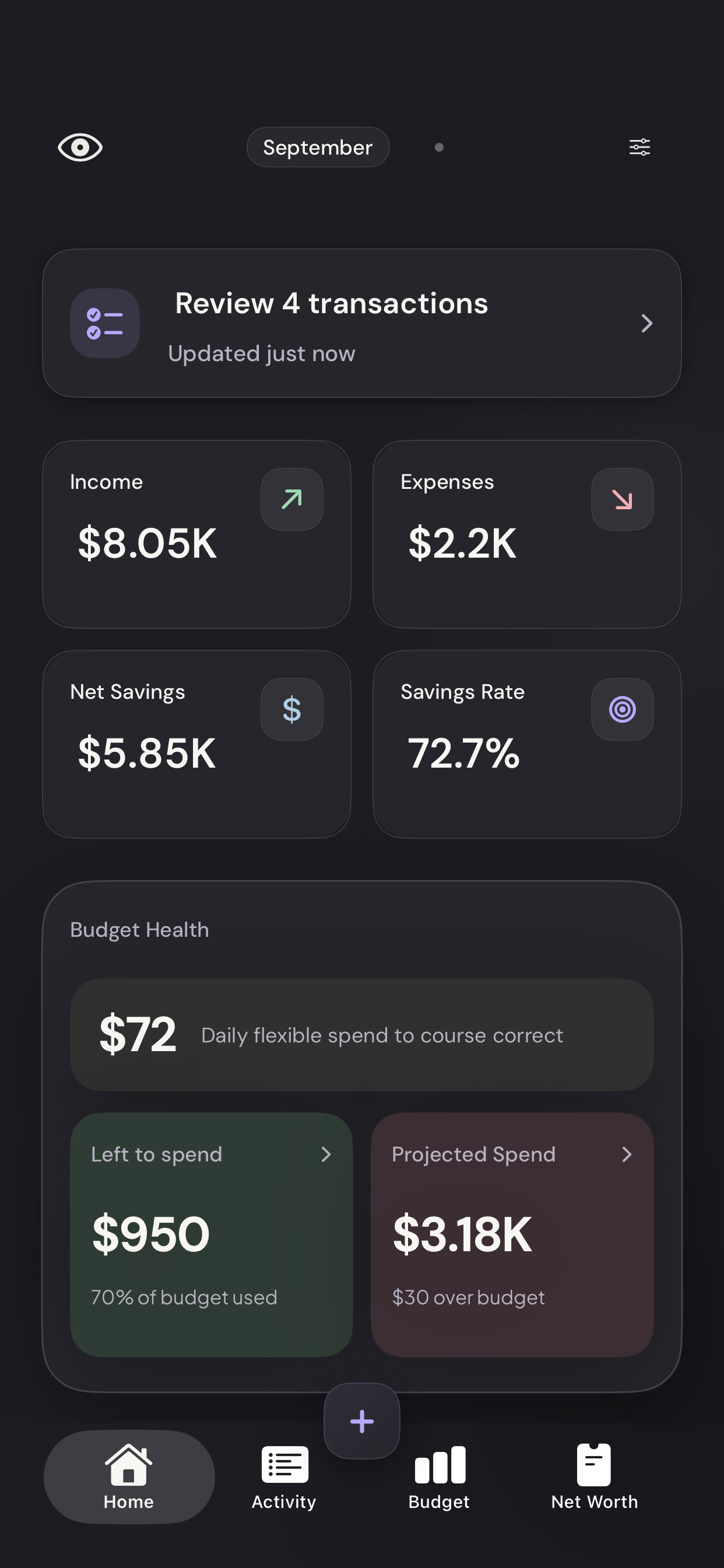
Use the bottom navigation
Home shows the overview. Activity lists transactions, Budget tracks your spending against your plan, and Net Worth tracks assets and debts.
Vylo for iPhone · Demo dataTap to enlarge Open settings
The control at the top right opens accounts, household members, categories, billing, and privacy settings.
Vylo for iPhone · Demo dataTap to enlarge